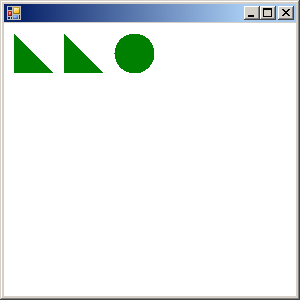
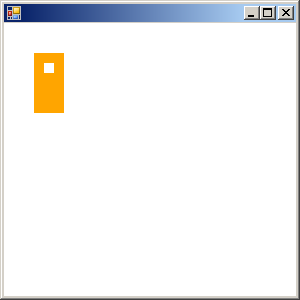
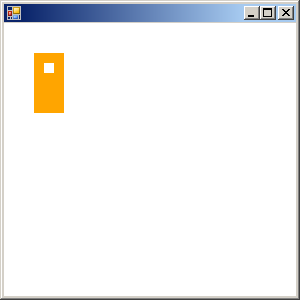
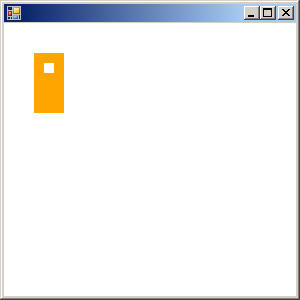
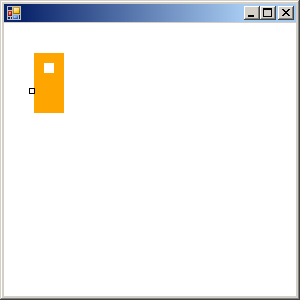
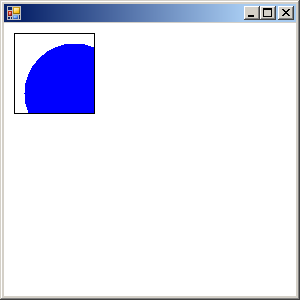
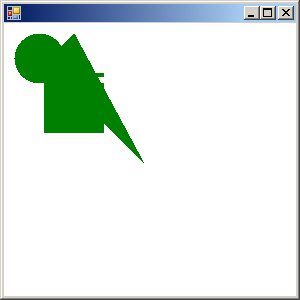
Fill region
using System;
using System.Drawing;
using System.Collections;
using System.ComponentModel;
using System.Windows.Forms;
using System.Data;
using System.Drawing.Drawing2D;


public class Form1 : System.Windows.Forms.Form
{
  private System.ComponentModel.Container components = null;

  public Form1()
  {
    InitializeComponent();
  }

  protected override void Dispose( bool disposing )
  {
    if( disposing )
    {
      if (components != null)
      {
        components.Dispose();
      }
    }
    base.Dispose( disposing );
  }

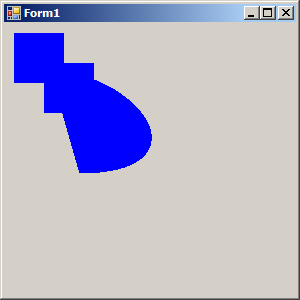
    protected override void OnPaint ( PaintEventArgs e) {
      Rectangle r1 = new Rectangle(10, 10, 50, 50);
      Rectangle r2 = new Rectangle(40, 40, 50, 50);
      Region r = new Region(r1);
      r.Union(r2);

      GraphicsPath path = new GraphicsPath(new Point[] {new Point(45, 45),
                                                        new Point(145, 55),
                                                        new Point(200, 150),
                                                        new Point(75, 150),
                                                        new Point(45, 45)
                                                       }, new byte[] {  (byte)PathPointType.Start,
                                                                        (byte)PathPointType.Bezier,
                                                                        (byte)PathPointType.Bezier,
                                                                        (byte)PathPointType.Bezier,
                                                                        (byte)PathPointType.Line
                                                                     });
      r.Union(path);
      e.Graphics.FillRegion(Brushes.Blue, r);
    }

   private void InitializeComponent() {
      this.components = new System.ComponentModel.Container();
      this.Size = new System.Drawing.Size(300,300);
      this.Text = "Form1";
    }
    static void Main() {
    Application.Run(new Form1());
  }
}
Related examples in the same category