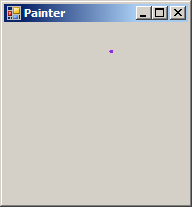
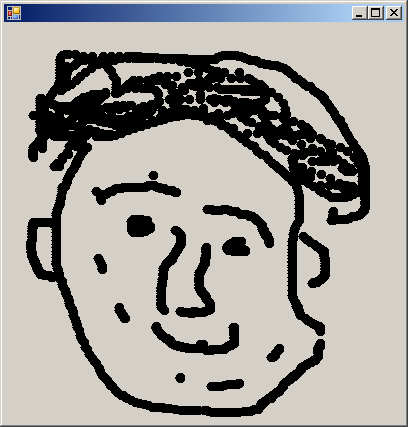
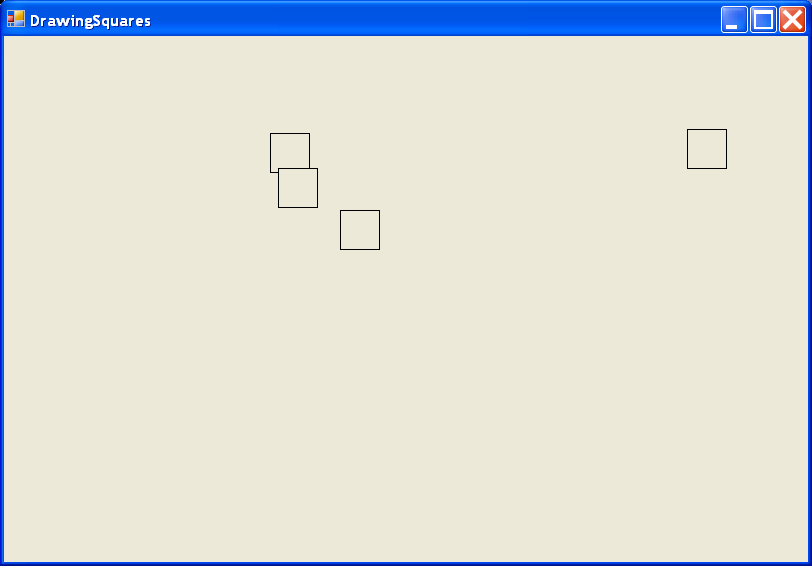
Mouse click action and draw circle
  using System;
  using System.Drawing;
  using System.Collections;
  using System.ComponentModel;
  using System.Windows.Forms;
  using System.Data;

  public class MainForm : System.Windows.Forms.Form
  {
    private System.ComponentModel.Container components;
    private ArrayList myPts = new ArrayList();

    public MainForm()
    {
      InitializeComponent();
      CenterToScreen();
      this.Text = "click on me";
    }
    protected override void Dispose( bool disposing )
    {
      if( disposing )
      {
        if (components != null)
        {
          components.Dispose();
        }
      }
      base.Dispose( disposing );
    }

    private void InitializeComponent()
    {
      this.AutoScaleBaseSize = new System.Drawing.Size(5, 13);
      this.ClientSize = new System.Drawing.Size(292, 273);
      this.Text = "Form1";
      this.MouseDown += new System.Windows.Forms.MouseEventHandler(this.MainForm_MouseDown);
      this.Paint += new System.Windows.Forms.PaintEventHandler(this.MainForm_Paint);

    }
    static void Main()
    {
      Application.Run(new MainForm());
    }

    private void MainForm_MouseDown(object sender, System.Windows.Forms.MouseEventArgs e)
    {
      Graphics g = Graphics.FromHwnd(this.Handle);

      // Add to points collection.
      myPts.Add(new Point(e.X, e.Y));
      Invalidate();
    }

    private void MainForm_Paint(object sender, System.Windows.Forms.PaintEventArgs e)
    {
      Graphics g = e.Graphics;
      foreach(Point p in myPts)
        g.DrawEllipse(new Pen(Color.Green), p.X, p.Y, 10, 10);
    }
  }
Related examples in the same category