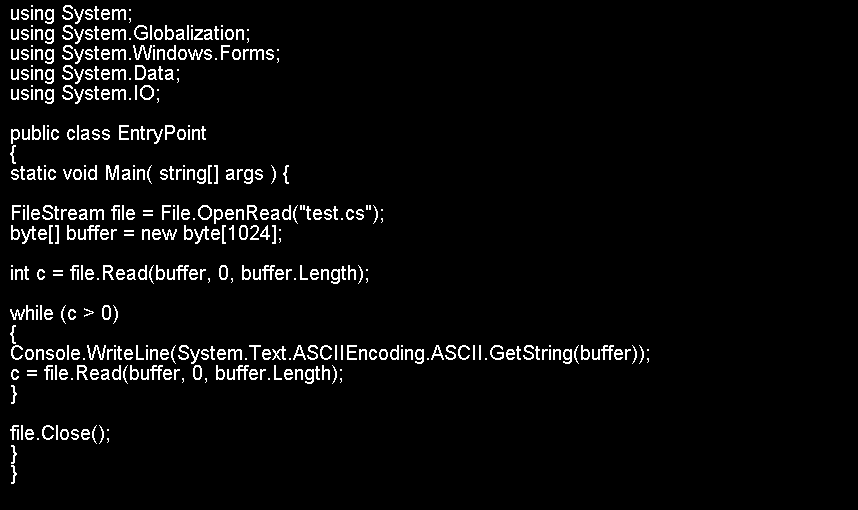
Save byte array to a file
/*
Copyright (c) 2010 <a href="http://www.gutgames.com">James Craig</a>

Permission is hereby granted, free of charge, to any person obtaining a copy
of this software and associated documentation files (the "Software"), to deal
in the Software without restriction, including without limitation the rights
to use, copy, modify, merge, publish, distribute, sublicense, and/or sell
copies of the Software, and to permit persons to whom the Software is
furnished to do so, subject to the following conditions:

The above copyright notice and this permission notice shall be included in
all copies or substantial portions of the Software.

THE SOFTWARE IS PROVIDED "AS IS", WITHOUT WARRANTY OF ANY KIND, EXPRESS OR
IMPLIED, INCLUDING BUT NOT LIMITED TO THE WARRANTIES OF MERCHANTABILITY,
FITNESS FOR A PARTICULAR PURPOSE AND NONINFRINGEMENT. IN NO EVENT SHALL THE
AUTHORS OR COPYRIGHT HOLDERS BE LIABLE FOR ANY CLAIM, DAMAGES OR OTHER
LIABILITY, WHETHER IN AN ACTION OF CONTRACT, TORT OR OTHERWISE, ARISING FROM,
OUT OF OR IN CONNECTION WITH THE SOFTWARE OR THE USE OR OTHER DEALINGS IN
THE SOFTWARE.*/

#region Usings
using System;
using System.Collections.Generic;
using System.IO;
using System.Net;
using System.Text;

#endregion

namespace Utilities
{
    public static class FileManager
    {
        /// <summary>
        /// Determines if a directory exists
        /// </summary>
        /// <param name="DirectoryPath">Path of the directory</param>
        /// <returns>true if it exists, false otherwise</returns>
        public static bool DirectoryExists(string DirectoryPath)
        {
            try
            {
                return Directory.Exists(DirectoryPath);
            }
            catch (Exception a)
            {
                throw a;
            }
        }
        /// <summary>
        /// Saves a file
        /// </summary>
        /// <param name="Content">File content</param>
        /// <param name="FileName">File name to save this as (should include directories if applicable)</param>
        /// <param name="Append">Tells the system if you wish to append data or create a new document</param>
        public static void SaveFile(byte[]Content, string FileName,bool Append)
        {
            FileStream Writer = null;
            try
            {
                int Index = FileName.LastIndexOf('/');
                if (Index <= 0)
                {
                    Index = FileName.LastIndexOf('\\');
                }
                if (Index <= 0)
                {
                    throw new Exception("Directory must be specified for the file");
                }
                string Directory = FileName.Remove(Index) + "/";

                bool Opened = false;
                while (!Opened)
                {
                    try
                    {
                        if (Append)
                        {
                            Writer = File.Open(FileName, FileMode.Append, FileAccess.Write, FileShare.None);
                        }
                        else
                        {
                            Writer = File.Open(FileName, FileMode.Create, FileAccess.Write, FileShare.None);
                        }
                        Opened = true;
                    }
                    catch (System.IO.IOException e)
                    {
                        throw e;
                    }
                }
                Writer.Write(Content, 0, Content.Length);
                Writer.Close();
            }
            catch (Exception a)
            {
                throw a;
            }
            finally
            {
                if (Writer != null)
                {
                    Writer.Close();
                    Writer.Dispose();
                }
            }
        }
    }
}
Related examples in the same category