A message box : MessageBox « GUI Windows Form « C# / C Sharp
C# / C Sharp
1. 2D Graphics
2. Collections Data Structure
3. Components
4. Database ADO.net
5. Development Class
6. Event
7. File Stream
8. GUI Windows Form
9. Language Basics
10. Network
11. Office
12. Regular Expressions
13. Services Event
14. Thread
15. Web Services
16. Windows
17. XML
Microsoft Office Word 2007 Tutorial
Java
Java Tutorial
Java Source Code / Java Documentation
Java Open Source
Jar File Download
Java Articles
Java Products
Java by API
C# / CSharp Tutorial
ASP.Net
JavaScript DHTML
JavaScript Tutorial
JavaScript Reference
HTML / CSS
HTML CSS Reference
C / ANSI-C
C Tutorial
C++
C++ Tutorial
PHP
Python
SQL Server / T-SQL
Oracle PL / SQL
Oracle PL/SQL Tutorial
PostgreSQL
SQL / MySQL
MySQL Tutorial
VB.Net
VB.Net Tutorial
C# / C Sharp » GUI Windows Form » MessageBoxScreenshots 
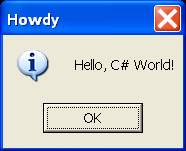
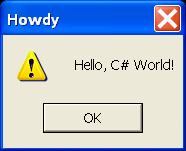
A message box
A message box

/*
C# Programming Tips & Techniques
by Charles Wright, Kris Jamsa

Publisher: Osborne/McGraw-Hill (December 28, 2001)
ISBN: 0072193794
*/
namespace nsFirst
{
    using System;
    using System.Windows.Forms;
    
    public class MessageBoxShowExclamation {
        static public void Main()
        {
            MessageBox.Show ("Hello, C# World!""Howdy",
                       MessageBoxButtons.OK, MessageBoxIcon.Exclamation);

        }
    }
}


Related examples in the same category
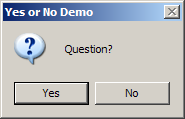
1. Display Question messagebox and check its resultDisplay Question messagebox and check its result
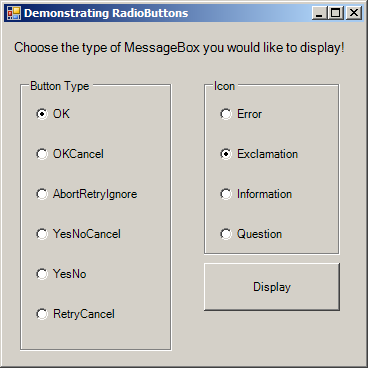
2. MessageBox OptionsMessageBox Options
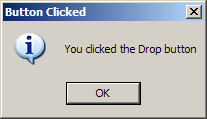
3. MessageBox with OK button and information iconMessageBox with OK button and information icon
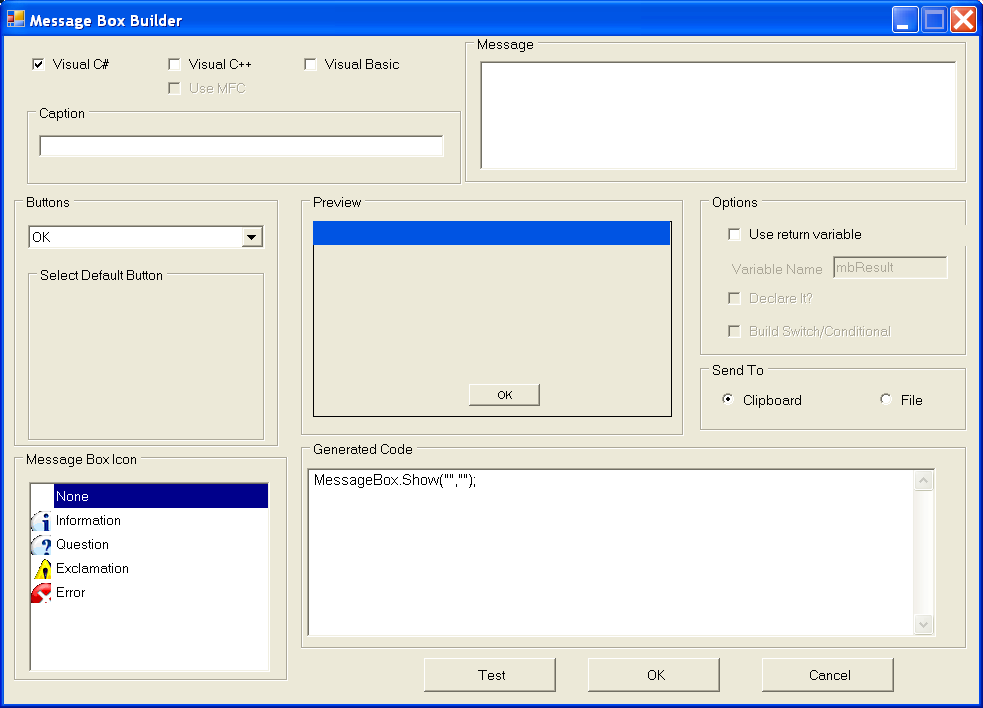
4. Message box builderMessage box builder
5. Information message boxInformation message box
w_w_w___.ja___v__a___2s_.__co__m | Contact Us
Copyright 2003 - 08 Demo Source and Support. All rights reserved.
All other trademarks are property of their respective owners.