ComboBox Selected Item changed event
using System;
using System.Drawing;
using System.Windows.Forms;
public class SelectItem : Form {
  private RadioButton square = new RadioButton();
  private RadioButton circle = new RadioButton();
  private ComboBox color = new ComboBox();

  public SelectItem( ) {
    Text = "Select Item";
    square.Text = "Square";
    circle.Text = "Circle";
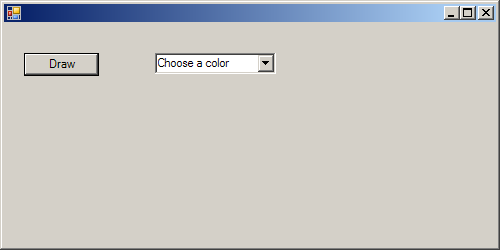
    color.Text = "Choose a color";

    Size = new Size(400,250);

    int w = 20;
    square.Location = new Point(w, 30);
    circle.Location = new Point(w += 10 + square.Width, 30);
    color.Location = new Point(w += 10 + circle.Width, 30);

    color.Items.Add("Red");
    color.Items.Add("Green");
    color.Items.Add("Blue");

    Controls.Add(square);
    Controls.Add(circle);
    Controls.Add(color);

    square.CheckedChanged += new EventHandler(Checked_Changed);
    circle.CheckedChanged += new EventHandler(Checked_Changed);
    color.SelectedIndexChanged += new EventHandler(Selected_Index);
  }
  protected void Selected_Index(Object sender, EventArgs e) {
    if (color.SelectedItem.ToString() == "Red" )
      Console.WriteLine("It is red.");
    else if (color.SelectedItem.ToString() == "Green")
      Console.WriteLine("It is green.");
    else
      Console.WriteLine("It is Blue");
  }

  protected void Checked_Changed(Object sender, EventArgs e) {
    if (square.Checked)
      Console.WriteLine("It is rectangle");
    else
      Console.WriteLine("Ellipse");
  }
  static void Main() {
    Application.Run(new SelectItem());
  }
}
Related examples in the same category