Determine the layout position of an element using the LayoutInformation
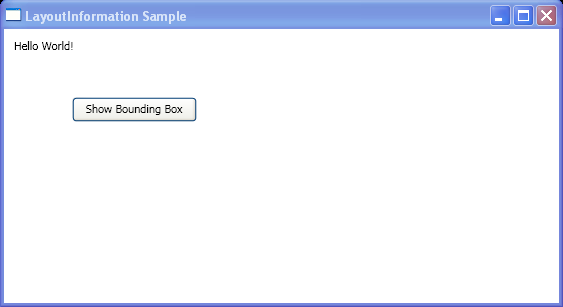
<Window  xmlns="http://schemas.microsoft.com/winfx/2006/xaml/presentation"
    xmlns:x="http://schemas.microsoft.com/winfx/2006/xaml"
    x:Class="layout_information.Window1"
    Title="LayoutInformation Sample">
    <Border Margin="5" HorizontalAlignment="Left" VerticalAlignment="Top">
      <Grid Name="myGrid" Height="150">
        <Grid.ColumnDefinitions>
          <ColumnDefinition Width="250"/>
        </Grid.ColumnDefinitions>
        <Grid.RowDefinitions>
          <RowDefinition />
          <RowDefinition />
          <RowDefinition />
        </Grid.RowDefinitions>
        <TextBlock Name="txt1" Margin="5" Grid.Column="0" Grid.Row="0">Hello World!</TextBlock>
        <Button Click="ShowLayoutSlot" Width="125" Height="25" Grid.Column="0" Grid.Row="1">Show Bounding Box</Button>

      </Grid>
  </Border>
</Window>

//File:Window.xaml.cs
using System;
using System.Windows;
using System.Windows.Media;
using System.Windows.Shapes;
using System.Windows.Controls;
using System.Windows.Controls.Primitives;

namespace layout_information
{
  public partial class Window1 : Window
  {
        public void ShowLayoutSlot(object sender, System.Windows.RoutedEventArgs e)
        {
            RectangleGeometry myRectangleGeometry = new RectangleGeometry();
            myRectangleGeometry.Rect = LayoutInformation.GetLayoutSlot(txt1);

            GeometryDrawing myGeometryDrawing = new GeometryDrawing();
            Path myPath = new Path();
            myPath.Data = myRectangleGeometry;

            myPath.Stroke = Brushes.LightGoldenrodYellow;
            myPath.StrokeThickness = 1;
            Grid.SetColumn(myPath, 0);
            Grid.SetRow(myPath, 0);
            myGrid.Children.Add(myPath);

            Console.WriteLine(LayoutInformation.GetLayoutSlot(txt1).ToString());
        }
  }
}
Related examples in the same category