| 1. | Writing XML with the XmlWriter Class | | |
| 2. | Reading from an XML file. | | |
| 3. | Access Attributes | | |
| 4. | Read An XML File | | |
| 5. | Read XML From URL | | |
| 6. | Illustrates the XmlTextReader class | | 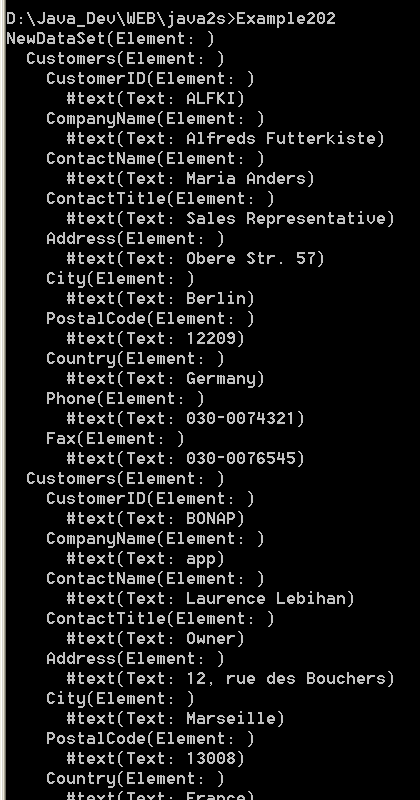 |
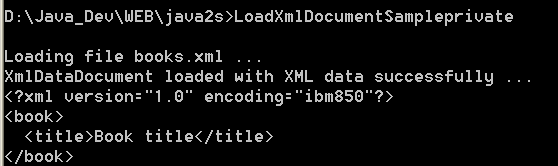
| 7. | Load xml document from xml file | | |
| 8. | If a Xml node Has Attributes | | |
| 9. | Convert String To XmlReader | | |
| 10. | Remove empty tags in the Xml string | | |
| 11. | Gets an appropriate System.Xml.XmlReader implementation for the supplied System.IO.Stream | | |
| 12. | Convert a stream of text lines separated with newline sequences into an XML build result. | | |
| 13. | XmlNameTable of atomized string objects. | | |
| 14. | XmlReader represents a reader that provides non-cached, forward-only access to XML data. | | |
| 15. | XmlReader.AttributeCount Property returns the number of attributes | | |
| 16. | XmlReader.Create creates a new XmlReader instance using the specified stream. | | |
| 17. | XmlReader.Create (String) creates a new XmlReader instance with specified URI. | | |
| 18. | XmlReader.Create (String, XmlReaderSettings) creates XmlReader with URI and XmlReaderSettings. | | |
| 19. | XmlReader.Create creates a new XmlReader instance. | | |
| 20. | XmlReader.Create (TextReader) creates a new XmlReader instance with the specified TextReader. | | |
| 21. | XmlReader.Create (TextReader, XmlReaderSettings, XmlParserContext) | | |
| 22. | XmlReader.Create (XmlReader, XmlReaderSettings) creates XmlReader with XmlReader and XmlReaderSettings | | |
| 23. | XmlReader.GetAttribute return the value of the attribute with the specified index. | | |
| 24. | XmlReader.GetAttribute (String) returns the attribute with the specified Name. | | |
| 25. | XmlReader.HasAttributes tells whether the current node has any attributes. | | |
| 26. | XmlReader.IsDefault | | |
| 27. | XmlReader.IsEmptyElement tells whether the current node is an empty element (for example, ). | | |
| 28. | XmlReader.IsStartElement (String) tells if the current content node is a start tag or empty element tag. | | |
| 29. | XmlReader.Item Property returns the value of the attribute with the specified Name. | | |
| 30. | XmlReader.LocalName Property gets the local name of the current node. | | |
| 31. | XmlReader.MoveToAttribute (Int32) moves to the attribute with the specified index. | | |
| 32. | XmlReader.MoveToFirstAttribute moves to the first attribute. | | |
| 33. | XmlReader.Name Property gets the qualified name of the current node. | | |
| 34. | XmlReader.ReadContentAs reads the content as an object of the type specified. | | |
| 35. | XmlReader.ReadContentAsBoolean reads the text content at the current position as a Boolean. | | |
| 36. | XmlReader.ReadElementContentAs(Type, IXmlNamespaceResolver) reads the element content as the requested type. | | |
| 37. | XmlReader.ReadElementContentAsBinHex reads the element and decodes the BinHex content. | | |
| 38. | XmlReader.ReadElementContentAsDateTime reads the element and returns the contents as a DateTime object. | | |
| 39. | XmlReader.ReadElementContentAsDouble reads element and returns the contents as a double | | |
| 40. | XmlReader.ReadElementContentAsLong reads the element and returns a 64-bit signed integer. | | |
| 41. | XmlReader.ReadElementContentAsObject reads the current element and returns the contents as an Object. | | |
| 42. | XmlReader.ReadElementContentAsString reads the element and returns the contents as a String object. | | |
| 43. | XmlReader.ReadElementString reads a text-only element. | | |
| 44. | XmlReader.ReadEndElement checks that the current content node is an end tag | | |
| 45. | XmlReader.ReadInnerXml reads all the content, including markup, as a string. | | |
| 46. | XmlReader.ReadSubtree reads the current node, and all its descendants. | | |
| 47. | XmlReader.ReadToDescendant advances XmlReader to the next descendant element with the specified qualified name. | | |
| 48. | XmlReader.ReadToNextSibling (String) advances XmlReader to next sibling element with specified qualified name. | | |
| 49. | XmlReader.Skip skips the children of the current node. | | |
| 50. | Get value as DateTime | | |
| 51. | Get Xml value as Integer | | |
| 52. | Get Xml value as TimeSpan | | |
| 53. | Convets the value in an XML element to a nullable DateTime | | |