Nesting two parallel composites in a sequence : Sequence « Effects « Flex
- Flex
- Effects
- Sequence
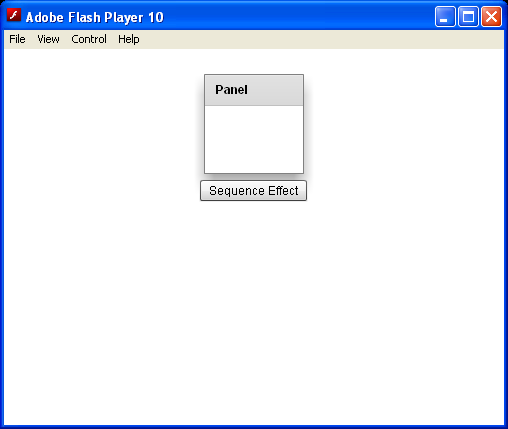
Nesting two parallel composites in a sequence
<?xml version="1.0"?>
<mx:Application xmlns:mx="http://www.adobe.com/2006/mxml">
    <mx:Sequence id="compositeEffect">
        <mx:Parallel>
            <mx:Fade alphaFrom="0.0" alphaTo="1.0" />
            <mx:Zoom zoomWidthFrom="0.5" zoomWidthTo="1.0"
                zoomHeightFrom="0.5" zoomHeightTo="1.0" />
        </mx:Parallel>
        <mx:Parallel>
            <mx:Zoom zoomWidthFrom="1.0" zoomWidthTo="0.5"
                zoomHeightFrom="1.0" zoomHeightTo="0.5" />
            <mx:Fade alphaFrom="1.0" alphaTo="0.0" />
        </mx:Parallel>
    </mx:Sequence>
</mx:Application>
Related examples in the same category