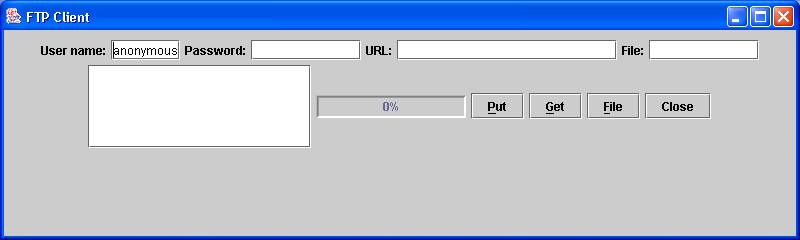
Ftp client gets server file size
import java.io.IOException;
import java.util.StringTokenizer;

import sun.net.TelnetInputStream;
import sun.net.ftp.FtpClient;

public class FtpGetFileSizeDemo {
  public static int BUFFER_SIZE = 10240;

  private FtpClient m_client;

  private String host = "";

  private String user = "";

  private String password = "";

  private String sDir = "";

  public FtpGetFileSizeDemo() {
    try {
      System.out.println("Connecting to host " + host);
      m_client = new FtpClient(host);
      m_client.login(user, password);
      System.out.println("User " + user + " login OK");
      System.out.println(m_client.welcomeMsg);
      m_client.cd(sDir);
      System.out.println("Directory: " + sDir);
      m_client.binary();
      System.out.println("Success.");
    } catch (Exception ex) {
      System.out.println("Error: " + ex.toString());
    }
  }

  protected void disconnect() {
    if (m_client != null) {
      try {
        m_client.closeServer();
      } catch (IOException ex) {
      }
      m_client = null;
    }
  }

  public static int getFileSize(FtpClient client, String fileName)
      throws IOException {
    TelnetInputStream lst = client.list();
    String str = "";
    fileName = fileName.toLowerCase();
    while (true) {
      int c = lst.read();
      char ch = (char) c;
      if (c < 0 || ch == '\n') {
        str = str.toLowerCase();
        if (str.indexOf(fileName) >= 0) {
          StringTokenizer tk = new StringTokenizer(str);
          int index = 0;
          while (tk.hasMoreTokens()) {
            String token = tk.nextToken();
            if (index == 4)
              try {
                return Integer.parseInt(token);
              } catch (NumberFormatException ex) {
                return -1;
              }
            index++;
          }
        }
        str = "";
      }
      if (c <= 0)
        break;
      str += ch;
    }
    return -1;
  }

}
Related examples in the same category