Document Page Event: document open, close, page start and end
import java.io.FileOutputStream;

import com.lowagie.text.Document;
import com.lowagie.text.Image;
import com.lowagie.text.PageSize;
import com.lowagie.text.Paragraph;
import com.lowagie.text.pdf.BaseFont;
import com.lowagie.text.pdf.PdfGState;
import com.lowagie.text.pdf.PdfPTable;
import com.lowagie.text.pdf.PdfPageEventHelper;
import com.lowagie.text.pdf.PdfTemplate;
import com.lowagie.text.pdf.PdfWriter;

public class DocumentPageEventPDF extends PdfPageEventHelper {
  public Image headerImage;

  public PdfPTable table;

  public PdfGState gstate;

  public PdfTemplate tpl;

  public BaseFont helv;

  public static void main(String args[]) {
    try {
      Document doc = new Document(PageSize.A4, 50, 50, 100, 72);
      PdfWriter writer = PdfWriter.getInstance(doc, new FileOutputStream("DocumentPageEventPDF.pdf"));
      writer.setPageEvent(new DocumentPageEventPDF());
      doc.open();

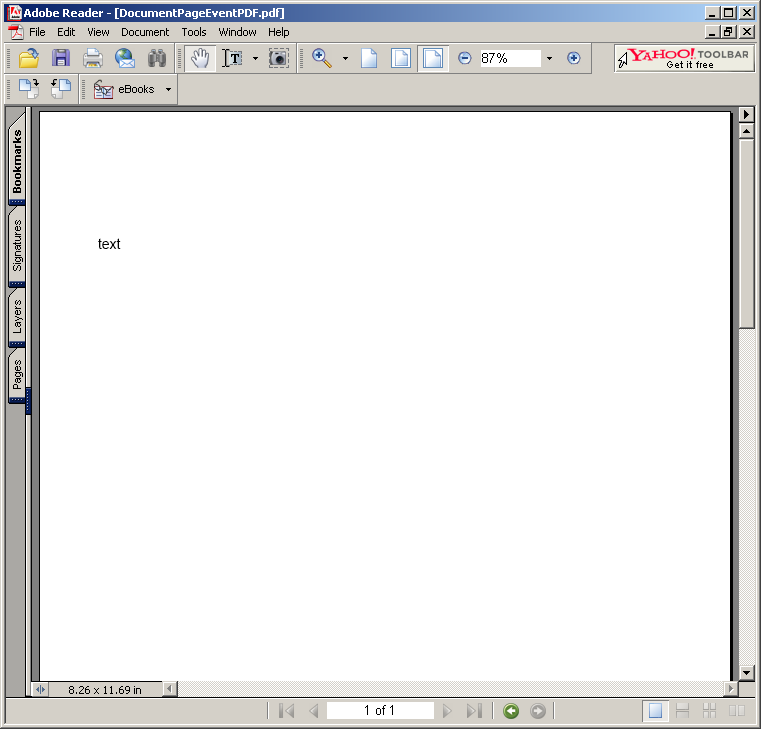
      Paragraph p = new Paragraph("text");
      doc.add(p);

      doc.close();
    } catch (Exception e) {
      e.printStackTrace();
    }
  }

  public void onOpenDocument(PdfWriter writer, Document document) {
    System.out.println("onOpenDocument");
  }

  public void onEndPage(PdfWriter writer, Document document) {
    System.out.println("onEndPage");
  }

  public void onStartPage(PdfWriter writer, Document document) {
    System.out.println("onStartPage");
  }

  public void onCloseDocument(PdfWriter writer, Document document) {
    System.out.println("onCloseDocument");
  }
}
 itext.zip( 1,748 k)
Related examples in the same category