Home
Java
2D Graphics GUI
3D
Advanced Graphics
Ant
Apache Common
Chart
Class
Collections Data Structure
Data Type
Database SQL JDBC
Design Pattern
Development Class
EJB3
Email
Event
File Input Output
Game
Generics
GWT
Hibernate
I18N
J2EE
J2ME
JavaFX
JDK 6
JDK 7
JNDI LDAP
JPA
JSP
JSTL
Language Basics
Network Protocol
PDF RTF
Reflection
Regular Expressions
Scripting
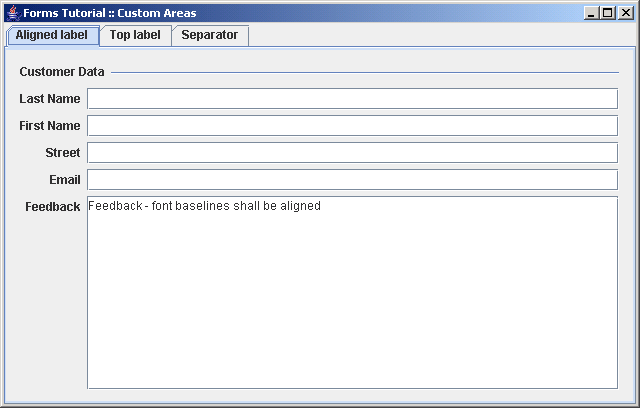
Security
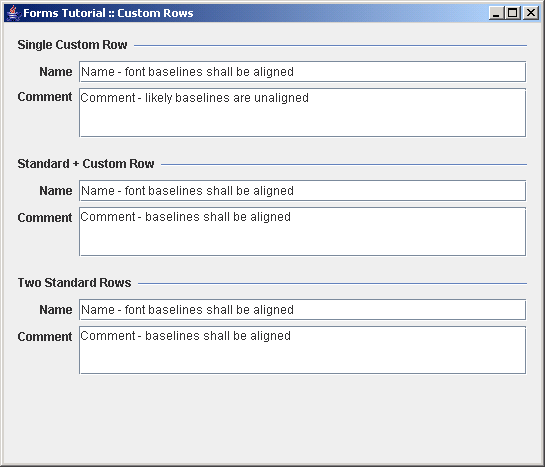
Servlets
Spring
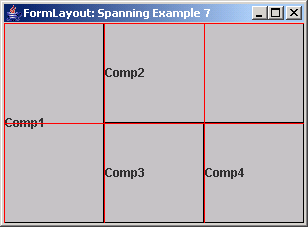
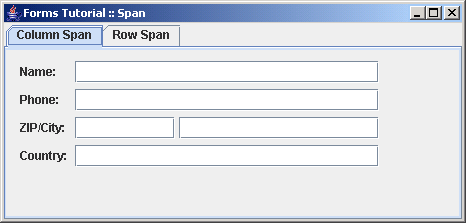
Swing Components
Swing JFC
SWT JFace Eclipse
Threads
Tiny Application
Velocity
Web Services SOA
XML
FormLayout « Swing Components « Java
Java
Swing Components
FormLayout
1.
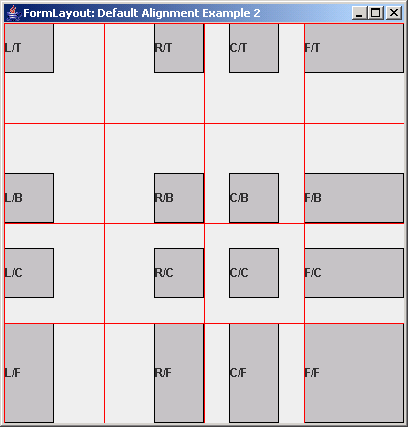
FormLayout: Default Alignment Example 2
2.
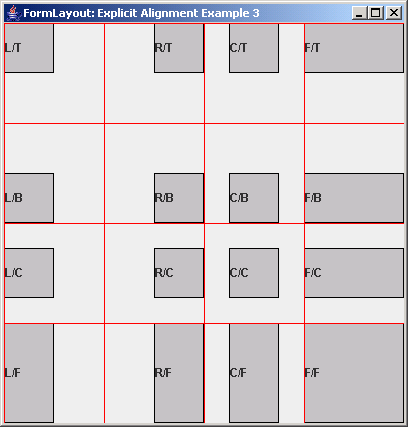
FormLayout: Explicit Alignment Example 3
3.
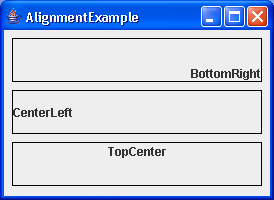
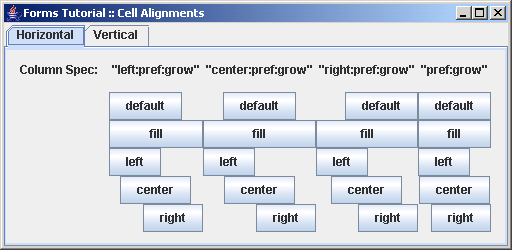
Demonstrates the different FormLayout alignments
4.
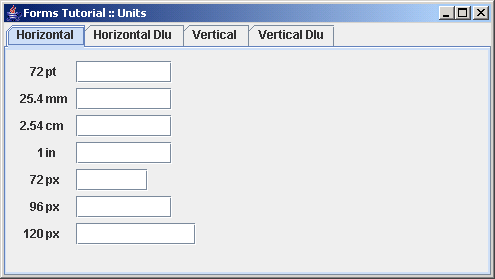
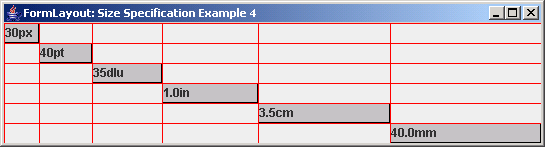
The different sizing units provided by the FormLayout
5.
FormLayout: Size Specification Example 4
6.
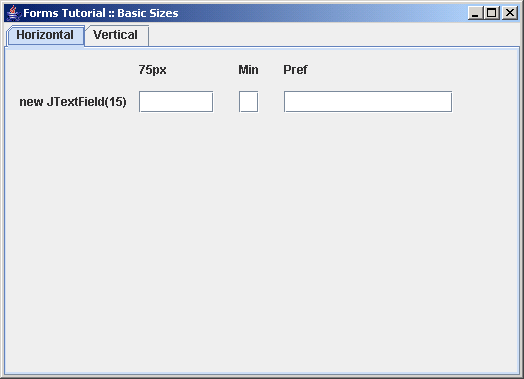
Demonstrates sizes: constant, minimum, preferred
7.
Demonstrates the basic FormLayout sizes: constant, minimum, preferred
8.
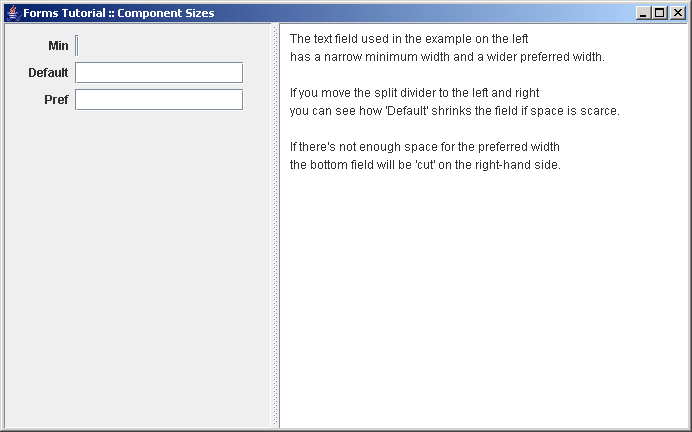
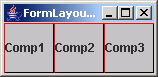
Three FormLayout component sizes: minimum, default and preferred
9.
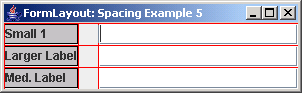
FormLayout: Spacing Example 5
10.
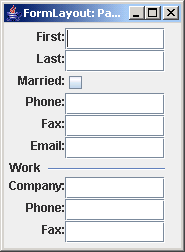
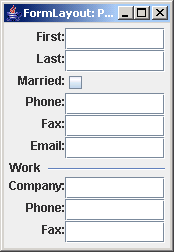
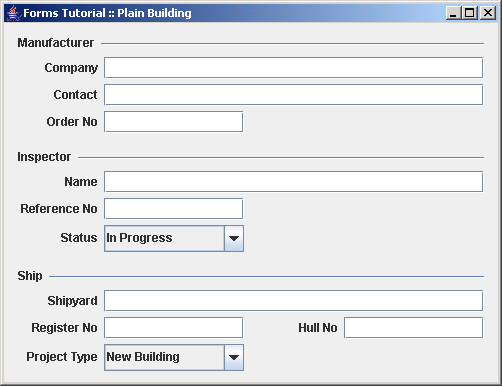
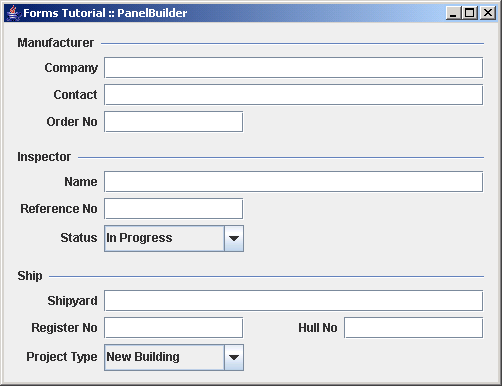
Panel Builder Example 1
11.
Panel Builder Example 2
12.
Columns and rows are specified before the panel is filled with components
13.
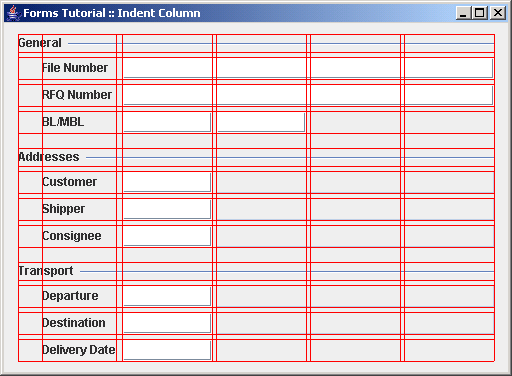
Build a panel with a leading indent column using the DefaultFormBuilder
14.
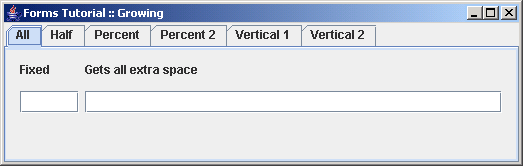
FormLayout: Growable Example 8
15.
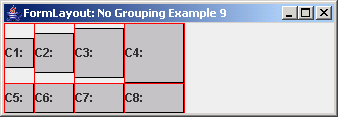
FormLayout: No Grouping Example 9
16.
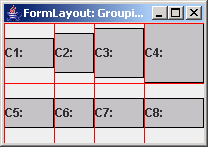
FormLayout: Grouping Example 10
17.
Demonstrates a pure use of the FormLayout
18.
Columns and rows are specified before the panel is filled with components 1
19.
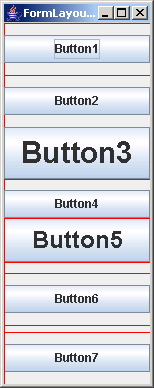
How columns and rows can be grouped in FormLayout
20.
FormLayout growing options: none, default, weighted
21.
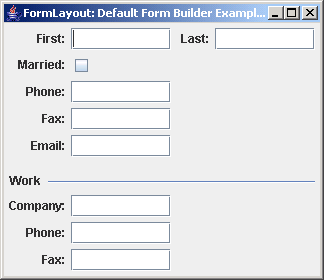
FormLayout: Default Form Builder Example 1
22.
Uses the FormLayout and the DefaultFormBuilder
23.
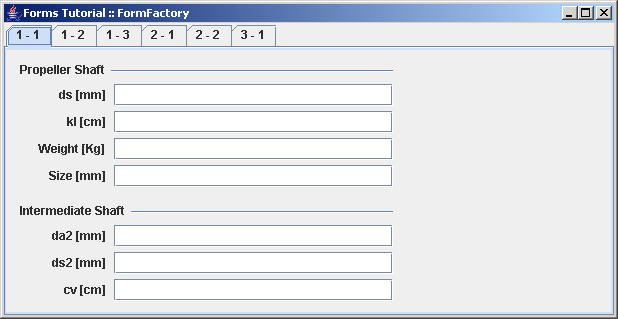
The use of Factories as provided by the Forms framework
24.
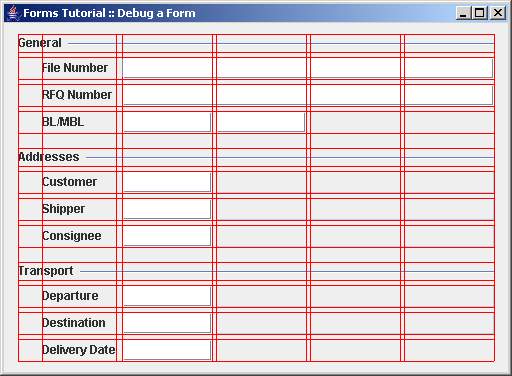
Demonstrates how to find bugs in the layout using
25.
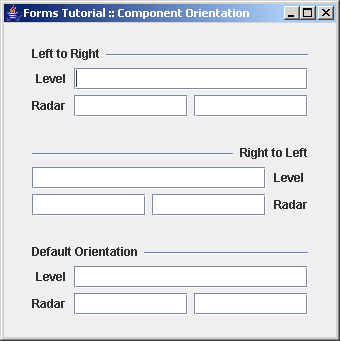
Build panels component orientation: left-to-right vs. right-to-left
26.
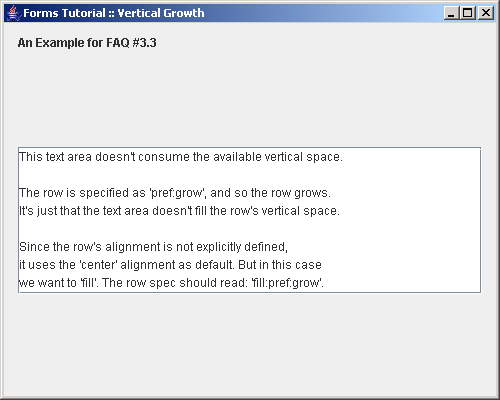
Demonstrates a frequent pitfall when specifying a growing row
27.
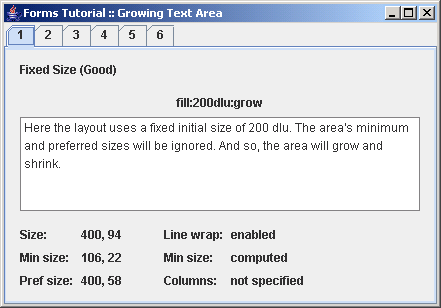
Demonstrates how a JTextArea's preferred size grows with the container if no columns and rows are set
28.
FormLayout: Button Bar Builder Example
29.
FormLayout: Button Bar Builder Example 2
30.
FormLayout: Button Bar Builder Example 3
31.
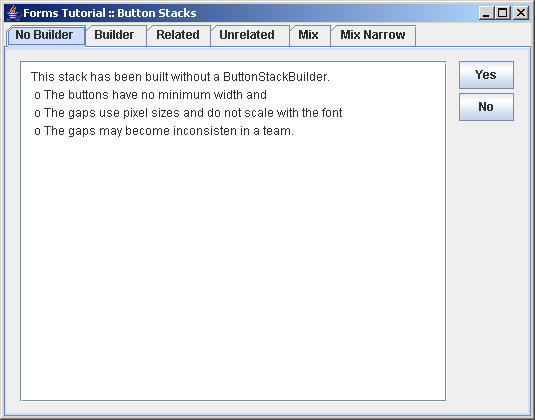
FormLayout: Button Stack Builder Example 1
32.
Build button stacks using the ButtonStackBuilder
33.
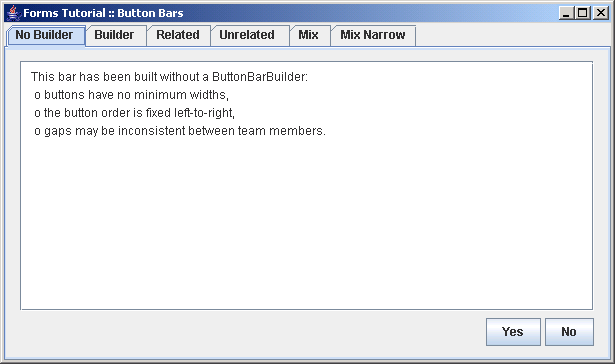
Demonstrates how to build button bars using a ButtonBarBuilder
34.
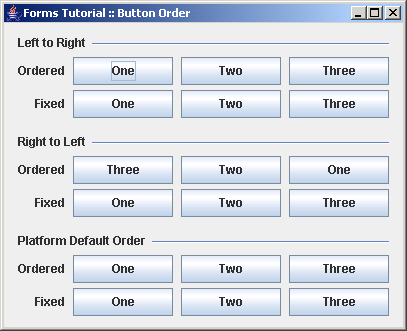
Demonstrates how to build button bars with a fixed button order
35.
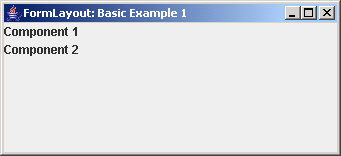
FormLayout: Basic Example 1
36.
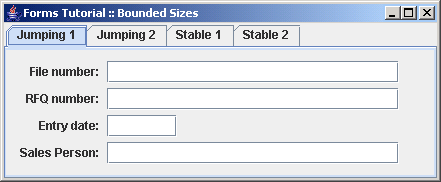
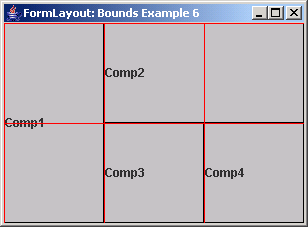
FormLayout: Bounds Example 6
37.
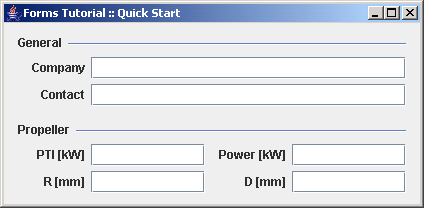
Create and configure a layout, create a builder, add components
38.
Compares approaches how to append a custom area at the end of a panel built with the DefaultFormBuilder
39.
Shows three approaches how to add custom rows to a form that is built using a DefaultFormBuilder
40.
How FormLayout applies the default column and
41.
FormLayout: Spanning Example 7
42.
How components can span multiple columns and rows