Home
Java
2D Graphics GUI
3D
Advanced Graphics
Ant
Apache Common
Chart
Class
Collections Data Structure
Data Type
Database SQL JDBC
Design Pattern
Development Class
EJB3
Email
Event
File Input Output
Game
Generics
GWT
Hibernate
I18N
J2EE
J2ME
JavaFX
JDK 6
JDK 7
JNDI LDAP
JPA
JSP
JSTL
Language Basics
Network Protocol
PDF RTF
Reflection
Regular Expressions
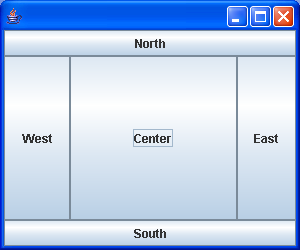
Scripting
Security
Servlets
Spring
Swing Components
Swing JFC
SWT JFace Eclipse
Threads
Tiny Application
Velocity
Web Services SOA
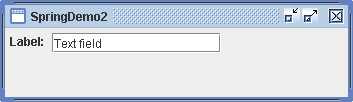
XML
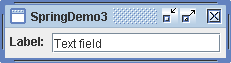
Layout « Swing JFC « Java
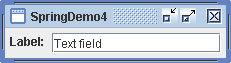
Java
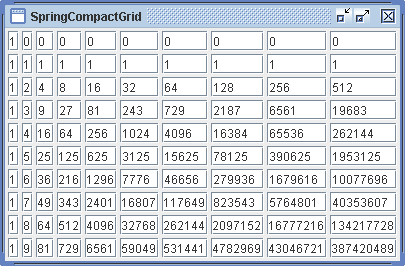
Swing JFC
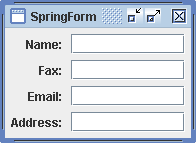
Layout
1.
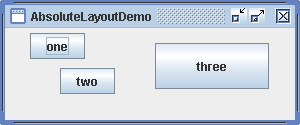
Laying Out Components in a Flow (Left-to-Right, Top-to-Bottom)
2.
Use FlowLayout to hold checkBox, Label and TextField
3.
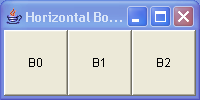
Vertical and horizontal BoxLayouts
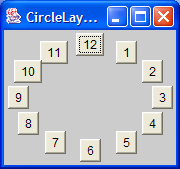
4.
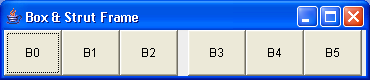
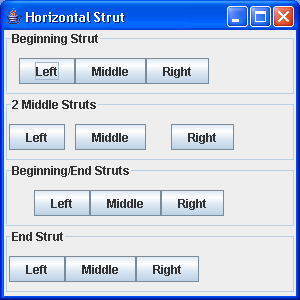
Box Layout: Adding struts.
5.
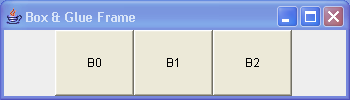
Using Glue
6.
Rigid areas are like pairs of struts
7.
Demonstrates BorderLayout
8.
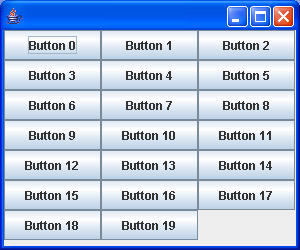
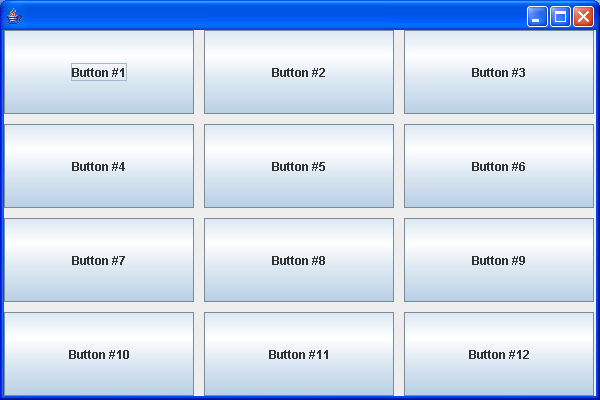
Demonstrates GridLayout
9.
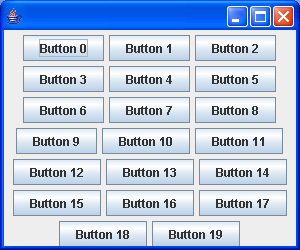
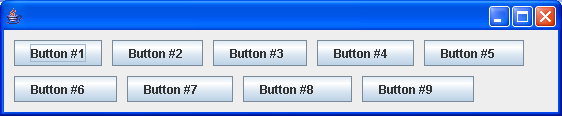
Demonstrates FlowLayout
10.
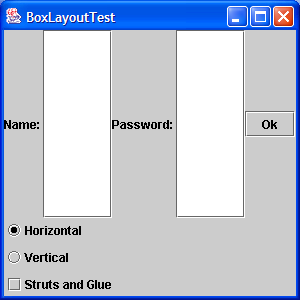
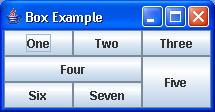
A test of the BoxLayout manager using the Box utility class
11.
A test of the box layout manager using the Box utility class 2
12.
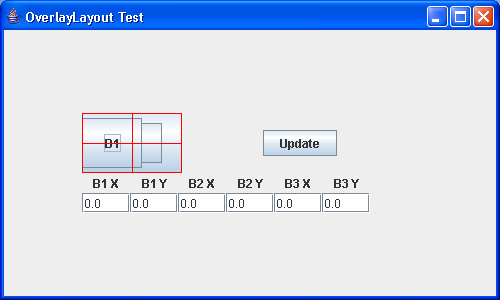
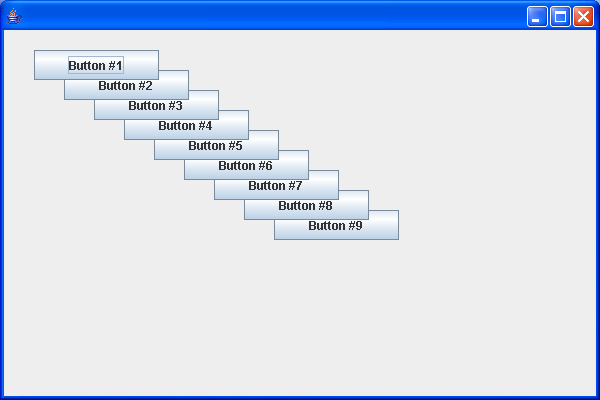
A test of the OverlayLayout manager allowing experimentation
13.
Box layout manager using the Box utility class
14.
BoxLayout demo 1
15.
A demonstration of the SpringLayout class
16.
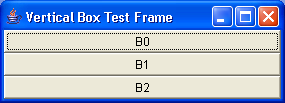
A test of the BoxLayout manager using the Box utility class 3
17.
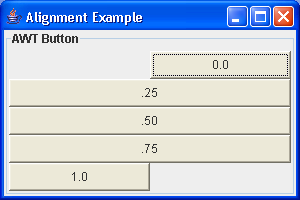
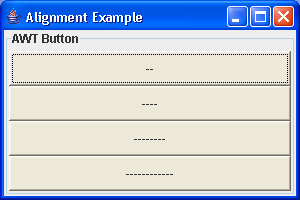
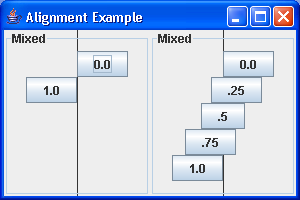
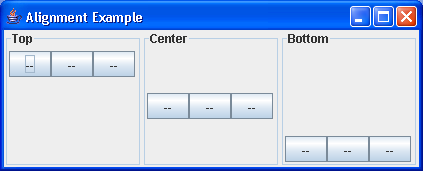
BoxLayout Alignment
18.
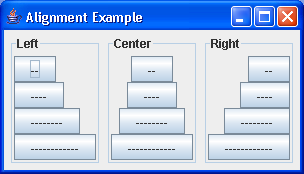
BoxLayout alignment 2
19.
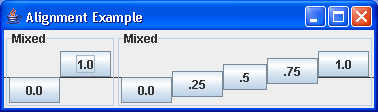
BoxLayout Component alignment
20.
BoxLayout X Y alignment
21.
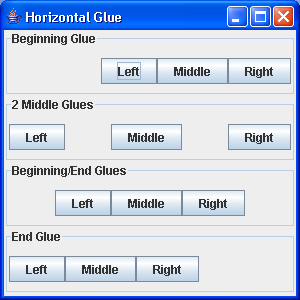
BoxLayout: Glue Sample
22.
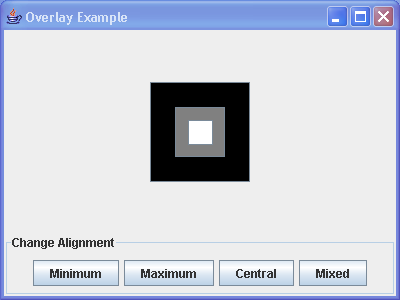
Layout: Overlay Sample
23.
BoxLayout: setAlignmentX setAlignmentY
24.
Component Alignment
25.
GridLayout Demo 3
26.
BoxLayout Sample
27.
BoxLayout Demo 3
28.
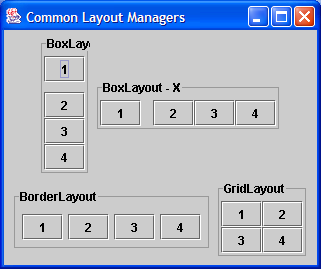
Various layouts
29.
BoxLayout Demo 4
30.
GridLayout Demo
31.
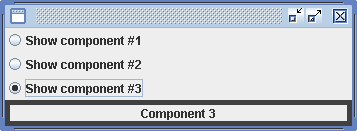
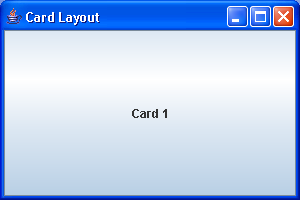
CardLayout Demo
32.
Using CardLayout
33.
Laying Out a Screen with CardLayout
34.
Laying out a screen with SpringLayout
35.
BorderLayout Pane
36.
Add buttons to all parts of a BorderLayout
37.
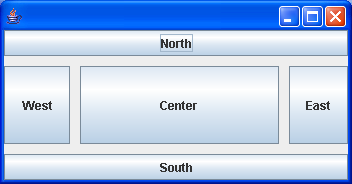
A BorderLayout divides the space into five regions: North, West, South, East and Centre.
38.
A typical usage of a border layout manager.
39.
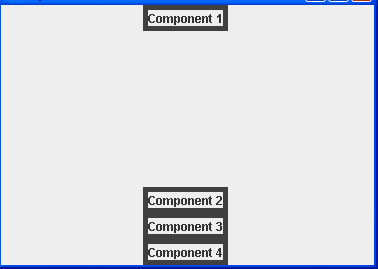
BoxLayout Pane
40.
FlowLayout Pane
41.
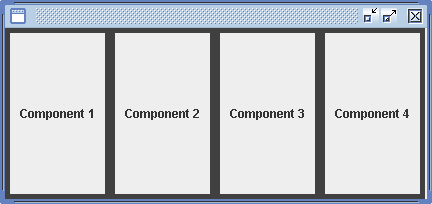
GridLayout Pane
42.
Laying Out Components in a Grid
43.
NullLayout Pane
44.
Without layout manager, we position components using absolute values.
45.
Simpler CardLayout demo
46.
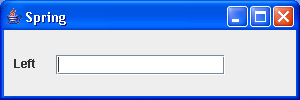
Use SpringLayout to create a single row of components
47.
Spring Demo 1
48.
Spring Demo 2
49.
Spring Demo 3
50.
Spring Demo 4
51.
Spring Compact Grid
52.
Spring Form
53.
SpringLayout Utilities
54.
Absolute Layout Demo
55.
A horizontal layout layout manager that allocates horizontal space in specified proportions
56.
Laying Out Components Using Absolute Coordinates
57.
A vertical layout manager similar to java.awt.FlowLayout
58.
A JTextField for displaying insets.
59.
A layout manager that lays out components along a circle
60.
A frame that uses a group layout to arrange font selection components
61.
Utility methods for creating form- or grid-style layouts with SpringLayout.
62.
A vertical flow layout is similar to a flow layuot but it layouts the components vertically instead of horizontally.