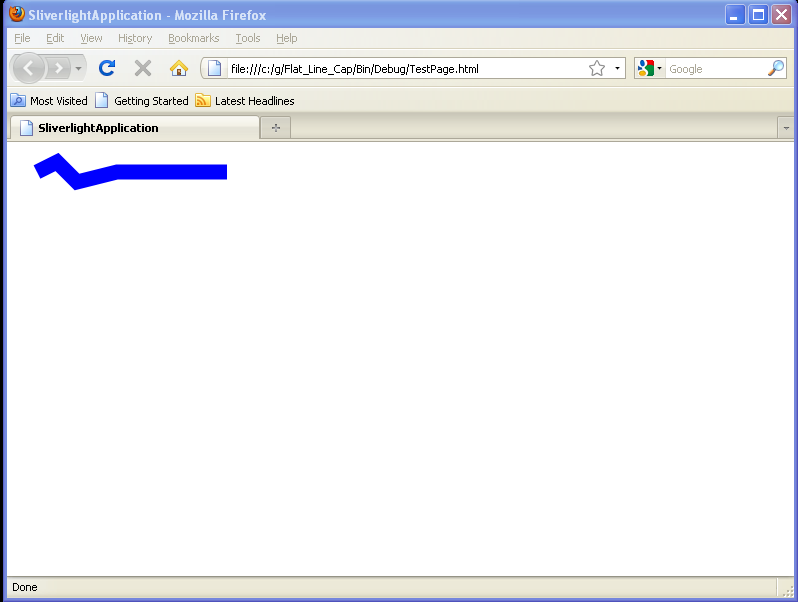
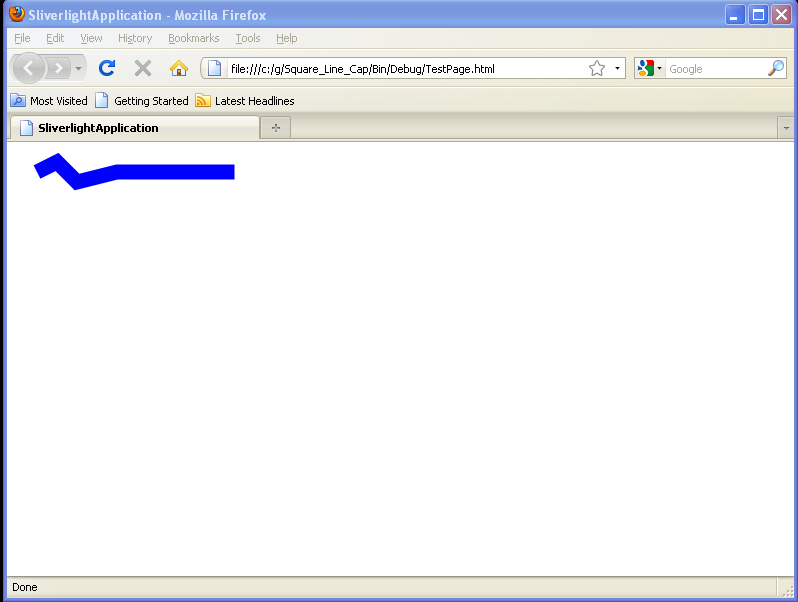
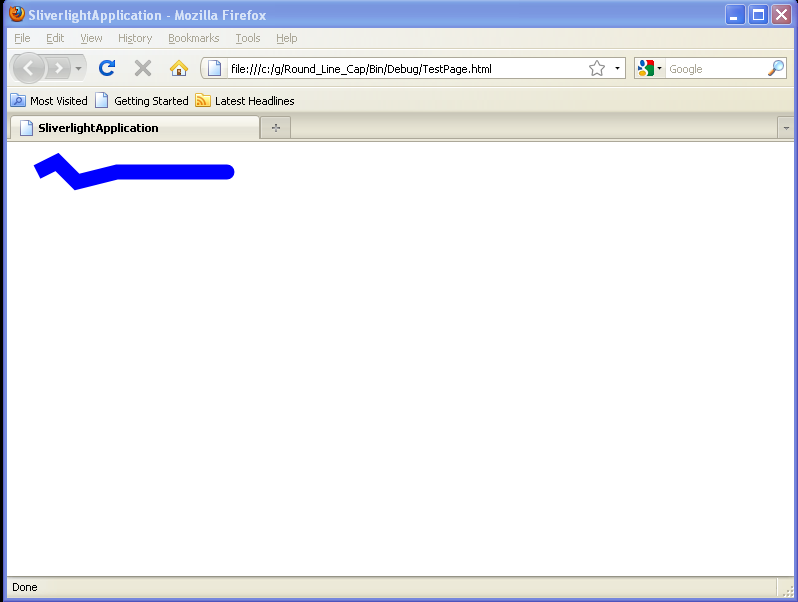
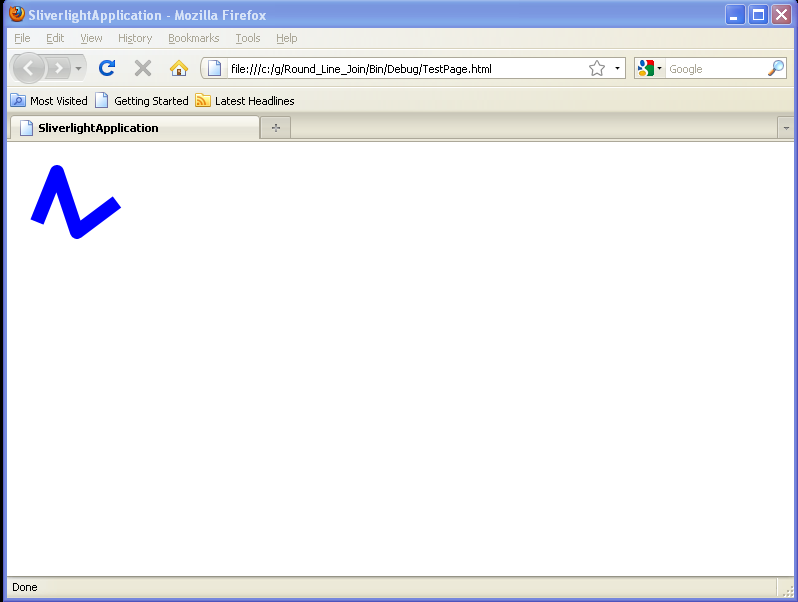
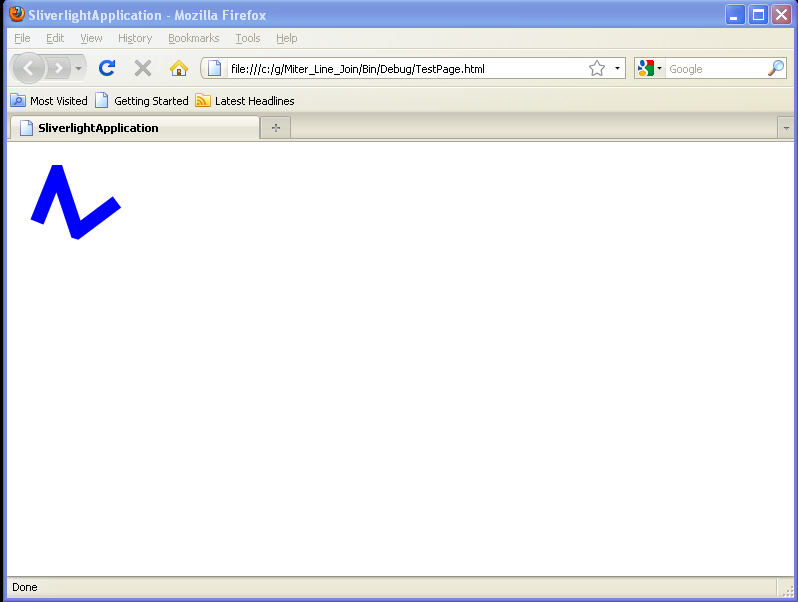
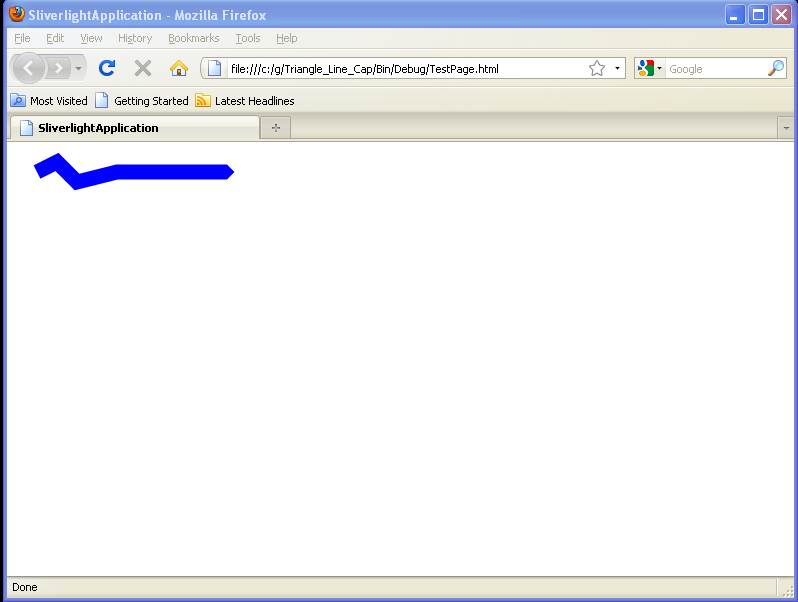
Triangle Line Cap
<UserControl x:Class='SilverlightApplication3.MainPage'
    xmlns='http://schemas.microsoft.com/winfx/2006/xaml/presentation'
    xmlns:x='http://schemas.microsoft.com/winfx/2006/xaml'
    xmlns:d='http://schemas.microsoft.com/expression/blend/2008'
    xmlns:mc='http://schemas.openxmlformats.org/markup-compatibility/2006'
    mc:Ignorable='d'
    d:DesignWidth='640'
    d:DesignHeight='480'>
  <StackPanel Margin="20" Background="White">
    <Polyline Stroke="Blue" StrokeThickness="15" Grid.Row="3" StrokeEndLineCap="Triangle"
         Points="10,10 30,0 50,20 90,10 200,10" >
    </Polyline>

  </StackPanel>
</UserControl>
Related examples in the same category