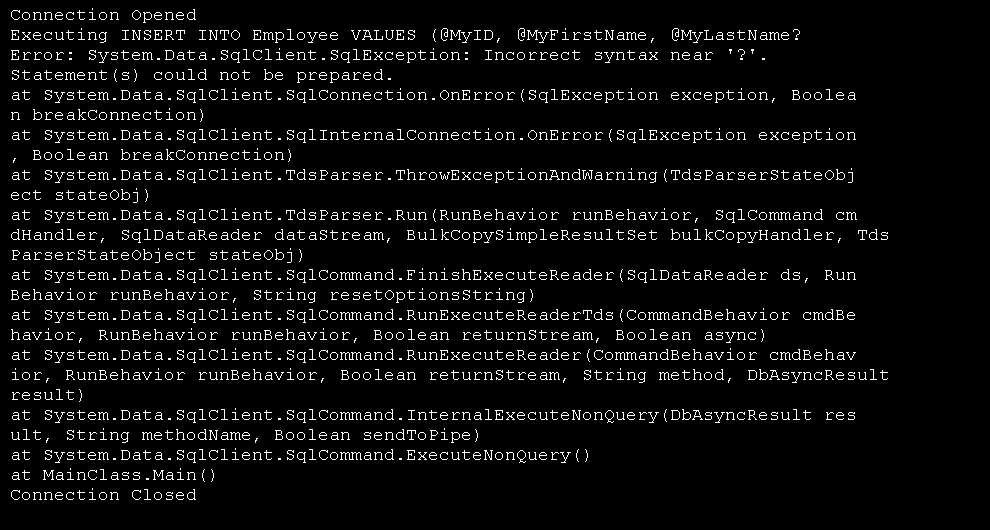
Pass two parameters
Imports System
Imports System.Collections
Imports System.Data
Imports System.IO
Imports System.Xml.Serialization
Imports System.Xml
Imports System.Windows.Forms
Imports System.Data.SqlClient


Public Class MainClass
    Shared Dim WithEvents con As SqlConnection

    Shared Sub Main()
        con = New SqlConnection("Server=(local)\SQLEXPRESS;Initial Catalog=MyDatabase;Integrated Security=SSPI")

        Dim cmd As New SqlCommand( _
            "SELECT FirstName FROM Employee WHERE FirstName = @fn;" & _
            "SELECT @count = COUNT(*) FROM Employee WHERE FirstName = @fn", con)

        cmd.Parameters.Add( _
            New SqlParameter("@fn", SqlDbType.VarChar, 50)).Value = "Joe"
        cmd.Parameters.Add(New SqlParameter("@count", SqlDbType.Int))
        cmd.Parameters("@count").Direction = ParameterDirection.Output

        Try
            con.Open()
            Dim reader As SqlDataReader = cmd.ExecuteReader()
            While reader.Read()
                Console.WriteLine("{0} - {1}", reader.GetString(0), reader.GetString(1))
            End While
            reader.Close()
        Finally
            con.Close()
        End Try

        Console.WriteLine("{0} - {1}", _
                          "Count", cmd.Parameters("@count").Value.ToString())
    End Sub
End Class
Related examples in the same category