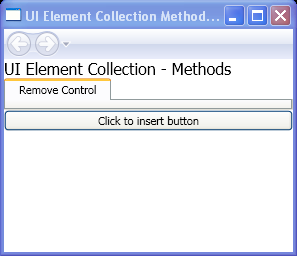
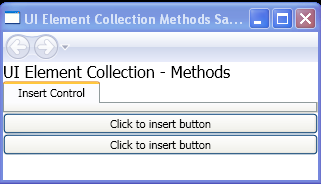
Add a control to a Panel
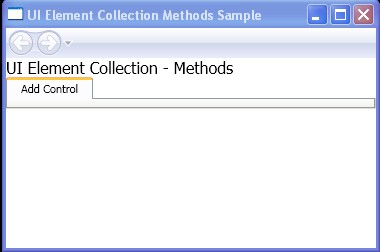
<Page xmlns="http://schemas.microsoft.com/winfx/2006/xaml/presentation"
    xmlns:x="http://schemas.microsoft.com/winfx/2006/xaml"
    x:Class="ElemCollMethods.Pane1"
    WindowTitle="UI Element Collection Methods Sample">
 <StackPanel>
    <TextBlock Name="txt" FontSize="16">UI Element Collection - Methods</TextBlock>

    <TabControl>
        <TabItem MouseLeftButtonUp="AddButton">
            <TabItem.Header>Add Control</TabItem.Header>
        </TabItem>
    </TabControl>
    <StackPanel Name="sp1"></StackPanel>

 </StackPanel>
</Page>

//File:Window.xaml.vb
Imports System
Imports System.Windows
Imports System.Windows.Controls
Imports System.Windows.Documents
Imports System.Windows.Navigation
Imports System.Windows.Shapes
Imports System.Windows.Data
Imports System.Windows.Input

Namespace ElemCollMethods

  Public Partial Class Pane1
    Inherits Page
    Private btn As System.Windows.Controls.Button, btn1 As System.Windows.Controls.Button, btn2 As System.Windows.Controls.Button, btn3 As System.Windows.Controls.Button

    Private Sub AddButton(sender As Object, e As MouseButtonEventArgs)
      sp1.Children.Clear()
      btn = New Button()
      btn.Content = "New Button"
      sp1.Children.Add(btn)
    End Sub
  End Class
End Namespace
Related examples in the same category