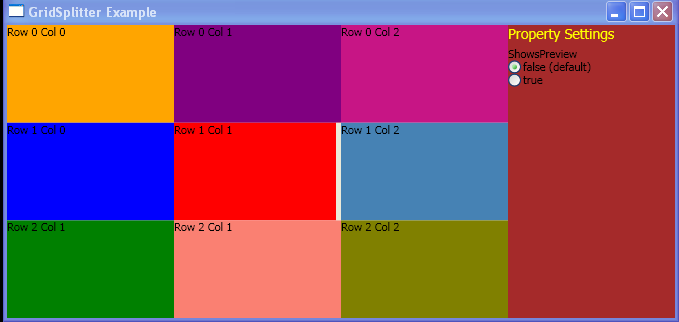
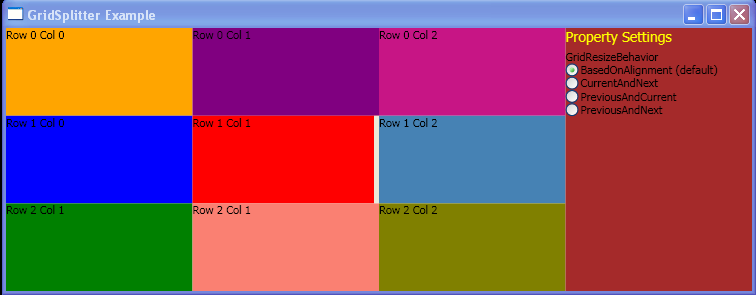
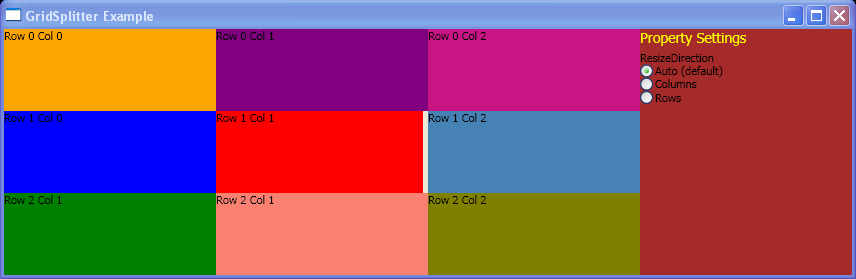
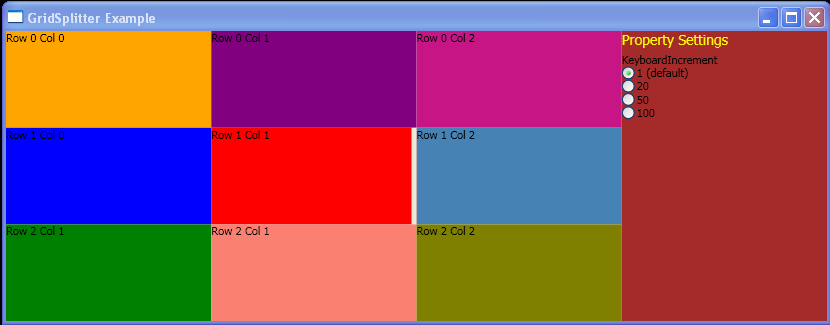
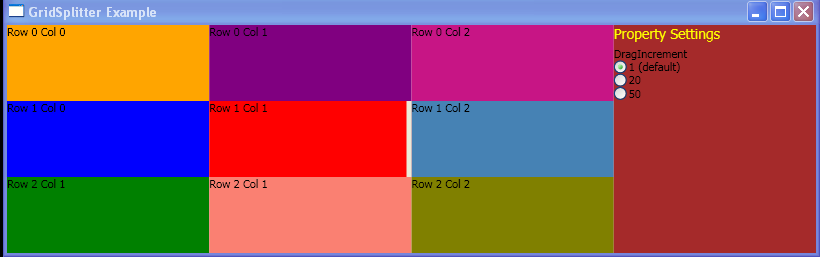
Define a GridSplitter and Vertical Alignment Changed
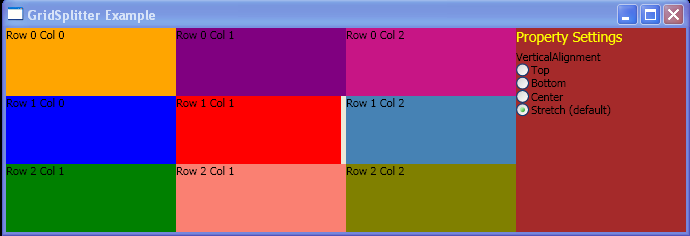
<Window x:Class="GridSplitter_Example.Window1"
    xmlns="http://schemas.microsoft.com/winfx/2006/xaml/presentation"
    xmlns:x="http://schemas.microsoft.com/winfx/2006/xaml"
    Title="GridSplitter Example">
<Grid>
  <Grid.ColumnDefinitions>
    <ColumnDefinition Name="Col0" />
    <ColumnDefinition Name="Col1" />
    <ColumnDefinition Name="Col2" />
    <ColumnDefinition Name="Col3" />
  </Grid.ColumnDefinitions>
  <Grid.RowDefinitions>
    <RowDefinition Name="Row0" />
    <RowDefinition Name="Row1" />
    <RowDefinition Name="Row2" />
  </Grid.RowDefinitions>

  <StackPanel Grid.Row="0" Grid.Column="0" Background="Orange">
    <TextBlock>Row 0 Col 0</TextBlock>
  </StackPanel>
  <StackPanel Grid.Row="1" Grid.Column="0" Background="Blue">
    <TextBlock>Row 1 Col 0</TextBlock>
  </StackPanel>
  <StackPanel Grid.Row="2" Grid.Column="0" Background="Green">
    <TextBlock>Row 2 Col 1</TextBlock>
  </StackPanel>
  <StackPanel Grid.Row="0" Grid.Column="1" Background="Purple">
    <TextBlock>Row 0 Col 1</TextBlock>
  </StackPanel>
  <StackPanel Grid.Row="1" Grid.Column="1" Background="Red">
    <TextBlock>Row 1 Col 1</TextBlock>
  </StackPanel>
  <StackPanel Grid.Row="2" Grid.Column="1" Background="Salmon">
   <TextBlock>Row 2 Col 1</TextBlock>
  </StackPanel>
  <StackPanel Grid.Row="0" Grid.Column="2" Background="MediumVioletRed">
    <TextBlock>Row 0 Col 2</TextBlock>
  </StackPanel>
  <StackPanel Grid.Row="1" Grid.Column="2" Background="SteelBlue">
    <TextBlock>Row 1 Col 2</TextBlock>
  </StackPanel>
  <StackPanel Grid.Row="2" Grid.Column="2" Background="Olive">
    <TextBlock>Row 2 Col 2</TextBlock>
  </StackPanel>

  <GridSplitter Name="myGridSplitter" Grid.Column="1" Grid.Row="1" Width="5"/>
  <StackPanel Grid.Column="3" Grid.RowSpan="3" Background="Brown">
    <TextBlock FontSize="14" Foreground="Yellow">Property Settings</TextBlock>

    <StackPanel Margin="0,5,0,0">
      <TextBlock>VerticalAlignment</TextBlock>
      <RadioButton Name="VerticalAlignmentTop" Checked="VerticalAlignmentChanged" GroupName="VerticalAlignmentProperty">
        Top
      </RadioButton>
      <RadioButton Name="VerticalAlignmentBottom" Checked="VerticalAlignmentChanged" GroupName="VerticalAlignmentProperty">
        Bottom
      </RadioButton>
      <RadioButton Name="VerticalAlignmentCenter" Checked="VerticalAlignmentChanged" GroupName="VerticalAlignmentProperty">
        Center
      </RadioButton>
      <RadioButton Name="VerticalAlignmentStretch" Checked="VerticalAlignmentChanged" IsChecked="true" GroupName="VerticalAlignmentProperty">
        Stretch (default)
      </RadioButton>
    </StackPanel>
  </StackPanel>
</Grid>
</Window>
//File:Window.xaml.vb
Imports System
Imports System.Windows
Imports System.Windows.Controls
Imports System.Windows.Data
Imports System.Windows.Documents
Imports System.Windows.Media
Imports System.Windows.Navigation
Imports System.Windows.Shapes

Namespace GridSplitter_Example
  Public Partial Class Window1
    Inherits Window
    Public Sub New()
      InitializeComponent()
    End Sub
    Private Sub VerticalAlignmentChanged(sender As Object, e As RoutedEventArgs)
      If CType(VerticalAlignmentTop.IsChecked, [Boolean]) Then
        myGridSplitter.VerticalAlignment = VerticalAlignment.Top
      ElseIf CType(VerticalAlignmentBottom.IsChecked, [Boolean]) Then
        myGridSplitter.VerticalAlignment = VerticalAlignment.Bottom
      ElseIf CType(VerticalAlignmentCenter.IsChecked, [Boolean]) Then
        myGridSplitter.VerticalAlignment = VerticalAlignment.Center
      ElseIf CType(CType(VerticalAlignmentStretch.IsChecked, [Boolean]), [Boolean]) Then
        myGridSplitter.VerticalAlignment = VerticalAlignment.Stretch
      End If
    End Sub
  End Class
End Namespace
Related examples in the same category