RoutedEvents: Focus event : RoutedCommand « Windows Presentation Foundation « VB.Net

Home
VB.Net
1.2D
2.Application
3.Class
4.Data Structure
5.Data Types
6.Database ADO.net
7.Date Time
8.Development
9.Event
10.File Directory
11.Generics
12.GUI
13.Internationalization I18N
14.Language Basics
15.LINQ
16.Network Remote
17.Reflection
18.Security
19.Thread
20.Windows Presentation Foundation
21.Windows System
22.XML
23.XML LINQ
VB.Net » Windows Presentation Foundation » RoutedCommandScreenshots 
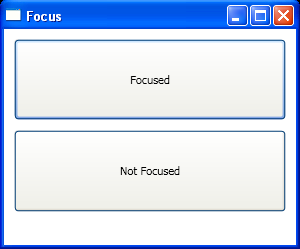
RoutedEvents: Focus event
    

<Window x:Class="RoutedEvents.Focus"
    xmlns="http://schemas.microsoft.com/winfx/2006/xaml/presentation"
    xmlns:x="http://schemas.microsoft.com/winfx/2006/xaml"
    Title="Focus" Height="250" Width="300">
  <StackPanel Margin="5">
    <Button Margin="5" Padding="30" Name="cmdFocus">Focused</Button>
    <Button Margin="5" Padding="30">Not Focused</Button>
    </StackPanel>
</Window>


//File:Window.xaml.vb
Imports System
Imports System.Collections.Generic
Imports System.Text
Imports System.Windows
Imports System.Windows.Controls
Imports System.Windows.Data
Imports System.Windows.Documents
Imports System.Windows.Input
Imports System.Windows.Media
Imports System.Windows.Media.Imaging
Imports System.Windows.Shapes

Namespace RoutedEvents
  Public Partial Class Focus
    Inherits System.Windows.Window
    Public Sub New()
      InitializeComponent()
    End Sub
    Protected Overrides Sub OnActivated(As EventArgs)
      MyBase.OnActivated(e)
      cmdFocus.Focus()
    End Sub
  End Class
End Namespace


Related examples in the same category
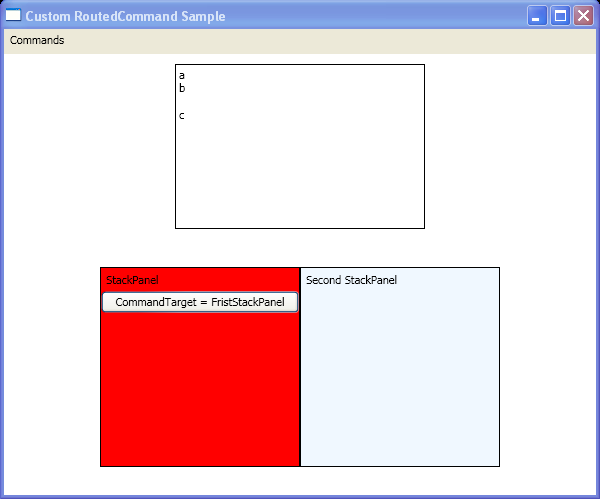
1.Create a custom RoutedCommand, the CommandBinding objects, and the KeyBinding objects in code.Create a custom RoutedCommand, the CommandBinding objects, and the KeyBinding objects in code.
2.Convert RoutedEventArgs.OriginalSource to event senderConvert RoutedEventArgs.OriginalSource to event sender
3.RoutedEvents: Button Mouse Up EventRoutedEvents: Button Mouse Up Event
4.RoutedEvents: Drag And DropRoutedEvents: Drag And Drop
5.RoutedEvents: Key ModifiersRoutedEvents: Key Modifiers
6.RoutedEvents: Key Press EventsRoutedEvents: Key Press Events
7.RoutedEvents: Mouse PositionRoutedEvents: Mouse Position
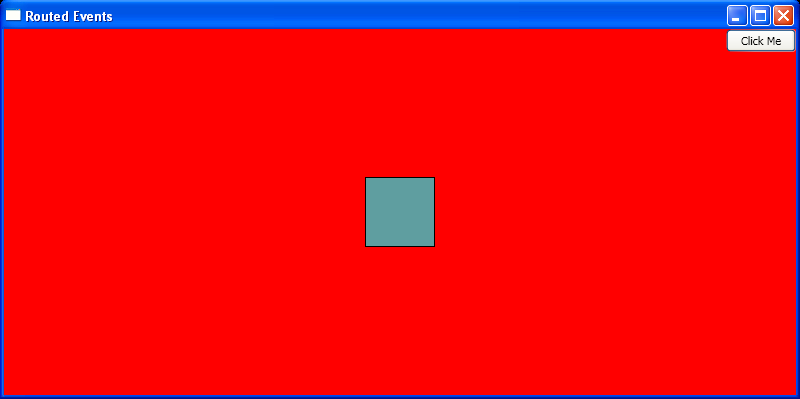
8.Bubble routed events, and write an event handler for a routed event.Bubble routed events, and write an event handler for a routed event.
9.Get RoutedEvent NameGet RoutedEvent Name
10.Create RoutedCommand from InputGestureCollection
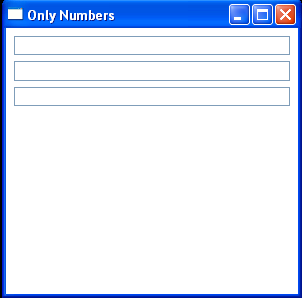
11.RoutedEvents Only NumbersRoutedEvents Only Numbers
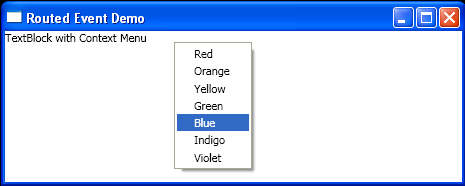
12.Routed Event DemoRouted Event Demo
java2s.com  | Contact Us | Privacy Policy
Copyright 2009 - 12 Demo Source and Support. All rights reserved.
All other trademarks are property of their respective owners.