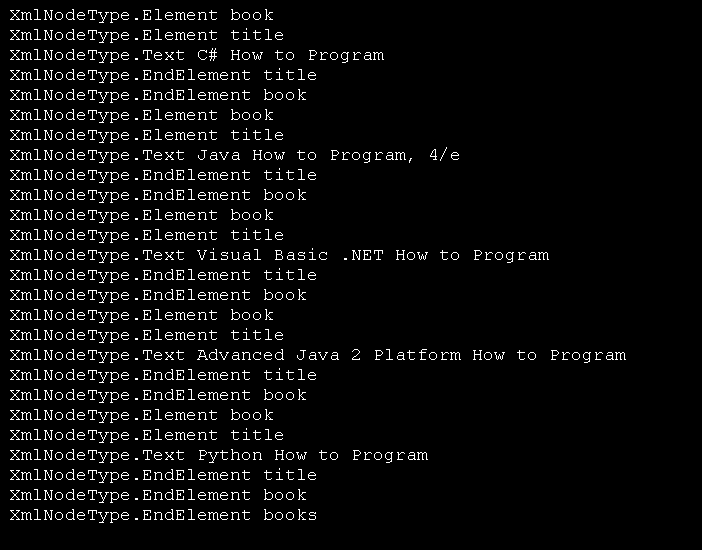
Use XML Reader to display XML tag, Node type and attributes

Imports System.Xml
Imports System.Xml.Serialization
Imports System.IO


Public Class MainClass

   Public Shared Sub Main()
        Dim myXmlSettings As New XmlReaderSettings()
        Using readMovieInfo As XmlReader = XmlReader.Create("test.xml", myXmlSettings)
            While readMovieInfo.Read()
                ShowXmlNode(readMovieInfo)
                While readMovieInfo.MoveToNextAttribute()
                    ShowXmlNode(readMovieInfo)
                End While
            End While
        End Using
   End Sub

   Shared Private Sub ShowXmlNode(ByVal reader As XmlReader)

        If reader.Depth > 0 Then
            For depthCount As Integer = 1 To reader.Depth
                Console.Write(" ")
            Next
        End If

        If reader.NodeType = XmlNodeType.Whitespace Then
            Console.WriteLine("Type: {0} ", reader.NodeType)
        ElseIf reader.NodeType = XmlNodeType.Text Then
            Console.WriteLine("Type: {0}, Value: {1} ",reader.NodeType,reader.Value)
        Else
            Console.WriteLine("Name: {0}, Type: {1}, AttributeCount: {2}, Value: {3} ", _
                                 reader.Name, reader.NodeType,reader.AttributeCount, _
                                 reader.Value)
        End If
    End Sub
End Class
Related examples in the same category