| 17.1.Cell |
| 17.1.1. | Cell function |
| 17.1.2. | =CELL ("address") returns the address of the last changed cell. | 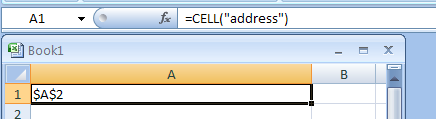 |
| 17.1.3. | =CELL("color", B3) tells whether B3 is formatted for color-negative numbers | 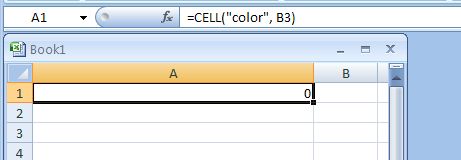 |
| 17.1.4. | =CELL ("contents",B3) returns the contents of B3. | 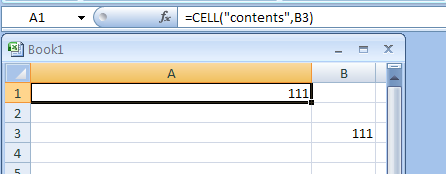 |
| 17.1.5. | =CELL ("filename") returns the path, filename, and work sheet name of the workbook and worksheet | 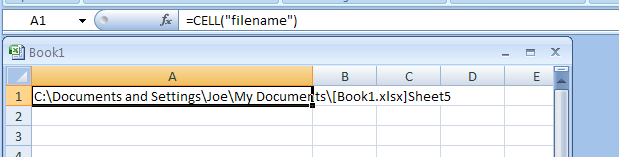 |
| 17.1.6. | =CELL ("format",D1) returns a number format | 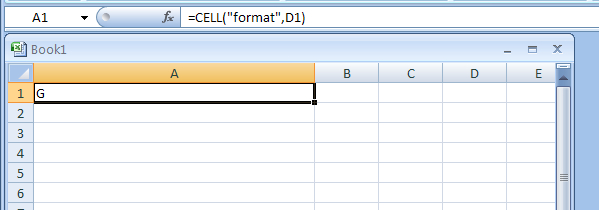 |
| 17.1.7. | =CELL ("parentheses", D2) returns 1 if a cell is formatted to have either positive values or all values displayed with parentheses. | 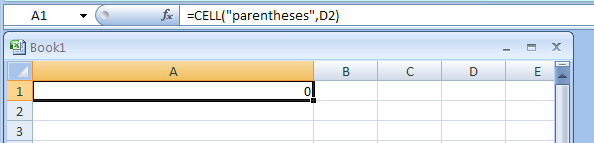 |
| 17.1.8. | =CELL("prefix", A1) returns the type of text alignment in a cell. | 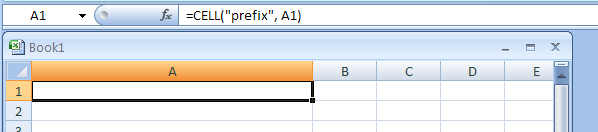 |
| 17.1.9. | =CELL ("protect",A1) returns 1 if a protection is set to locked | 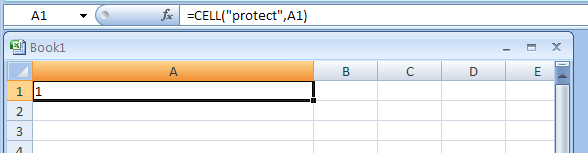 |
| 17.1.10. | =CELL("row", B6) returns the row number of the first cell in the range | 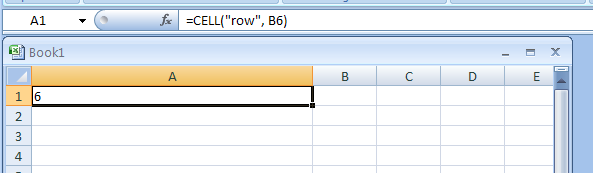 |
| 17.1.11. | =CELL("row", Summary) returns the row number of the first cell in the name | 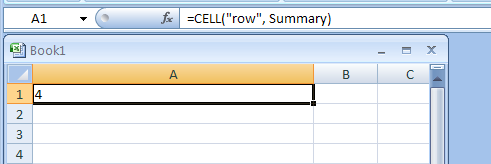 |
| 17.1.12. | =CELL("type", A1) returns the type of information in a cell. | 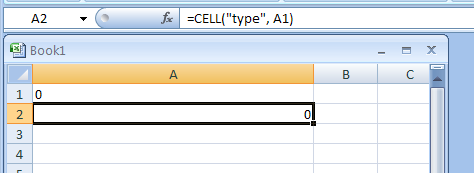 |
| 17.1.13. | =CELL("width") returns the width of the last changed cell, rounded to an integer. | 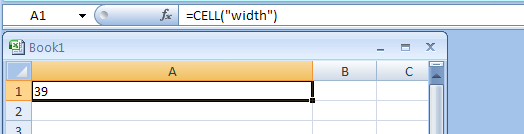 |
| 17.1.14. | =CELL("width", A1) returns the width of A1 | 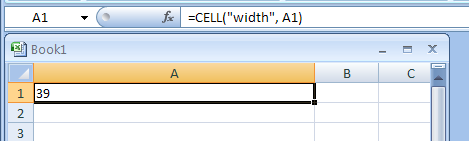 |