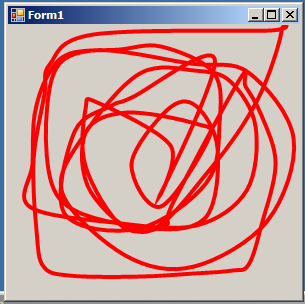
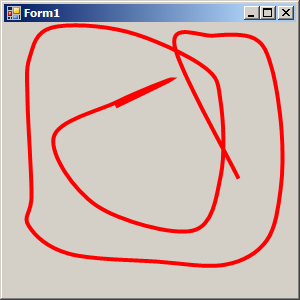
Bezier (Mouse Defines Control Points)
using System;
using System.Drawing;
using System.Windows.Forms;

class Bezier: Form
{
     protected Point[] apt = new Point[4];

     public static void Main()
     {
          Application.Run(new Bezier());
     }
     public Bezier()
     {
          ResizeRedraw = true;

          OnResize(EventArgs.Empty);
     }
     protected override void OnResize(EventArgs ea)
     {
          base.OnResize(ea);

          int cx = ClientSize.Width;
          int cy = ClientSize.Height;

          apt[0] = new Point(    cx / 4,     cy / 2);
          apt[1] = new Point(    cx / 2,     cy / 4);
          apt[2] = new Point(    cx / 2, 3 * cy / 4);
          apt[3] = new Point(3 * cx / 4,     cy / 2);
     }
     protected override void OnMouseDown(MouseEventArgs mea)
     {
          Point pt;

          if (mea.Button == MouseButtons.Left)
               pt = apt[1];

          else if (mea.Button == MouseButtons.Right)
               pt = apt[2];

          else
               return;

          Cursor.Position = PointToScreen(pt);
     }
     protected override void OnMouseMove(MouseEventArgs mea)
     {
          if (mea.Button == MouseButtons.Left)
          {
               apt[1] = new Point(mea.X, mea.Y);
               Invalidate();
          }
          else if (mea.Button == MouseButtons.Right)
          {
               apt[2] = new Point(mea.X, mea.Y);
               Invalidate();
          }
     }
     protected override void OnPaint(PaintEventArgs pea)
     {
          Graphics grfx = pea.Graphics;

          grfx.DrawBeziers(new Pen(ForeColor), apt);

          Pen pen = new Pen(Color.FromArgb(0x80, ForeColor));

          grfx.DrawLine(pen, apt[0], apt[1]);
          grfx.DrawLine(pen, apt[2], apt[3]);
     }
}
Related examples in the same category