illustrates the use of ArrayLists 2 : ArrayList « Collections Data Structure « C# / C Sharp

C# / C Sharp
1. 2D Graphics
2. Class Interface
3. Collections Data Structure
4. Components
5. Data Types
6. Database ADO.net
7. Design Patterns
8. Development Class
9. Event
10. File Stream
11. Generics
12. GUI Windows Form
13. Language Basics
14. LINQ
15. Network
16. Office
17. Reflection
18. Regular Expressions
19. Security
20. Services Event
21. Thread
22. Web Services
23. Windows
24. XML
25. XML LINQ
Java
Java Tutorial
Java Source Code / Java Documentation
Java Open Source
Jar File Download
Java Articles
Java Products
Java by API
C# / CSharp Tutorial
ASP.Net
JavaScript DHTML
JavaScript Tutorial
JavaScript Reference
HTML / CSS
HTML CSS Reference
C / ANSI-C
C Tutorial
C++
C++ Tutorial
PHP
Python
SQL Server / T-SQL
Oracle PL / SQL
Oracle PL/SQL Tutorial
PostgreSQL
SQL / MySQL
MySQL Tutorial
VB.Net
VB.Net Tutorial
Flash / Flex / ActionScript
VBA / Excel / Access / Word
Microsoft Office PowerPoint 2007 Tutorial
Microsoft Office Excel 2007 Tutorial
Microsoft Office Word 2007 Tutorial
C# / C Sharp » Collections Data Structure » ArrayListScreenshots 
illustrates the use of ArrayLists 2
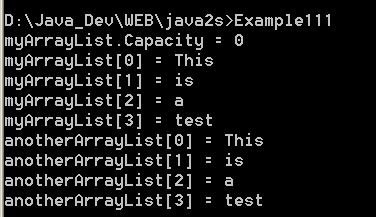

/*
Mastering Visual C# .NET
by Jason Price, Mike Gunderloy

Publisher: Sybex;
ISBN: 0782129110
*/

/*
  Example11_1.cs illustrates the use of ArrayLists
*/

using System;
using System.Collections;

public class Example11_1
{

  // the DisplayArrayList() method displays the elements in the
  // ArrayList that is supplied as a parameter
  public static void DisplayArrayList(
    string arrayListName, ArrayList myArrayList
  )
  {
    for (int counter = 0; counter < myArrayList.Count; counter++)
    {
      Console.WriteLine(arrayListName + "[" + counter + "] = " +
        myArrayList[counter]);
    }
  }

  public static void Main()
  {

    // create an ArrayList object
    ArrayList myArrayList = new ArrayList();

    // display the Capacity property
    Console.WriteLine("myArrayList.Capacity = " +
      myArrayList.Capacity);

    // add four strings to myArrayList using the Add() method
    myArrayList.Add("This");
    myArrayList.Add("is");
    myArrayList.Add("a");
    myArrayList.Add("test");

    // display the contents of myArrayList using DisplayArrayList()
    DisplayArrayList("myArrayList", myArrayList);

    // create another ArrayList, passing myArrayList to the
    // constructor of the new ArrayList
    ArrayList anotherArrayList = new ArrayList(myArrayList);

    // display the contents of anotherArrayList
    DisplayArrayList("anotherArrayList", anotherArrayList);

  }

}


Related examples in the same category

1. Add items to ArrayList and use foreach loop to check
2. Add array to ArrayList
3. Remove range from ArrayList
4. Clone an ArrayList
5. CopyTo, ToArray(), ToArray(typeof(String))
6. Using foreach to loop through ArrayList and use Indexer of ArrayList
7. Check InvalidCastException when using foreach loop with ArrayList
8. Binary Search an ArrayList
9. Inserting into an ArrayList by index
10. Checks time needed for list operations using an ArrayList implementationChecks time needed for list operations using an ArrayList implementation
11. ArrayList Demo: hold classArrayList Demo: hold class
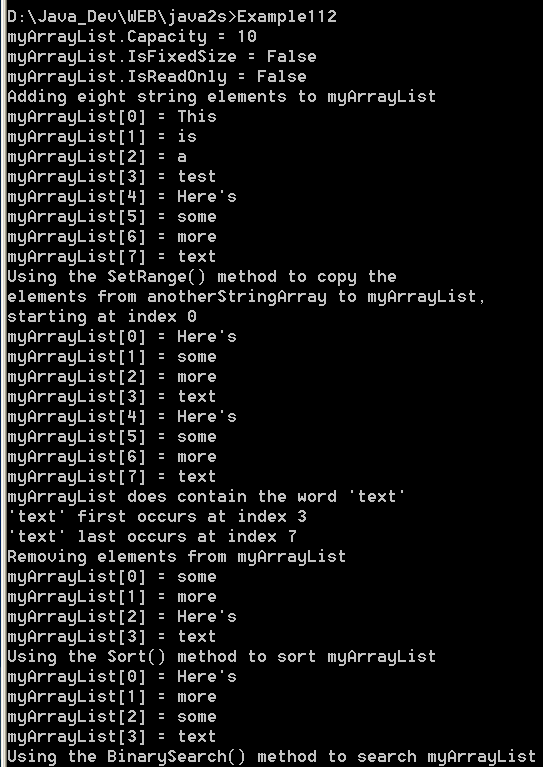
12. illustrates the use of ArrayList properties and methodsillustrates the use of ArrayList properties and methods
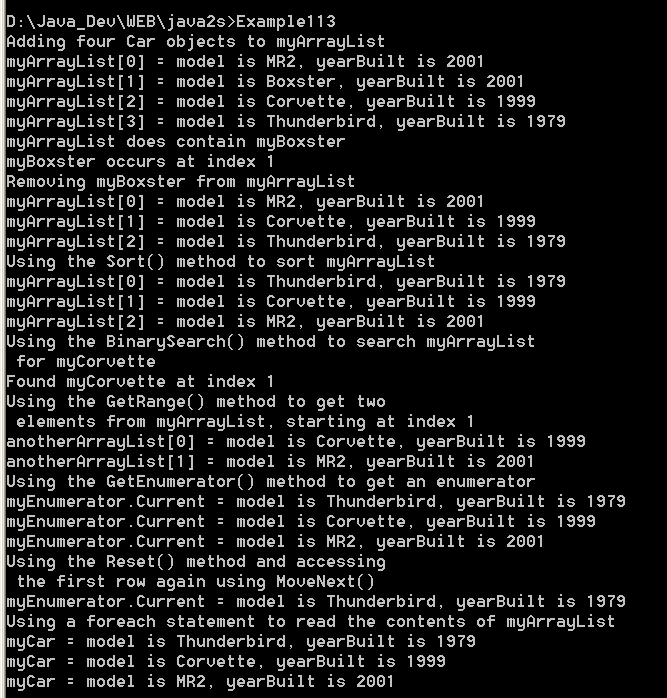
13. illustrates the use of an ArrayList that contains objects of the Car classillustrates the use of an ArrayList that contains objects of the Car class
14. Convert an ArrayList into an arrayConvert an ArrayList into an array
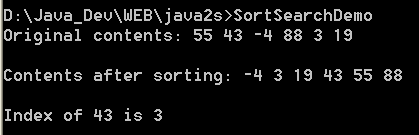
15. Sort and search an ArrayListSort and search an ArrayList
16. Demonstrate ArrayListDemonstrate ArrayList
w__w__w__.__j_a_v_a__2___s__.c___o__m_ | Contact Us
Copyright 2003 - 08 Demo Source and Support. All rights reserved.
All other trademarks are property of their respective owners.