Home
Java
2D Graphics GUI
3D
Advanced Graphics
Ant
Apache Common
Chart
Class
Collections Data Structure
Data Type
Database SQL JDBC
Design Pattern
Development Class
EJB3
Email
Event
File Input Output
Game
Generics
GWT
Hibernate
I18N
J2EE
J2ME
JavaFX
JDK 6
JDK 7
JNDI LDAP
JPA
JSP
JSTL
Language Basics
Network Protocol
PDF RTF
Reflection
Regular Expressions
Scripting
Security
Servlets
Spring
Swing Components
Swing JFC
SWT JFace Eclipse
Threads
Tiny Application
Velocity
Web Services SOA
XML
System Properties « Development Class « Java
Java
Development Class
System Properties
1.
Get system properties using System class
2.
Get Java specification version using System class
3.
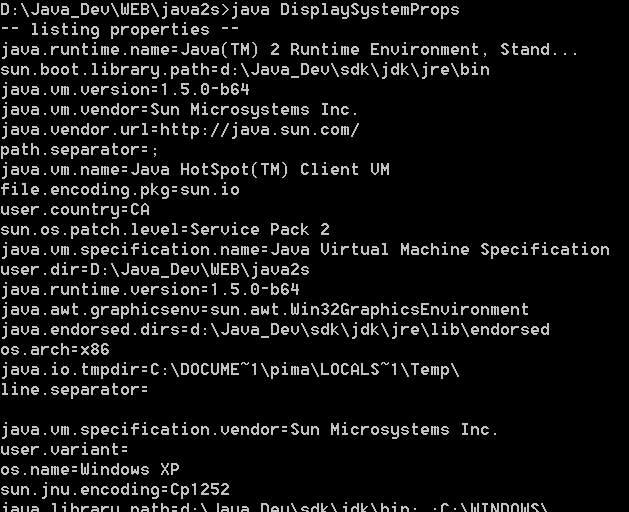
Display System Properties
4.
Use System.getenv to get environment variables
5.
Machine User Name
6.
Get username of system current user
7.
Check Version
8.
Get Java Runtime Environment (JRE) version?
9.
Clear system property: The System.clearProperty() method available in Java 1.5
10.
Dealing with the Java environment
11.
Get operating system temporary directory / folder
12.
List one or more item(s) from System Properties
13.
System.setProperty("apple.laf.useScreenMenuBar", "true")
14.
Get Java Home directory
15.
Determine operating system using System class
16.
Setting the Value of a System Property from the Command Line: add -D option to the java command when running your program.
17.
Get path / classpath separator
18.
Get file separator symbol
19.
Get operating system name and version
20.
Get user home directory name
21.
Set a system property
22.
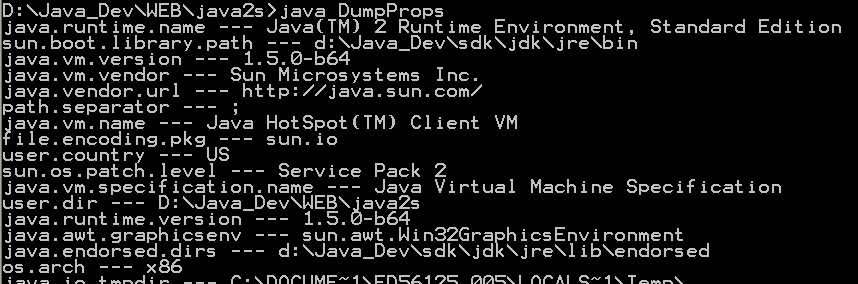
Dump Props
23.
Get Environment Variables
24.
This program prints out all system properties