Home
Java
2D Graphics GUI
3D
Advanced Graphics
Ant
Apache Common
Chart
Class
Collections Data Structure
Data Type
Database SQL JDBC
Design Pattern
Development Class
EJB3
Email
Event
File Input Output
Game
Generics
GWT
Hibernate
I18N
J2EE
J2ME
JavaFX
JDK 6
JDK 7
JNDI LDAP
JPA
JSP
JSTL
Language Basics
Network Protocol
PDF RTF
Reflection
Regular Expressions
Scripting
Security
Servlets
Spring
Swing Components
Swing JFC
SWT JFace Eclipse
Threads
Tiny Application
Velocity
Web Services SOA
XML
Unicode « I18N « Java
Java
I18N
Unicode
1.
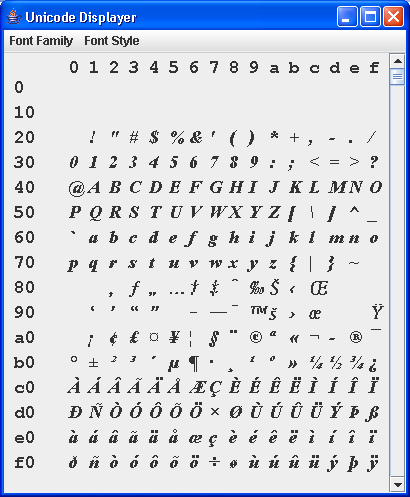
Unicode Display
2.
Character Sets and Unicode: Code Set Conversion
3.
Display "special character" using Unicode
4.
International friendly string comparison with case-order
5.
Generic unicode textreader, which will use BOM mark to identify the encoding to be used. If BOM is not found then use a given default or system encoding.
6.
Convert into Hexadecimal notation of Unicode
7.
Generic Unicode text reader, which uses a BOM (Byte Order Mark) to identify the encoding to be used.
8.
Generic unicode text reader.
9.
processing SGML into unicode characters.
10.
Write a 16 bit short as LITTLE_ENDIAN
11.
Write a 32 bit int as LITTLE_ENDIAN.
12.
Arabic Reshaper