How to use the list component : List « Swing JFC « Java

Java
1. 2D Graphics GUI
2. 3D
3. Advanced Graphics
4. Ant
5. Apache Common
6. Chart
7. Collections Data Structure
8. Database SQL JDBC
9. Design Pattern
10. Development Class
11. Email
12. Event
13. File Input Output
14. Game
15. Hibernate
16. J2EE
17. J2ME
18. JDK 6
19. JSP
20. JSTL
21. Language Basics
22. Network Protocol
23. PDF RTF
24. Regular Expressions
25. Security
26. Servlets
27. Spring
28. Swing Components
29. Swing JFC
30. SWT JFace Eclipse
31. Threads
32. Tiny Application
33. Velocity
34. Web Services SOA
35. XML
Microsoft Office Word 2007 Tutorial
Java Tutorial
Java Source Code / Java Documentation
Java Open Source
Jar File Download
Java Articles
Java Products
Java by API
C# / C Sharp
C# / CSharp Tutorial
ASP.Net
JavaScript DHTML
JavaScript Tutorial
JavaScript Reference
HTML / CSS
HTML CSS Reference
C / ANSI-C
C Tutorial
C++
C++ Tutorial
PHP
Python
SQL Server / T-SQL
Oracle PL / SQL
Oracle PL/SQL Tutorial
PostgreSQL
SQL / MySQL
MySQL Tutorial
VB.Net
VB.Net Tutorial
Java » Swing JFC » ListScreenshots 
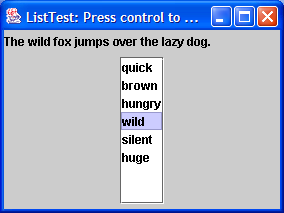
How to use the list component

import java.awt.event.WindowAdapter;
import java.awt.event.WindowEvent;

import javax.swing.JFrame;
import javax.swing.JLabel;
import javax.swing.JList;
import javax.swing.JPanel;
import javax.swing.JScrollPane;
import javax.swing.event.ListSelectionEvent;
import javax.swing.event.ListSelectionListener;

public class ListTest extends JFrame implements ListSelectionListener {
  JLabel label = new JLabel("The ??? fox jumps over the lazy dog.");

  public ListTest() {
    setTitle("ListTest: Press control to multi-select");
    setSize(400300);
    addWindowListener(new WindowAdapter() {
      public void windowClosing(WindowEvent e) {
        System.exit(0);
      }
    });

    String[] words = "quick""brown""hungry""wild""silent""huge" };

    JList wordList = new JList(words);
    JScrollPane scrollPane = new JScrollPane(wordList);

    JPanel p = new JPanel();
    p.add(scrollPane);
    wordList.addListSelectionListener(this);

    getContentPane().add(p, "South");
    getContentPane().add(label, "Center");
  }

  public void valueChanged(ListSelectionEvent evt) {
    JList source = (JListevt.getSource();
    Object[] values = source.getSelectedValues();

    String text = "";
    for (int i = 0; i < values.length; i++) {
      String word = (Stringvalues[i];
      text += word + " ";
    }
    label.setText("The " + text + "fox jumps over the lazy dog.");
  }

  public static void main(String[] args) {
    JFrame frame = new ListTest();
    frame.show();
  }
}
           
       
Related examples in the same category
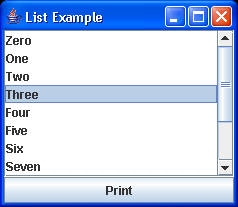
1. An example of the JList component in actionAn example of the JList component in action
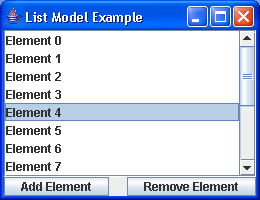
2. An example of JList with a DefaultListModelAn example of JList with a DefaultListModel
3. A variation on SimpleListA variation on SimpleList
4. A simple example of a JList object built from an array of StringsA simple example of a JList object built from an array of Strings
5. A graphical list selection monitorA graphical list selection monitor
6. Test of the DragGesture classes and JList to see if weTest of the DragGesture classes and JList to see if we
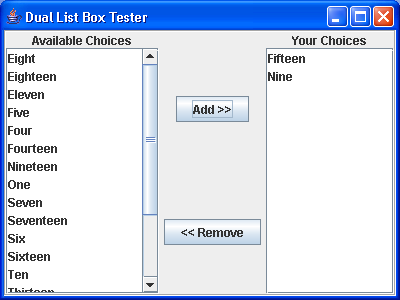
7. Dual JList Dual JList
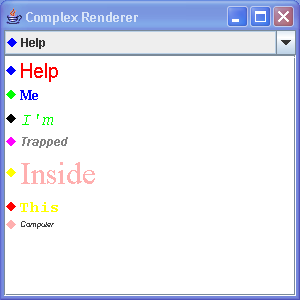
8. ComplexRenderingSample: ListCellRendererComplexRenderingSample: ListCellRenderer
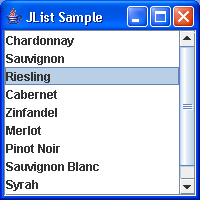
9. List Sample DemoList Sample Demo
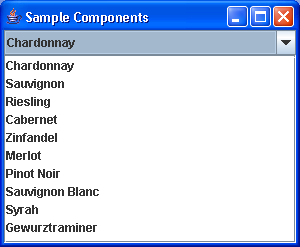
10. Dual Sample: JList and ComboBoxDual Sample: JList and ComboBox
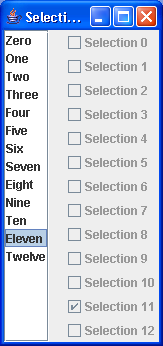
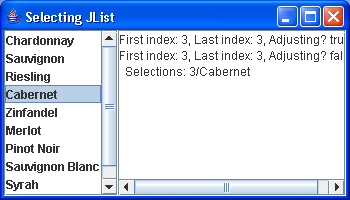
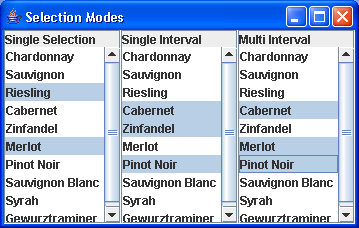
11. Selecting JList SampleSelecting JList Sample
12. Triple List SampleTriple List Sample
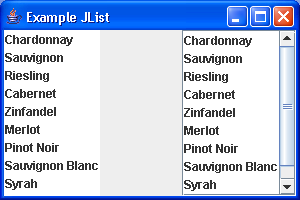
13. List with and without ScrollPane List with and without ScrollPane
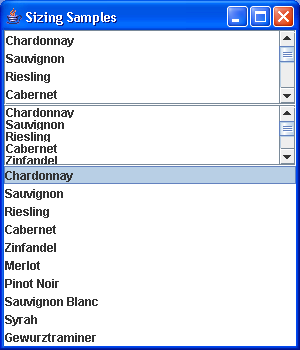
14. SizingSamples: simple List SizingSamples: simple List
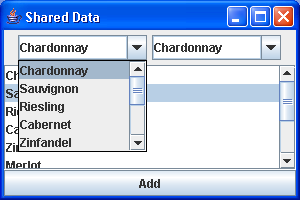
15. List: Shared Data SampleList: Shared Data Sample
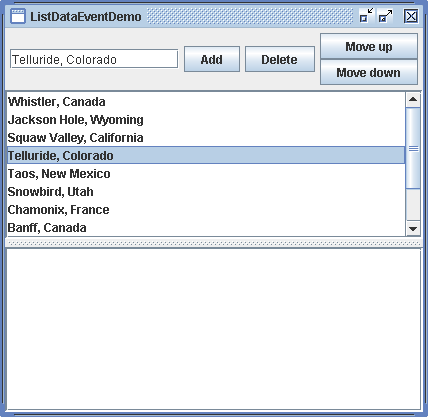
16. List Data Event DemoList Data Event Demo
17. Create list from list modelCreate list from list model
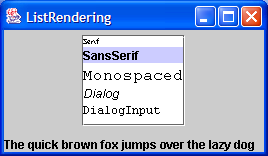
18. How to create list cell rendererHow to create list cell renderer
19. React to list selection actionReact to list selection action
20. Construct the list componentConstruct the list component
21. Tab list rendererTab list renderer
22. List with textfield inputList with textfield input
23. Sharing a Model between a JList and JComboBoxSharing a Model between a JList and JComboBox
24. Demonstrate Swing ScrollingListDemonstrate Swing ScrollingList
25. Demonstrate Swing JList ListModelDemonstrate Swing JList ListModel
26. Weak ListModel
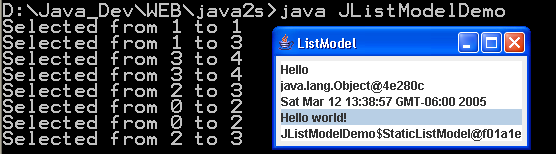
27. ListModel DemoListModel Demo
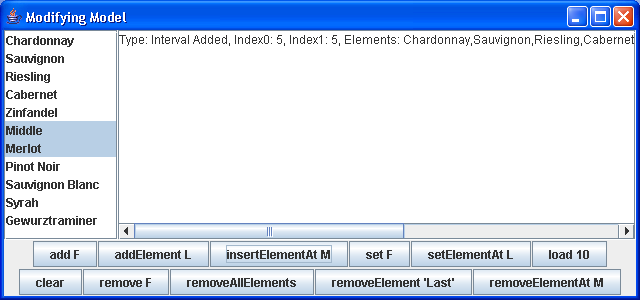
28. ModifyModelSample: ListModel DemoModifyModelSample: ListModel Demo
29. ArrayList with a ListModel for ease of use
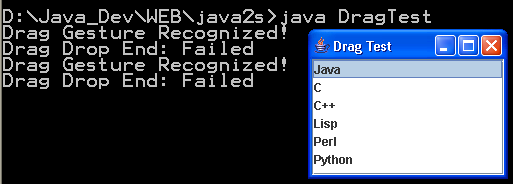
30. Drag and Drop:JList and ListDrag and Drop:JList and List
w__w_w_._jav_a__2__s.c_om__ | Contact Us
Copyright 2003 - 08 Demo Source and Support. All rights reserved.
All other trademarks are property of their respective owners.