Home
Java
2D Graphics GUI
3D
Advanced Graphics
Ant
Apache Common
Chart
Class
Collections Data Structure
Data Type
Database SQL JDBC
Design Pattern
Development Class
EJB3
Email
Event
File Input Output
Game
Generics
GWT
Hibernate
I18N
J2EE
J2ME
JavaFX
JDK 6
JDK 7
JNDI LDAP
JPA
JSP
JSTL
Language Basics
Network Protocol
PDF RTF
Reflection
Regular Expressions
Scripting
Security
Servlets
Spring
Swing Components
Swing JFC
SWT JFace Eclipse
Threads
Tiny Application
Velocity
Web Services SOA
XML
UI « Swing JFC « Java
Java
Swing JFC
UI
1.
Setting a UI Default Value That Is Created When Fetched
2.
Getting the Default Values for a Look and Feel
3.
Setting a UI Default Value That Is Created at Every Fetch
4.
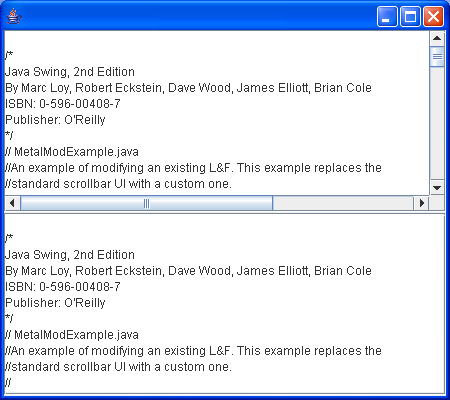
Replaces the standard scrollbar UI with a custom one
5.
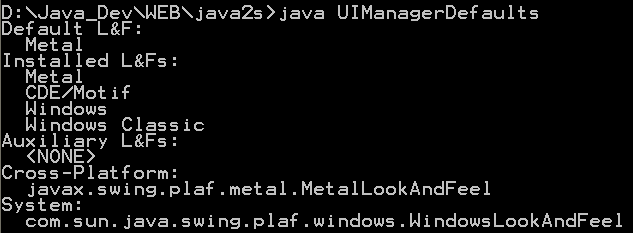
UIManager defaults
6.
Retrieve information of all available UIManager defaults
7.
Get default values for Swing-based user interface
8.
How to change the look and feel of Swing applications
9.
UIManager resources to tweak the look of applications
10.
Displays the contents of the UIDefaults hash map for the current look and feel.