Home
Silverlight
Animations
Communication
Containers
Data
Events
Graphics
Shapes
UI Controls
Grid « Containers « Silverlight
Silverlight
Containers
Grid
1.
Positioning UI Elements with a Grid
2.
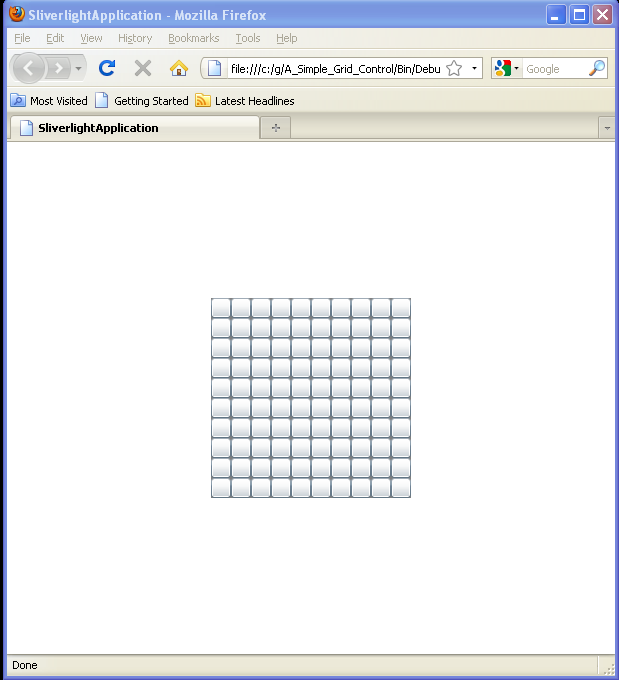
A Simple Grid Control
3.
Span two rows and two columns with an Image control
4.
Implementing a Grid to Set the Layout of Silverlight Controls
5.
Grid example
6.
ColumnSpan example
7.
Grid example 2* row and column definitions
8.
Use Grid to layout a Calendar
9.
Set Grid Row and Column for a Button
10.
Grid with Column Definition and Row definition
11.
Define rows / columns for Grid
12.
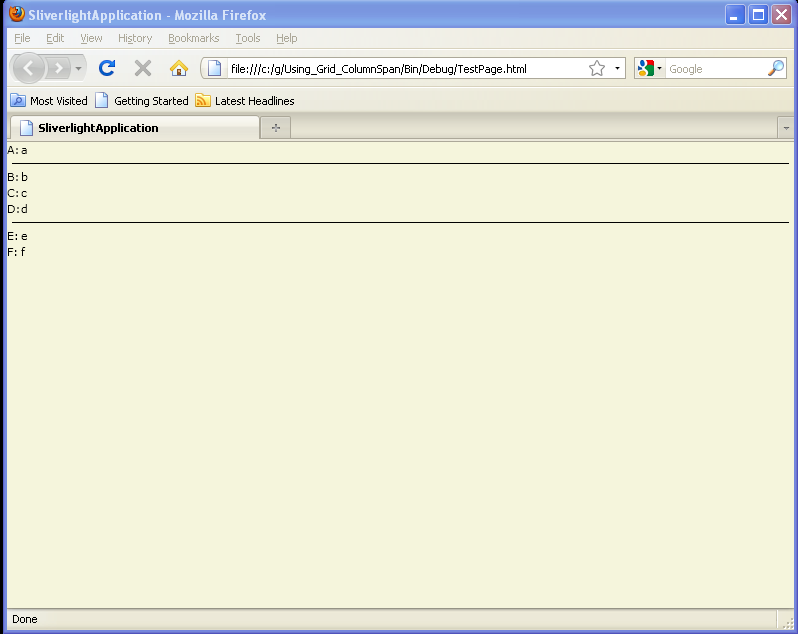
Using Grid.ColumnSpan
13.
Set Grid Row Height and Column Width to Auto
14.
Mixing row height styles
15.
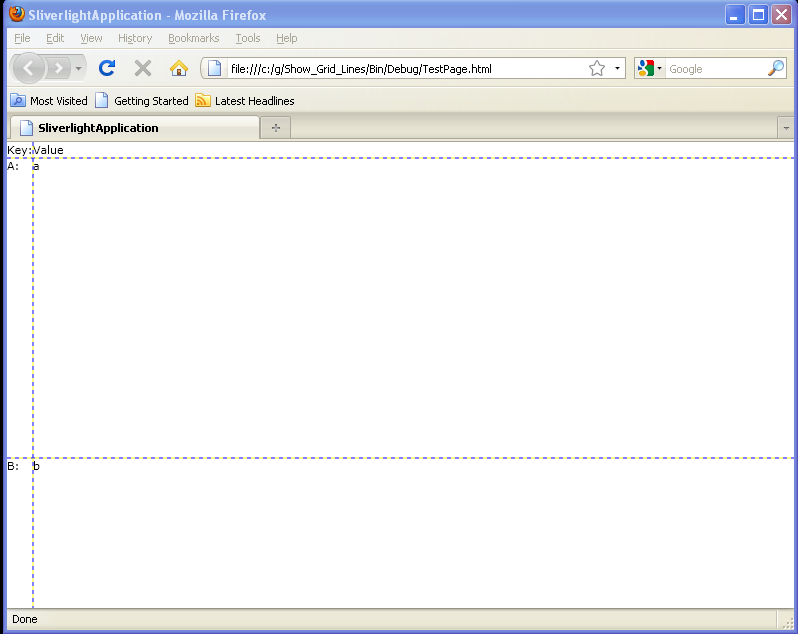
Show Grid Lines
16.
Multiple Items in a Grid Cell
17.
Grid in ScrollViewer
18.
Margin vs Padding and Grid
19.
ColumnDefinition.Width=Auto
20.
Bind to Grid Width and Height
21.
Set Row and Column Index when Adding Buttons to Grid
22.
Put more than one Object to one Grid Cell
23.
Set Column and Row index when adding Controls to a Grid
24.
Empty RowDefinition and ColumnDefinition
25.
Use the Grid element to create a standard user interface (UI) dialog box.
26.
Place and size rectangles and ellipses in Grid cells
27.
Use Image as the Grid background
28.
Automatic Width and Height
29.
Layout Controls with Grid in code
30.
Set control to specific row and column in code
31.
Show Grid lines in code
32.
A basic Grid using star sizing.
33.
A basic Grid using auto sizing
34.
The basic syntax of a Grid
35.
Arranging content within a Grid
36.
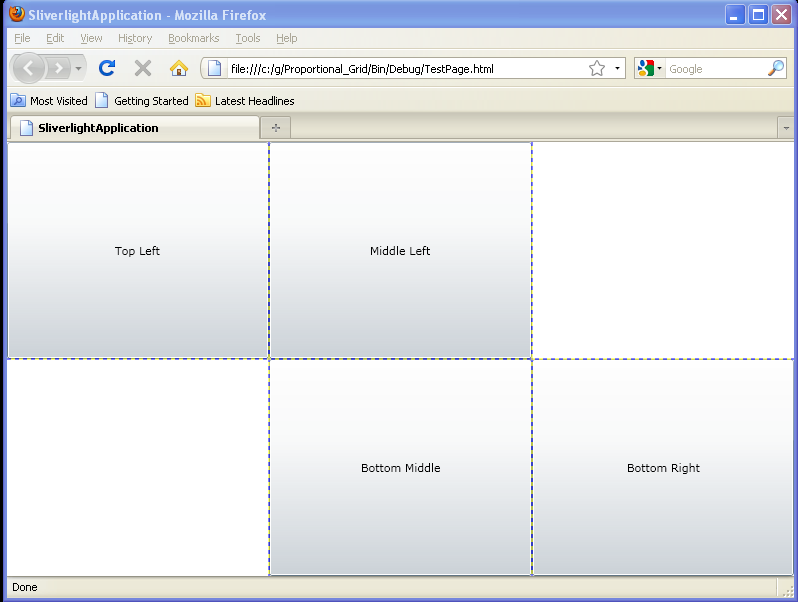
Proportional Grid
37.
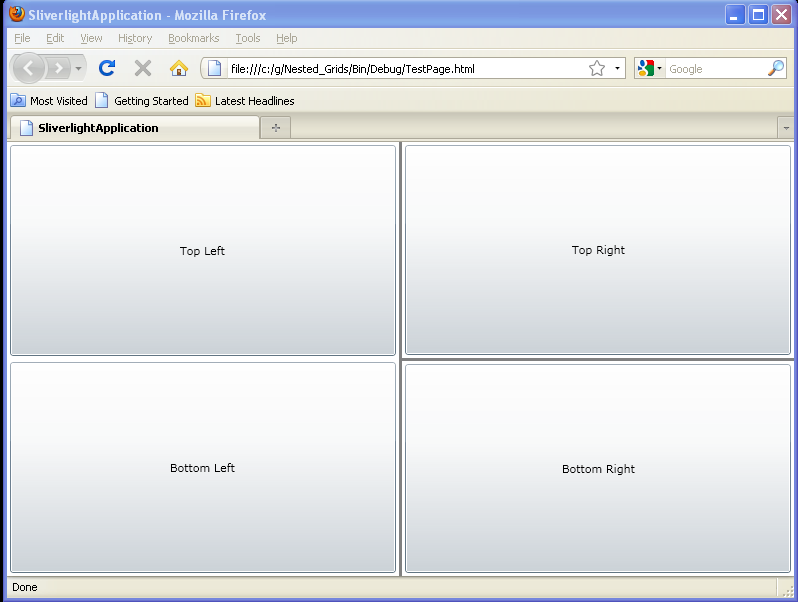
Nested Grids
38.
Grid cell stretch mode
39.
Programmatically adding a row and a column while setting the height and width
40.
Programmatically removing a row and a column
41.
The basic syntax and usage of a GridSplitter
42.
Star sizing Grid
43.
Grid mouse button up event