Get the content from the rich text box. : RichTextBox « Windows Presentation Foundation « VB.Net

Home
VB.Net
1.2D
2.Application
3.Class
4.Data Structure
5.Data Types
6.Database ADO.net
7.Date Time
8.Development
9.Event
10.File Directory
11.Generics
12.GUI
13.Internationalization I18N
14.Language Basics
15.LINQ
16.Network Remote
17.Reflection
18.Security
19.Thread
20.Windows Presentation Foundation
21.Windows System
22.XML
23.XML LINQ
VB.Net » Windows Presentation Foundation » RichTextBoxScreenshots 
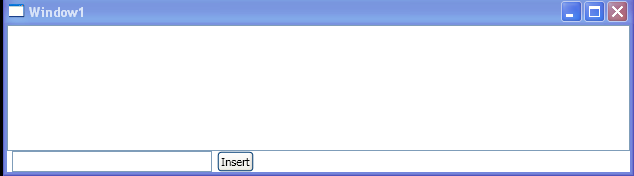
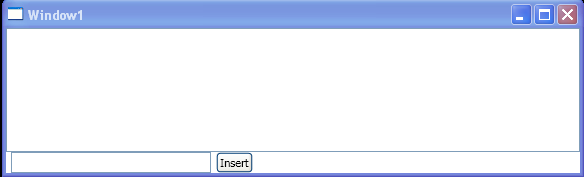
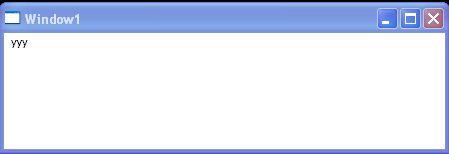
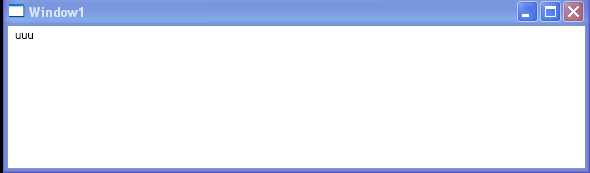
Get the content from the rich text box.
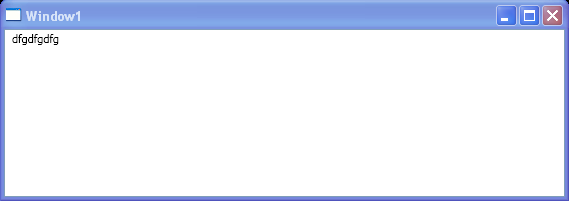
   

<Window x:Class="WpfApplication1.Window1"
  xmlns="http://schemas.microsoft.com/winfx/2006/xaml/presentation"
  xmlns:x="http://schemas.microsoft.com/winfx/2006/xaml"
  Title="Window1" Height="600" Width="800">
  <Grid>
    <RichTextBox x:Name="rtbTextContent" TextChanged="RichTextBox_TextChanged" />
  </Grid>
</Window>
//File:Window.xaml.vb
Imports System.Windows
Imports System.Windows.Controls
Imports System.Windows.Documents
Imports System.Windows.Media

Namespace WpfApplication1

  Public Partial Class Window1
    Inherits Window
    Public Sub New()
      InitializeComponent()
    End Sub

    Private Sub RichTextBox_TextChanged(sender As Object, e As TextChangedEventArgs)

      Dim textRange As New TextRange(rtbTextContent.Document.ContentStart, rtbTextContent.Document.ContentEnd)
      RemoveHandler rtbTextContent.TextChanged, AddressOf RichTextBox_TextChanged
      textRange.ClearAllProperties()
      ApplyFormatting()
      AddHandler rtbTextContent.TextChanged, AddressOf RichTextBox_TextChanged
    End Sub

    Private Sub ApplyFormatting()
      Dim tp As TextPointer = rtbTextContent.Document.ContentStart
      tp = FindNextString(tp)

      Dim textRangeEnd As TextPointer = tp.GetPositionAtOffset(1, LogicalDirection.Forward)

      Dim tokenTextRange As New TextRange(tp, tp.GetPositionAtOffset(1, LogicalDirection.Forward))

      tokenTextRange.ApplyPropertyValue(TextElement.ForegroundProperty, Brushes.Blue)
    End Sub

    Private Function FindNextString(tp As TextPointerAs TextPointer
      Dim buffer As Char() = New Char(0) {}
      tp.GetTextInRun(LogicalDirection.Forward, buffer, 01)
      Return tp
    End Function
  End Class
End Namespace


Related examples in the same category
1.Programmatically Insert Text into a RichTextBoxProgrammatically Insert Text into a RichTextBox
2.Get selected text from RichTextBox by using RichTextBox.Selection.TextGet selected text from RichTextBox by using RichTextBox.Selection.Text
3.Get Caret Position in a RichTextBox by using RichTextBox.CaretPosition.GetPositionAtOffsetGet Caret Position in a RichTextBox by using RichTextBox.CaretPosition.GetPositionAtOffset
4.Add / Remove TextChanged event for RichTextBoxAdd / Remove TextChanged event for RichTextBox
5.Clear any formatting applied to the text with TextRange.ClearAllProperties();Clear any formatting applied to the text with TextRange.ClearAllProperties();
6.Apply Syntax Highlighting in a Text ControlApply Syntax Highlighting in a Text Control
7.Select all text from RichTextBox and cutSelect all text from RichTextBox and cut
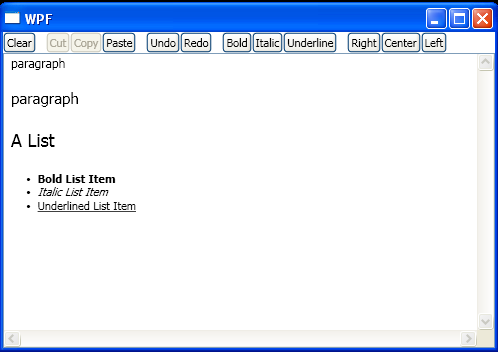
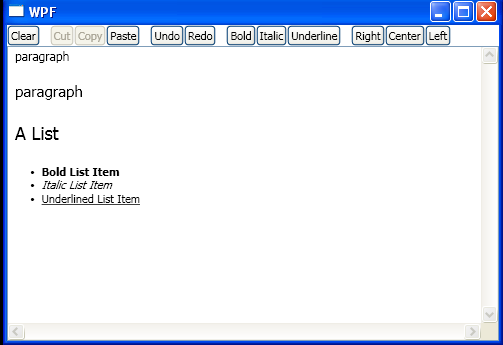
8.Use Application Command to edit RichTextBoxUse Application Command to edit RichTextBox
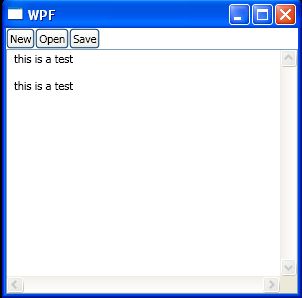
9.Load or Save the Content of a RichTextBoxLoad or Save the Content of a RichTextBox
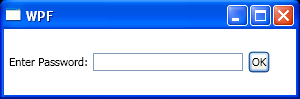
10.Display a Password Entry Box and get the inputDisplay a Password Entry Box and get the input
java2s.com  | Contact Us | Privacy Policy
Copyright 2009 - 12 Demo Source and Support. All rights reserved.
All other trademarks are property of their respective owners.