Home
Java Tutorial
Language
Data Type
Operators
Statement Control
Class Definition
Development
Reflection
Regular Expressions
Collections
Thread
File
Generics
I18N
Swing
Swing Event
2D Graphics
SWT
SWT 2D Graphics
Network
Database
Hibernate
JPA
JSP
JSTL
Servlet
Web Services SOA
EJB3
Spring
PDF
Email
J2ME
J2EE Application
XML
Design Pattern
Log
Security
Apache Common
Ant
JUnit
JTextField « Swing « Java Tutorial
Java Tutorial
Swing
JTextField
14.15.JTextField
14.15.1.
Make a Text Field two columns wide
14.15.2.
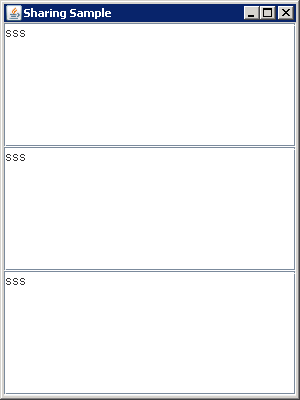
Sharing Data Models between two JTextField
14.15.3.
Adding ActionListener to JTextField
14.15.4.
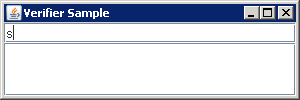
Verifying Input During Focus Traversal
14.15.5.
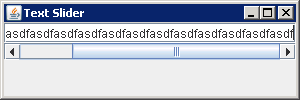
JTextField with a JScrollBar for Scrolling
14.15.6.
Horizontal Alignment
14.15.7.
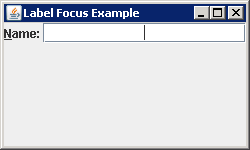
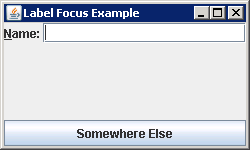
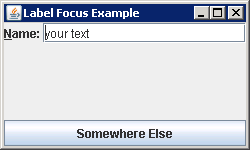
Using JLabel Mnemonics: Interconnect a specific JLabel and JTextField
14.15.8.
To make sure that the end of the contents is visible
14.15.9.
Use the write() method to write the contents
14.15.10.
Drag and drop Text Demo
14.15.11.
Using Actions with Text Components: JTextField
14.15.12.
HighLight painter and JTextField
14.15.13.
Limit JTextField input to a maximum length
14.15.14.
Apply special filter to a JTextField
14.15.15.
Format JTextField's text to uppercase
14.15.16.
Add key listener event handler to JTextField
14.15.17.
Right justified JTextfield content
14.15.18.
Set the focus on a particular JTextField
14.15.19.
Customizing a JTextField Look and Feel
14.15.20.
Cut, paste, and copy in a JTextField
14.15.21.
Aligning the Text in a JTextField Component
14.15.22.
Based on JTextField content, enable or disable a JButton
14.15.23.
Subclass InputVerfier
14.15.24.
extends JTextField to create integer JTextField