Home
Java Tutorial
Language
Data Type
Operators
Statement Control
Class Definition
Development
Reflection
Regular Expressions
Collections
Thread
File
Generics
I18N
Swing
Swing Event
2D Graphics
SWT
SWT 2D Graphics
Network
Database
Hibernate
JPA
JSP
JSTL
Servlet
Web Services SOA
EJB3
Spring
PDF
Email
J2ME
J2EE Application
XML
Design Pattern
Log
Security
Apache Common
Ant
JUnit
JList « Swing « Java Tutorial
Java Tutorial
Swing
JList
14.40.JList
14.40.1.
JList
14.40.2.
Creating JList Components
14.40.3.
Using JList
14.40.4.
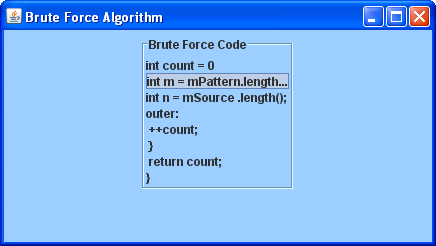
A container for pseud code
14.40.5.
Storing value in Vector and adding them into JList
14.40.6.
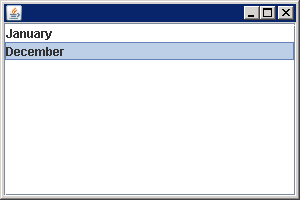
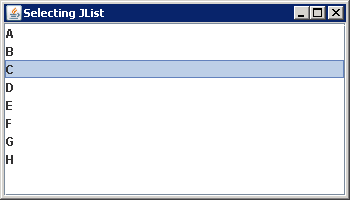
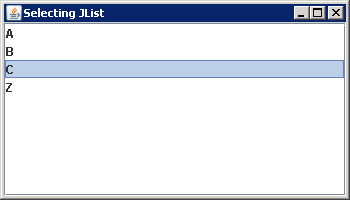
Set selected index
14.40.7.
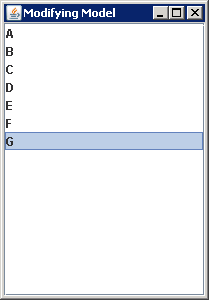
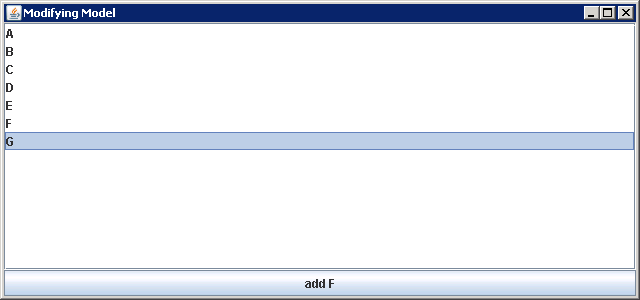
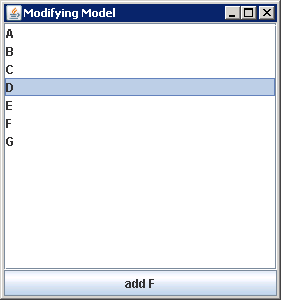
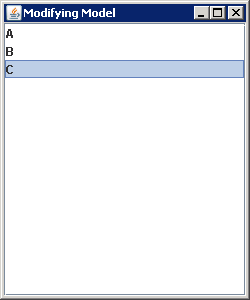
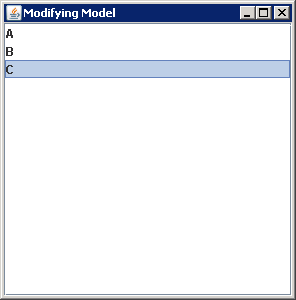
Modifying the Data Model
14.40.8.
Using DefaultListModel to control the Data in a JList
14.40.9.
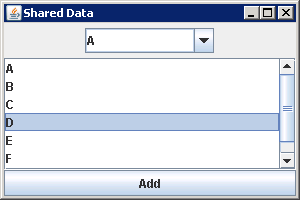
Sharing the Data Model for a JComboBox and JList
14.40.10.
Using a Custom Data Model
14.40.11.
Listening to JList Events with a ListSelectionListener
14.40.12.
Using ListDataListener to listen to ListModel Events
14.40.13.
Selection event for double-clicking an item in the list
14.40.14.
public Point indexToLocation(int index): returning a Point as the origin of the provided index
14.40.15.
Setting the number of visible rows with setVisibleRowCount()
14.40.16.
To programmatically move the list to the top
14.40.17.
ListSelectionModel Modes
14.40.18.
Selection Methods
14.40.19.
To make multiple list selections, you can use the anchor and lead indices of the selection items.
14.40.20.
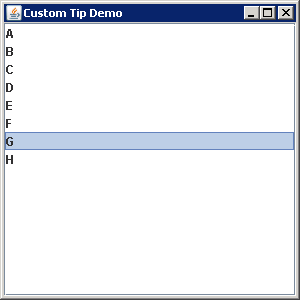
Adding Element-Level Tooltips to List Items
14.40.21.
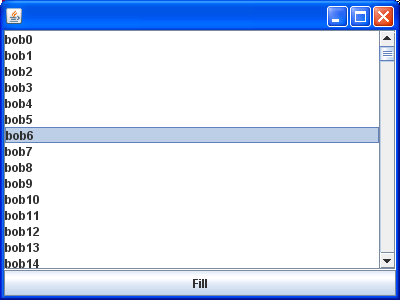
Bench mark for JList
14.40.22.
Customizing a JList Look and Feel
14.40.23.
Get index of first visible item
14.40.24.
Get index of last visible item
14.40.25.
Arranging Items in a JList Component
14.40.26.
Setting a Tool Tip for an Item in a JList Component
14.40.27.
Detecting Double and Triple Clicks on an Item in a JList Component
14.40.28.
Methods are used to find an item
14.40.29.
Use drag and drop to reorder a list
14.40.30.
These methods can be used to find the range of visible items