Home
Java Tutorial
Language
Data Type
Operators
Statement Control
Class Definition
Development
Reflection
Regular Expressions
Collections
Thread
File
Generics
I18N
Swing
Swing Event
2D Graphics
SWT
SWT 2D Graphics
Network
Database
Hibernate
JPA
JSP
JSTL
Servlet
Web Services SOA
EJB3
Spring
PDF
Email
J2ME
J2EE Application
XML
Design Pattern
Log
Security
Apache Common
Ant
JUnit
BoxLayout « Swing « Java Tutorial
Java Tutorial
Swing
BoxLayout
14.87.BoxLayout
14.87.1.
Using a BoxLayout Manager
14.87.2.
Creating a BoxLayout
14.87.3.
A Simple BoxLayout Test
14.87.4.
Struts and Glue
14.87.5.
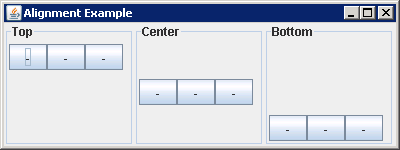
Y-Axis Alignment
14.87.6.
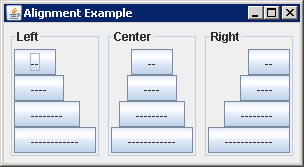
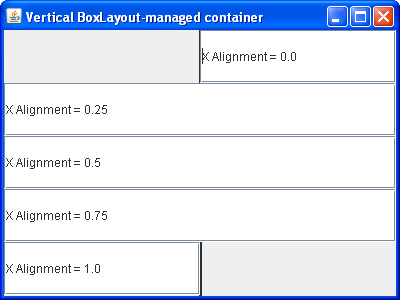
X-Axis Alignment
14.87.7.
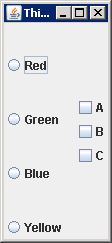
Drawing Borders Within a BoxLayout-Managed Container
14.87.8.
Separating Components in a Row or Column
14.87.9.
Glue spreads the components as far apart as possible.
14.87.10.
Strut spreads the components apart by a fixed distance
14.87.11.
Laying Out Components in a Row or Column
14.87.12.
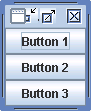
A vertical box container arranges the components top-to-bottom aligned in their preferred sizes.
14.87.13.
Vertical BoxLayout-managed container
14.87.14.
Align your components in horizontal or vertical layout
14.87.15.
BoxLayout: set a rigid area among our components.