Home
Java Tutorial
Language
Data Type
Operators
Statement Control
Class Definition
Development
Reflection
Regular Expressions
Collections
Thread
File
Generics
I18N
Swing
Swing Event
2D Graphics
SWT
SWT 2D Graphics
Network
Database
Hibernate
JPA
JSP
JSTL
Servlet
Web Services SOA
EJB3
Spring
PDF
Email
J2ME
J2EE Application
XML
Design Pattern
Log
Security
Apache Common
Ant
JUnit
Look and Feel « Swing « Java Tutorial
Java Tutorial
Swing
Look and Feel
14.119.Look and Feel
14.119.1.
LookAndFeel Introduction
14.119.2.
Listing the names of the look-and-feel classes that are installed with the JDK
14.119.3.
Changing the Look and Feel to MotifLookAndFeel
14.119.4.
Install Cross Platform Look And Feel
14.119.5.
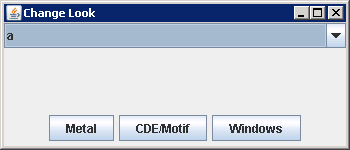
Changing the Look and Feel
14.119.6.
Get the system look and feel
14.119.7.
Start up a program from the command line with a new look and feel.
14.119.8.
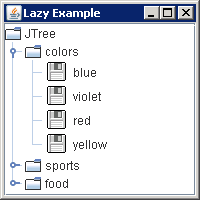
Late loading of icon image files: public Object makeIcon(Class baseClass, String imageFile).
14.119.9.
Windows look and feel in Java 6
14.119.10.
Default look and feel can be set in a file called 'swing.properties' located in the '
/lib' directory.
14.119.11.
Demonstrating the new GTK look and feel