Customizing JInternalFrame.DesktopIcon Look and Feel : JInternalFrame « Swing « Java Tutorial
| Property String | Object Type |
| DesktopIcon.background | Color |
| DesktopIcon.border | Border |
| DesktopIcon.font | Font |
| DesktopIcon.foreground | Color |
| DesktopIcon.icon | Icon |
| DesktopIcon.width | Integer |
| DesktopIcon.windowBindings | Object[ ] |
| DesktopIconUI | String |
| 14.53.JInternalFrame | ||||
| 14.53.1. | Rules of Using Internal Frames | |||
| 14.53.2. | JInternalFrame style: Not Resizable, Not Closable, Not Maximizable, Not Iconifiable | 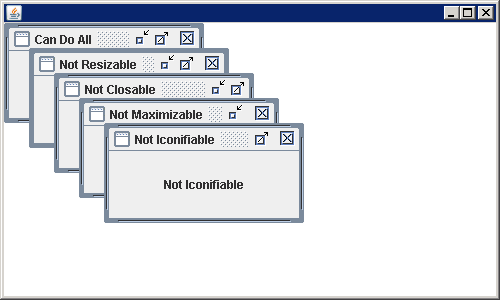 | ||
| 14.53.3. | DragMode: JDesktopPane.OUTLINE_DRAG_MODE | 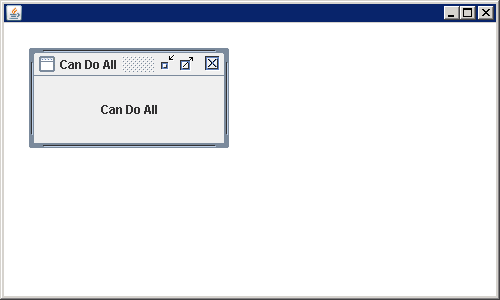 | ||
| 14.53.4. | JInternalFrame: JInternalFrame.isPalette | 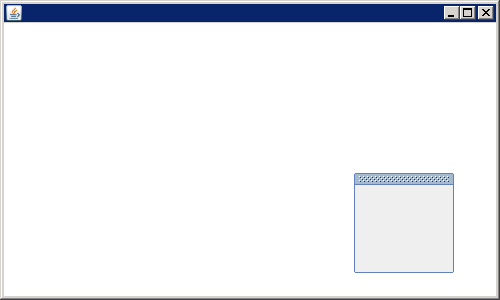 | ||
| 14.53.5. | Listening to InternalFrameListener | 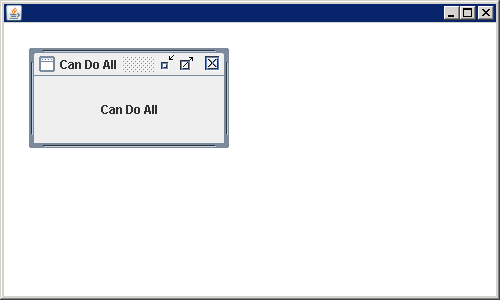 | ||
| 14.53.6. | JInternalFrame Property Constants | |||
| 14.53.7. | Demonstrating the use of the constants within a PropertyChangeListener. | 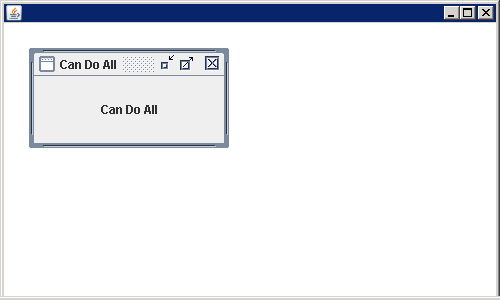 | ||
| 14.53.8. | Customizing a JInternalFrame Look and Feel | |||
| 14.53.9. | Customizing JInternalFrame.DesktopIcon Look and Feel | |||