import java.awt.Component;
import java.awt.Container;
import java.awt.GridLayout;
import java.awt.event.ActionEvent;
import java.awt.event.ActionListener;
import java.util.Enumeration;
import java.util.Vector;

import javax.swing.AbstractButton;
import javax.swing.ButtonGroup;
import javax.swing.JFrame;
import javax.swing.JPanel;
import javax.swing.JRadioButton;

public class JRadioButtonSelectedElements {
  public static void main(String args[]) {
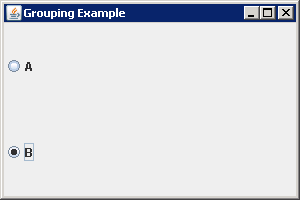
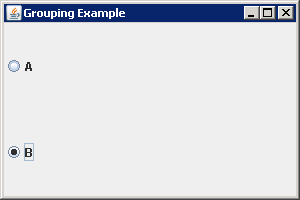
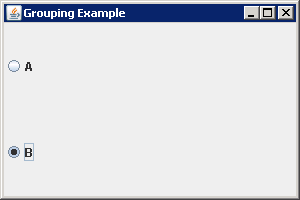
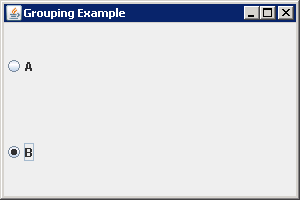
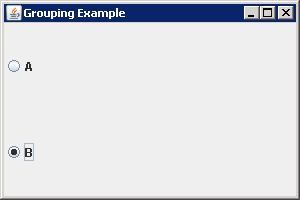
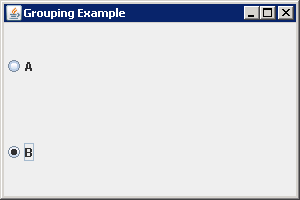
    JFrame frame = new JFrame("Grouping Example");
    frame.setDefaultCloseOperation(JFrame.EXIT_ON_CLOSE);

    JPanel panel = new JPanel(new GridLayout(0, 1));

    ButtonGroup group = new ButtonGroup();
    JRadioButton aRadioButton = new JRadioButton("A");
    JRadioButton bRadioButton = new JRadioButton("B");

    ActionListener crustActionListener = new ActionListener() {
      String lastSelected;

      public void actionPerformed(ActionEvent actionEvent) {
        AbstractButton aButton = (AbstractButton) actionEvent.getSource();
        String label = aButton.getText();
        String msgStart;
        if (label.equals(lastSelected)) {
          msgStart = "Reselected: ";
        } else {
          msgStart = "Selected: ";
        }
        lastSelected = label;
        System.out.println(msgStart + label);
      }
    };

    panel.add(aRadioButton);
    group.add(aRadioButton);
    panel.add(bRadioButton);
    group.add(bRadioButton);

    aRadioButton.addActionListener(crustActionListener);
    bRadioButton.addActionListener(crustActionListener);

    frame.add(panel);
    frame.setSize(300, 200);
    frame.setVisible(true);

    System.out.println(getSelectedElements(panel).hasMoreElements());
  }
  public static Enumeration<String> getSelectedElements(Container container) {
    Vector<String> selections = new Vector<String>();
    Component components[] = container.getComponents();
    for (int i=0, n=components.length; i<n; i++) {
      if (components[i] instanceof AbstractButton) {
        AbstractButton button = (AbstractButton)components[i];
        if (button.isSelected()) {
          selections.addElement(button.getText());
        }
      }
    }
    return selections.elements();
  }

}