Home
Java Tutorial
Language
Data Type
Operators
Statement Control
Class Definition
Development
Reflection
Regular Expressions
Collections
Thread
File
Generics
I18N
Swing
Swing Event
2D Graphics
SWT
SWT 2D Graphics
Network
Database
Hibernate
JPA
JSP
JSTL
Servlet
Web Services SOA
EJB3
Spring
PDF
Email
J2ME
J2EE Application
XML
Design Pattern
Log
Security
Apache Common
Ant
JUnit
Shell « SWT « Java Tutorial
Java Tutorial
SWT
Shell
17.4.Shell
17.4.1.
Understanding the Shell Object
17.4.2.
Creating Shells
17.4.3.
Open a shell minimized (iconified)
17.4.4.
Open a shell maximized (full screen)
17.4.5.
Center a shell on the primary monitor
17.4.6.
Set icons with different resolutions
17.4.7.
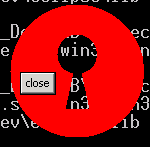
Create a non-rectangular window
17.4.8.
Create a non-rectangular shell to simulate transparency
17.4.9.
Create non-rectangular shell from an image with transparency
17.4.10.
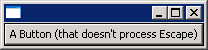
Allow escape to close a shell
17.4.11.
Prevent a shell from closing (prompt the user)
17.4.12.
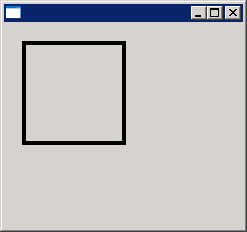
Create GC from Shell and paint on window
17.4.13.
Getting Controls on a shell
17.4.14.
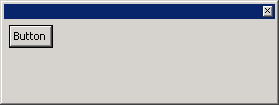
Set default Button for Shell
17.4.15.
Get Default Button
17.4.16.
Shell with SWT.SHELL_TRIM|SWT.TOOL style
17.4.17.
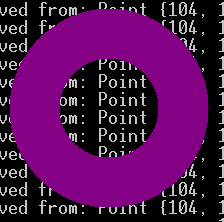
Ring Shell
17.4.18.
Set left upper corner image
17.4.19.
Shell without Title bar
17.4.20.
ON_TOP: This style bit causes the shell to always float on the top of the desktop.
17.4.21.
SHELL_TRIM = (CLOSE | TITLE | MIN | MAX | RESIZE): top-level shells.
17.4.22.
DIALOG_TRIM = (CLOSE | TITLE | BORDER): dialog shells.
17.4.23.
The modal state of shells: APPLICATION_MODAL, MODELESS, PRIMARY_MODAL, SYSTEM_MODAL
17.4.24.
TOOL: the shell is a tool window(floating toolbars)
17.4.25.
Shell States
17.4.26.
Setting the Title