Home
Java Tutorial
Language
Data Type
Operators
Statement Control
Class Definition
Development
Reflection
Regular Expressions
Collections
Thread
File
Generics
I18N
Swing
Swing Event
2D Graphics
SWT
SWT 2D Graphics
Network
Database
Hibernate
JPA
JSP
JSTL
Servlet
Web Services SOA
EJB3
Spring
PDF
Email
J2ME
J2EE Application
XML
Design Pattern
Log
Security
Apache Common
Ant
JUnit
Button « SWT « Java Tutorial
Java Tutorial
SWT
Button
17.9.Button
17.9.1.
Introducing Button and Button Styles
17.9.2.
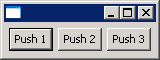
Push Button
17.9.3.
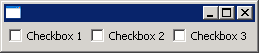
CheckBox Button
17.9.4.
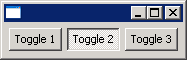
Toggle Button
17.9.5.
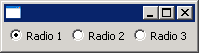
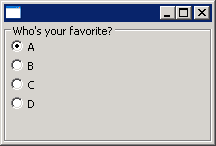
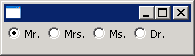
RadioButton
17.9.6.
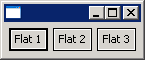
FlatButton
17.9.7.
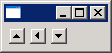
ArrowButton
17.9.8.
Add Radio Buttons to a Group
17.9.9.
Select a Radio Button
17.9.10.
Setting Button selection
17.9.11.
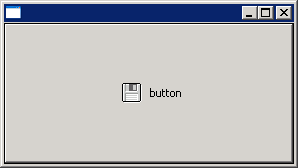
Add Image to Button
17.9.12.
Add Radio Buttons to a Composite to form a group
17.9.13.
LEFT, RIGHT, CENTER: These three styles specify the text/image alignment in buttons.
17.9.14.
To get and set a button's text label
17.9.15.
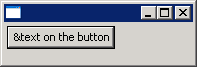
You can include the mnemonic character in the text label.
17.9.16.
To escape the mnemonic character &, you can double it and a single '&' will be displayed.
17.9.17.
Set the alignment of the text/image label of a button