• Home
  • Java Tutorial
  • Language
  • Data Type
  • Operators
  • Statement Control
  • Class Definition
  • Development
  • Reflection
  • Regular Expressions
  • Collections
  • Thread
  • File
  • Generics
  • I18N
  • Swing
  • Swing Event
  • 2D Graphics
  • SWT
  • SWT 2D Graphics
  • Network
  • Database
  • Hibernate
  • JPA
  • JSP
  • JSTL
  • Servlet
  • Web Services SOA
  • EJB3
  • Spring
  • PDF
  • Email
  • J2ME
  • J2EE Application
  • XML
  • Design Pattern
  • Log
  • Security
  • Apache Common
  • Ant
  • JUnit

ToolBar « SWT « Java Tutorial


  1. Java Tutorial
  2. SWT
  3. ToolBar
17.64.ToolBar
17.64.1.ToolBar Constants
17.64.2.A toolbar can be horizontal or vertical.
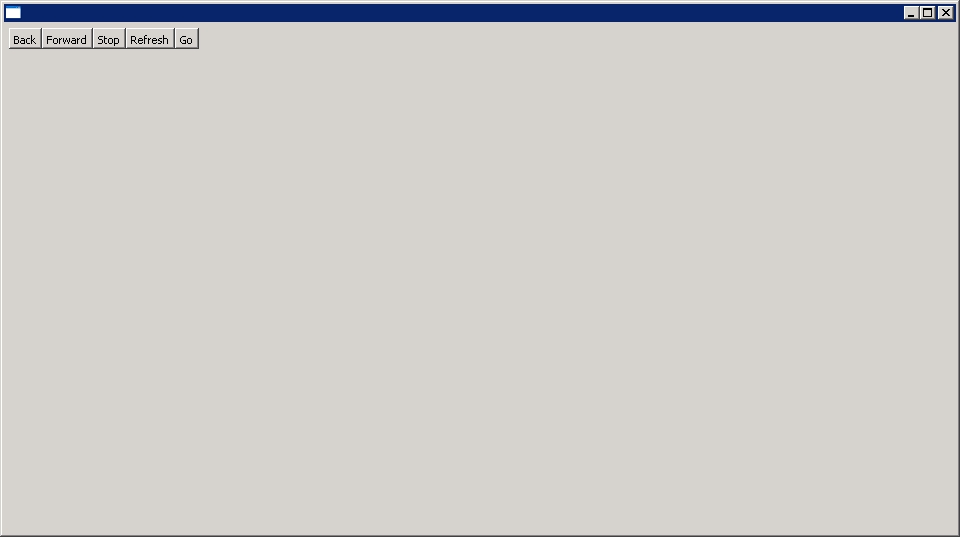
17.64.3.Add Buttons to ToolBarAdd Buttons to ToolBar
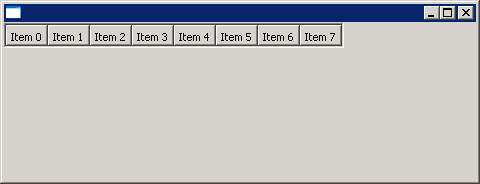
17.64.4.Add ToolItem to ToolBarAdd ToolItem to ToolBar
17.64.5.ToolBar: create tool bar with normal, hot and disabled images.ToolBar: create tool bar with normal, hot and disabled images.
17.64.6.ToolBar: wrap on resizeToolBar: wrap on resize
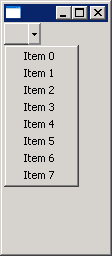
17.64.7.Place a drop down menu in a tool barPlace a drop down menu in a tool bar
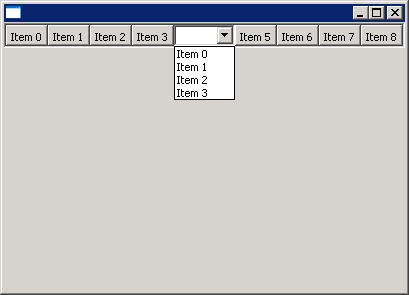
17.64.8.Add a combo box in a tool barAdd a combo box in a tool bar

java2s.com  | © Demo Source and Support. All rights reserved.