Using the Clipboard : StyledText « SWT « Java Tutorial

Home
Java Tutorial
1.Language
2.Data Type
3.Operators
4.Statement Control
5.Class Definition
6.Development
7.Reflection
8.Regular Expressions
9.Collections
10.Thread
11.File
12.Generics
13.I18N
14.Swing
15.Swing Event
16.2D Graphics
17.SWT
18.SWT 2D Graphics
19.Network
20.Database
21.Hibernate
22.JPA
23.JSP
24.JSTL
25.Servlet
26.Web Services SOA
27.EJB3
28.Spring
29.PDF
30.Email
31.J2ME
32.J2EE Application
33.XML
34.Design Pattern
35.Log
36.Security
37.Apache Common
38.Ant
39.JUnit
Java Tutorial » SWT » StyledText 
17.42.3.Using the ClipboardPrevious/Next
Using the Clipboard
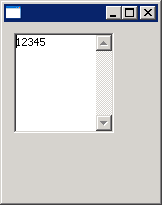
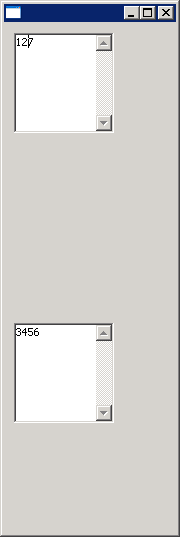
import org.eclipse.swt.SWT;
import org.eclipse.swt.custom.StyledText;
import org.eclipse.swt.widgets.Display;
import org.eclipse.swt.widgets.Shell;

public class StyledTextClipboard {
  public static void main(String[] args) {
    final Display display = new Display();
    final Shell shell = new Shell(display);

    StyledText text1 = new StyledText(shell, SWT.V_SCROLL | SWT.WRAP | SWT.BORDER);
    StyledText text2 = new StyledText(shell, SWT.V_SCROLL | SWT.WRAP | SWT.BORDER);

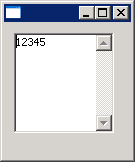
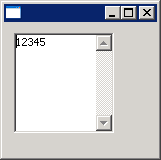
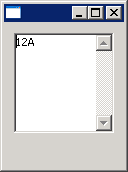
    text1.setText("1234567");
    
    text1.setSelectionRange(2,4);
    
    text1.cut();
    text2.paste();
    
    text1.setBounds(10,10,100,100);
    
    text2.setBounds(10,300,100,100);
    
    shell.open();
    while (!shell.isDisposed()) {
      if (!display.readAndDispatch()) {
        display.sleep();
      }
    }
    display.dispose();

  }
}
17.42.StyledText
17.42.1.Creating a StyledText Widget
17.42.2.Create a StyledText that scrolls vertically, wraps text, and displays a border:Create a StyledText that scrolls vertically, wraps text, and displays a border:
17.42.3.Using the ClipboardUsing the Clipboard
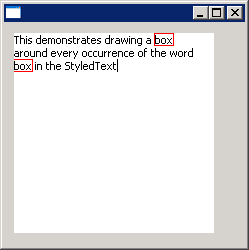
17.42.4.Draw a box around textDraw a box around text
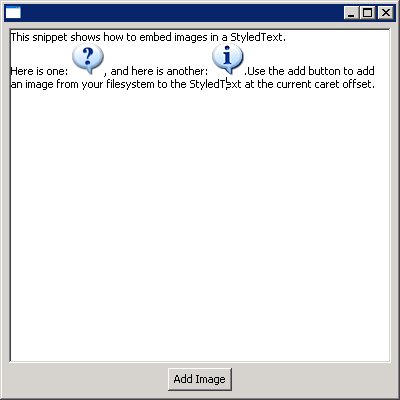
17.42.5.StyledText: embed imagesStyledText: embed images
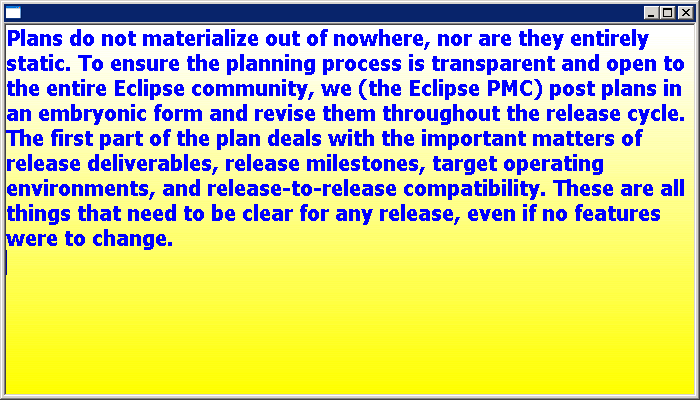
17.42.6.StyledText: use gradient backgroundStyledText: use gradient background
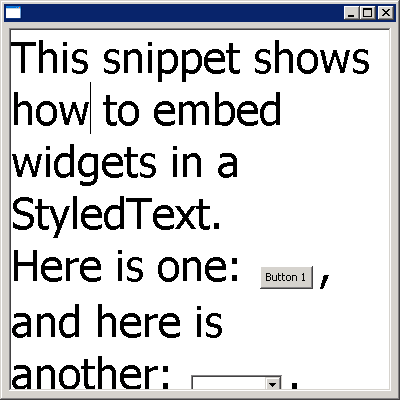
17.42.7.StyledText: embed controlsStyledText: embed controls
17.42.8.Getting Statistics: Caret Offset, Total Lines of Text, Total Characters and Current LineGetting Statistics: Caret Offset, Total Lines of Text, Total Characters and Current Line
17.42.9.Print StyledText outPrint StyledText out
17.42.10.Print to the default printer in a separate thread
17.42.11.Set page format for printing
17.42.12.Make a StyledText read-only
17.42.13.Limit the number of characters that the StyledText acceptsLimit the number of characters that the StyledText accepts
17.42.14.Replace Text RangeReplace Text Range
17.42.15.Understanding the Repercussions
17.42.16.A simple editorA simple editor
java2s.com  | Contact Us | Privacy Policy
Copyright 2009 - 12 Demo Source and Support. All rights reserved.
All other trademarks are property of their respective owners.