| 19.8.INDEX |
| 19.8.1. | INDEX Uses an index to choose a value from a reference or array | 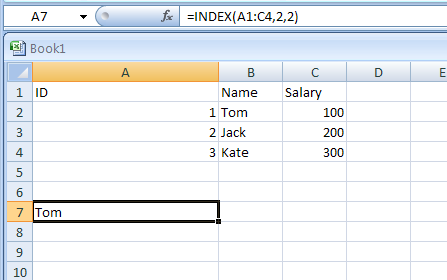 |
| 19.8.2. | =INDEX(B1:C4,2,1) gets the value at the intersection of the second row and first column in the range | 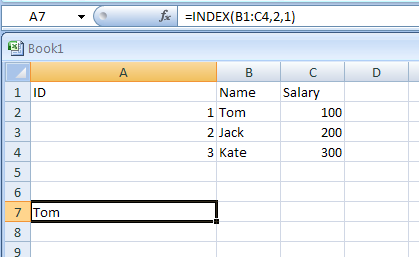 |
| 19.8.3. | =INDEX({1,2;3,4},0,2) returns the value in the first row, second column in the array constant | 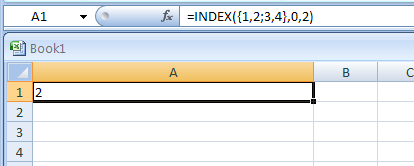 |
| 19.8.4. | =INDEX(A2:C6,2,3) gets the intersection of the second row and third column in the range A2:C6 | 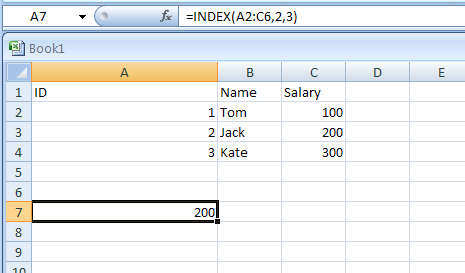 |
| 19.8.5. | =INDEX((A1:C6,A8:C11),2,2,2) gets the intersection of the second row and second column in the second area of A8:C11 | 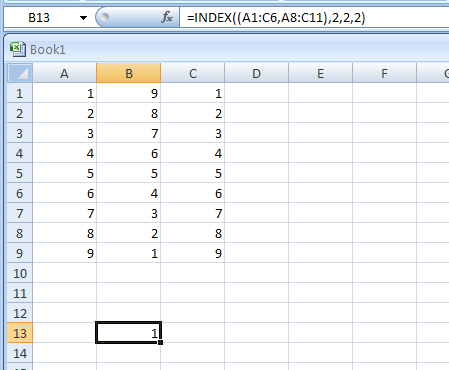 |
| 19.8.6. | =SUM(INDEX(A1:C11,0,3,1)) returns the sum of the third column in the first area of the range A1:C11 | 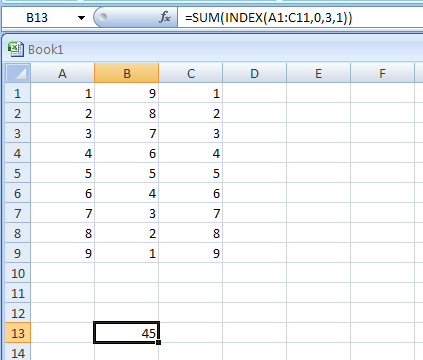 |
| 19.8.7. | =SUM(B2:INDEX(A2:C6,5,2)) sums the range starting at B2 and ends at the intersection of the fifth row and the second column of the range A2:A6 | 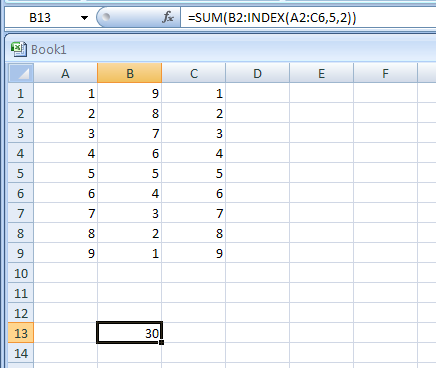 |