| 19.10.LOOKUP |
| 19.10.1. | LOOKUP looks up values from a one-row or one-column range or an array | 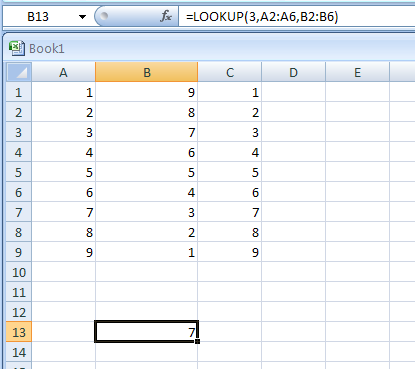 |
| 19.10.2. | =LOOKUP(5,A2:A6,B2:B6) looks up 5 in column A, matches the next smallest value (3), and returns the value from column B that's in the same row | 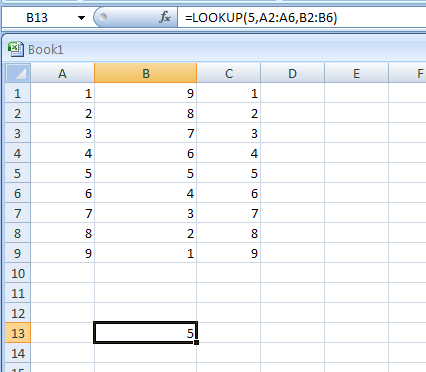 |
| 19.10.3. | =LOOKUP(6.66,A2:A6,B2:B6) looks up 6.66 in column A, matches the next smallest value, and returns the value from column B that's in the same row | 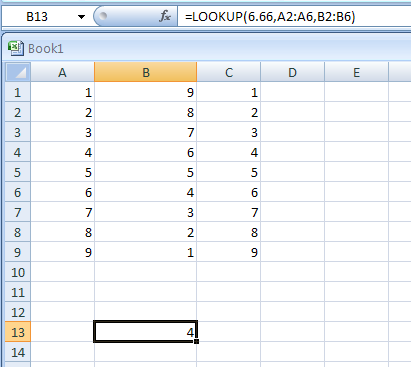 |
| 19.10.4. | =LOOKUP(0,A2:A6,B2:B6) looks up 0 in column A, and returns an error because 0 is less than the smallest value | 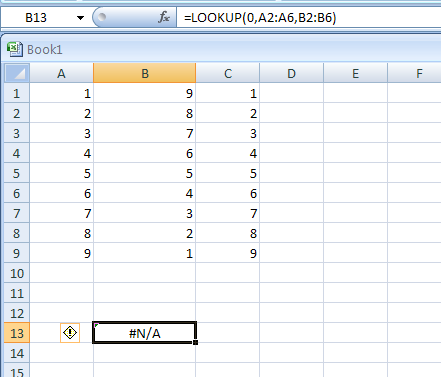 |
| 19.10.5. | LOOKUP(lookup_value,array) | 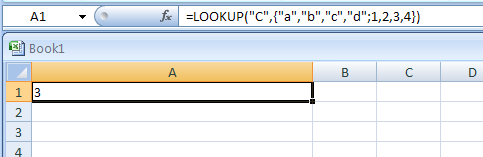 |
| 19.10.6. | =LOOKUP("abcd",{"a",1;"b",2;"c",3}) |  |
| 19.10.7. | =LOOKUP(A3,{3,6,7,8,9},{"F","D","C","B","A"}) | 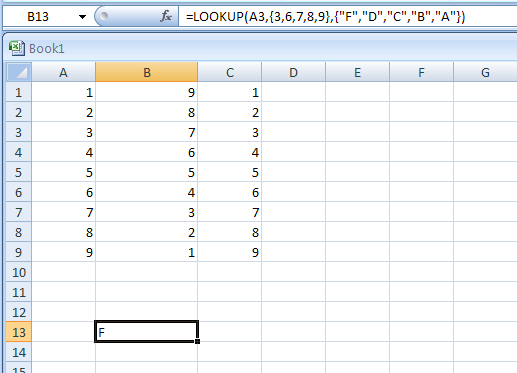 |
| 19.10.8. | =LOOKUP(A4,{0,70,73,77,80,83,87,90,93,97},{"F","D+","C-","C","C+","B-","B","B+","A-","A","A+"}) | 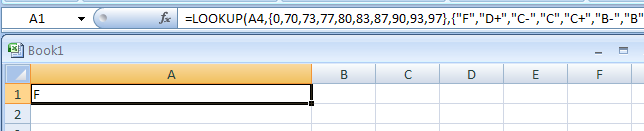 |