MID(text,start_num,num_chars), MIDB(text,start_num,num_bytes) returns a specific number of characters from a text string starting at the position : MID « Text functions « Microsoft Office Excel 2007 Tutorial
| 22.14.MID | ||||
| 22.14.1. | MID(text,start_num,num_chars), MIDB(text,start_num,num_bytes) returns a specific number of characters from a text string starting at the position | 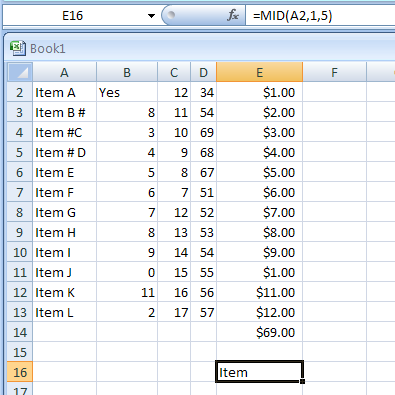 | ||
| 22.14.2. | =MIDB("ABCasdf",4,2) | 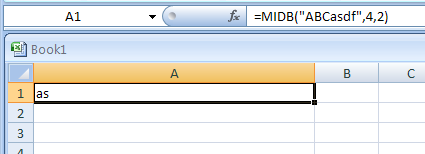 | ||