Regroup a Drawing : Group Ungroup « WordArt Picture Clip Art Shape « Microsoft Office PowerPoint 2007 Tutorial

Home
Microsoft Office PowerPoint 2007 Tutorial
1.Introduction
2.Editing Format
3.Slides
4.Chart Table
5.WordArt Picture Clip Art Shape
6.Add ins Macro ActiveX
Microsoft Office PowerPoint 2007 Tutorial » WordArt Picture Clip Art Shape » Group Ungroup 
5.4.3.Regroup a Drawing
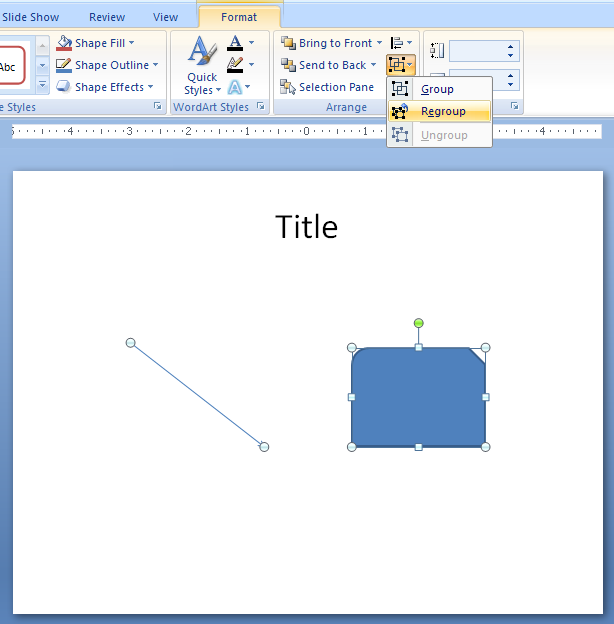
Select one of the objects in the group. 
       Click the Format tab under Drawing or Picture Tools. 
       Click the Group button, and then click Regroup.
Select one of the objects in the group. Click the Format tab under Drawing or Picture Tools. Click the Group button, and then click Regroup.
5.4.Group Ungroup
5.4.1.Group Objects TogetherGroup Objects Together
5.4.2.Ungroup a DrawingUngroup a Drawing
5.4.3.Regroup a DrawingRegroup a Drawing
java2s.com  | Contact Us | Privacy Policy
Copyright 2009 - 12 Demo Source and Support. All rights reserved.
All other trademarks are property of their respective owners.