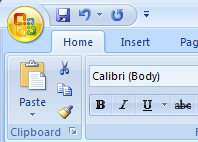
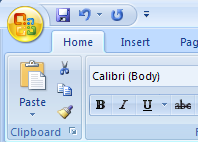
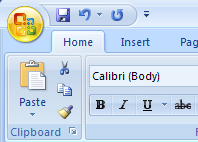
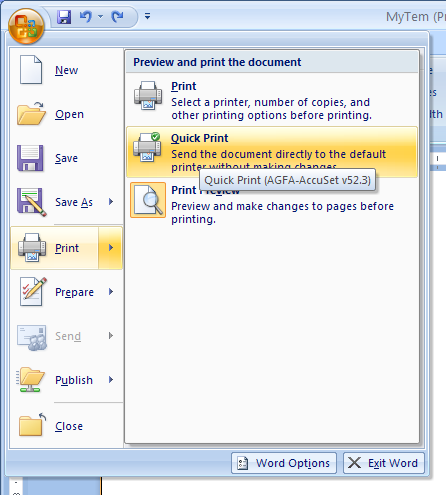
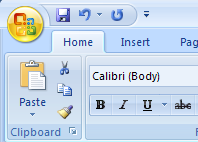
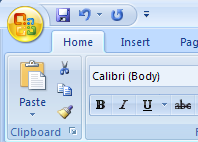
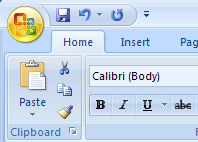
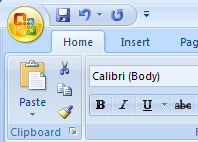
Click the Office button
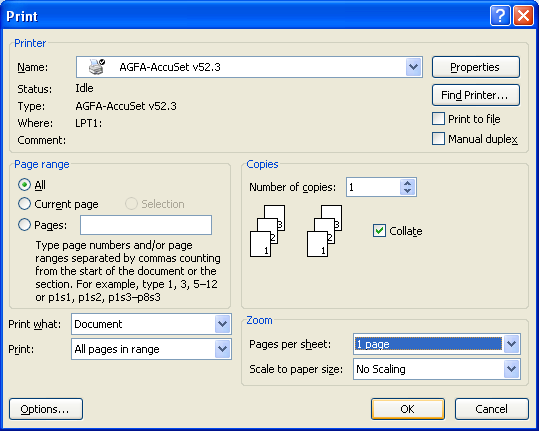
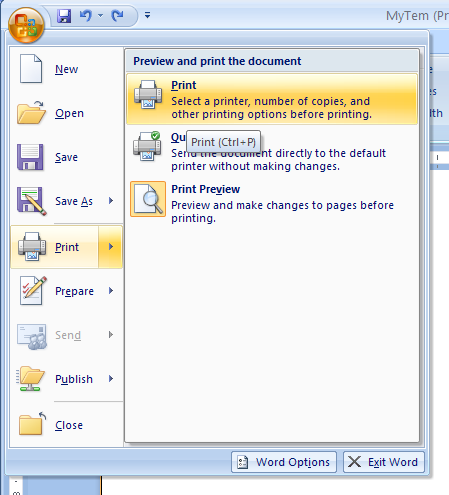
Then point to Print. Then click Print.
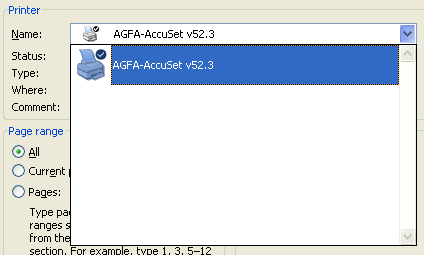
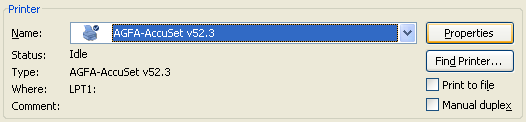
Click the Name list arrow, and then click the printer you want to use.
Click Properties to change printer properties.
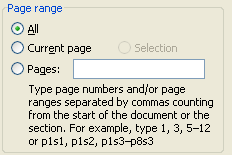
Specify to print the entire document or only the pages.
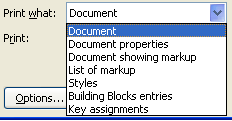
Select what to print:
          Document,
          Document properties,
          Document showing markup,
          List of markup,
          Styles,
          Building Block entries,
          or Key assignment.
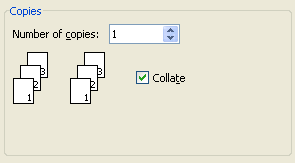
Set the Number of copies up or down arrow to specify the number of copies.
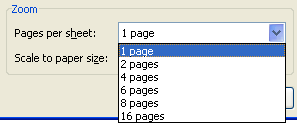
Specify the number of pages per sheet and the scale to paper size.
Click OK.