Home
Microsoft Office Word 2007 Tutorial
Introduction
Editing
Style Formatting
Shape Picture WordArt SmartArt Clip Art
Documentation
Table
Chart
Controls ActiveX Macro
Mail Merge
Security
Collaboration
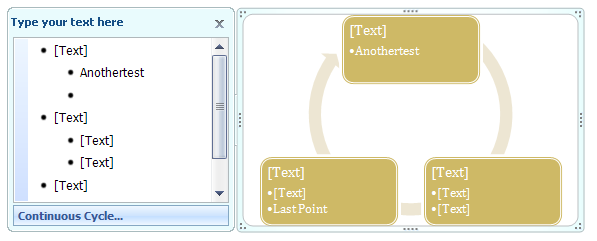
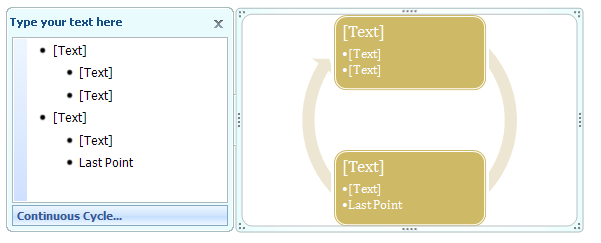
Resize the Text pane : SmartArt « Shape Picture WordArt SmartArt Clip Art « Microsoft Office Word 2007 Tutorial
Microsoft Office Word 2007 Tutorial
Shape Picture WordArt SmartArt Clip Art
SmartArt
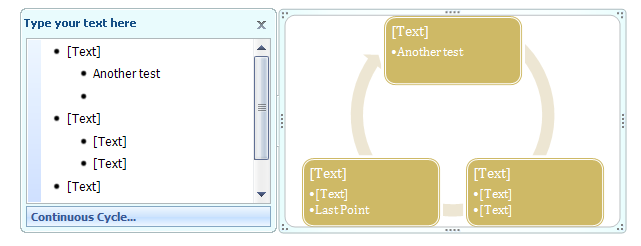
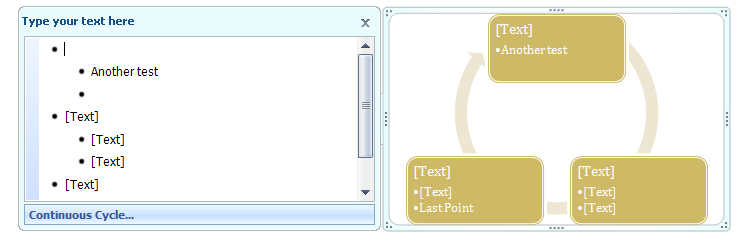
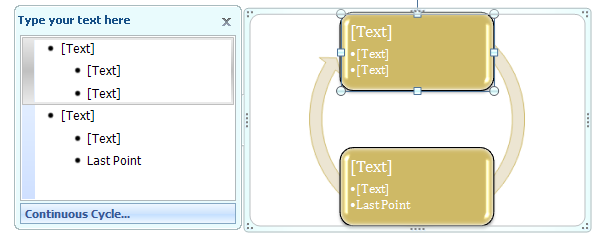
Point to any edge
Then drag to resize it.
4.4.SmartArt
4.4.1.
Create a SmartArt Graphic
4.4.2.
Edit a SmartArt Graphic
4.4.3.
Change a SmartArt diagram type
4.4.4.
SmartArt Graphic Purposes
4.4.5.
Show or Hide the Text Pane
4.4.6.
Resize the Text pane
4.4.7.
Remove a shape from a SmartArt graphic
4.4.8.
Apply a Quick Style to a SmartArt Graphic
4.4.9.
Change a Smart Graphic Orientation
4.4.10.
Change a SmartArt Graphic Layout
4.4.11.
Change a SmartArt Graphic Colors
4.4.12.
Add a Shape to a SmartArt Graphic
4.4.13.
Change Shapes in a SmartArt Graphic
4.4.14.
Reset a SmartArt graphic back to its original state
4.4.15.
Create an Organization Chart Using a SmartArt Graphic
4.4.16.
Add shapes from the Text pane
4.4.17.
Change the Layout or Apply a Quick Style to an Organization Chart
4.4.18.
Change organization chart lines to dotted lines
4.4.19.
Change the colors of an organization chart