Imports System.Drawing
Imports System.Drawing.Drawing2D
Imports System.Windows.Forms

public class DrawLineShape4
   public Shared Sub Main
        Application.Run(New Form1)
   End Sub
End class

Public Class Form1
    Inherits System.Windows.Forms.Form

    Public Sub New()
        MyBase.New()

        InitializeComponent()
    End Sub

    Protected Overloads Overrides Sub Dispose(ByVal disposing As Boolean)
        If disposing Then
            If Not (components Is Nothing) Then
                components.Dispose()
            End If
        End If
        MyBase.Dispose(disposing)
    End Sub

    Private components As System.ComponentModel.IContainer
    Friend WithEvents PictureBox1 As System.Windows.Forms.PictureBox
    Friend WithEvents Button1 As System.Windows.Forms.Button
    <System.Diagnostics.DebuggerStepThrough()> Private Sub InitializeComponent()
        Me.PictureBox1 = New System.Windows.Forms.PictureBox
        Me.Button1 = New System.Windows.Forms.Button
        Me.SuspendLayout()
        '
        'PictureBox1
        '
        Me.PictureBox1.BackColor = System.Drawing.SystemColors.Window
        Me.PictureBox1.BorderStyle = System.Windows.Forms.BorderStyle.Fixed3D
        Me.PictureBox1.Dock = System.Windows.Forms.DockStyle.Top
        Me.PictureBox1.Location = New System.Drawing.Point(0, 0)
        Me.PictureBox1.Name = "PictureBox1"
        Me.PictureBox1.Size = New System.Drawing.Size(488, 352)
        Me.PictureBox1.TabIndex = 0
        Me.PictureBox1.TabStop = False
        '
        'Button1
        '
        Me.Button1.Location = New System.Drawing.Point(8, 376)
        Me.Button1.Name = "Button1"
        Me.Button1.Size = New System.Drawing.Size(80, 24)
        Me.Button1.TabIndex = 1
        Me.Button1.Text = "Draw"
        '
        Me.AutoScaleBaseSize = New System.Drawing.Size(5, 13)
        Me.ClientSize = New System.Drawing.Size(488, 430)
        Me.Controls.Add(Me.Button1)
        Me.Controls.Add(Me.PictureBox1)
        Me.ResumeLayout(False)

    End Sub

    Dim pen1 As New System.Drawing.Pen(Color.Green, 1)
    Dim g As System.Drawing.Graphics

    Private Sub Button1_Click(ByVal sender As System.Object, ByVal e As System.EventArgs) Handles Button1.Click
        g = PictureBox1.CreateGraphics
        PictureBox1.Refresh()
        Dim x1, x2, y1, y2, r As Long
        r = 60
        Const pi = 3.1415926
        Dim x As Single
        Dim y, z As Double
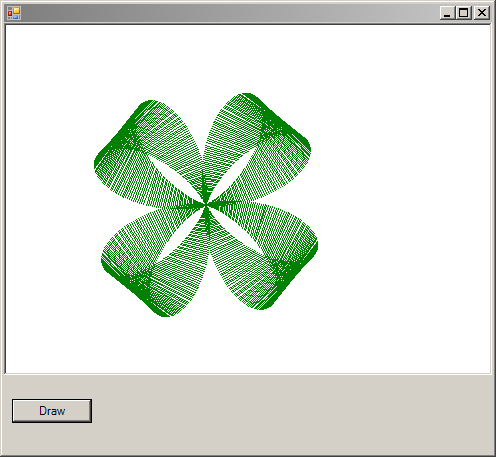
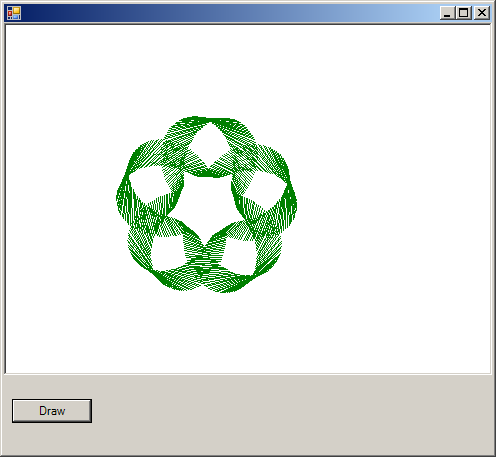
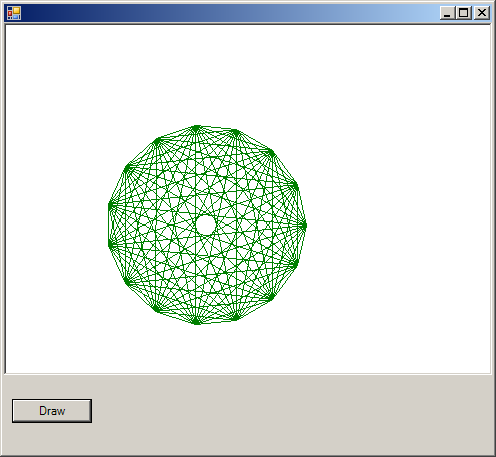
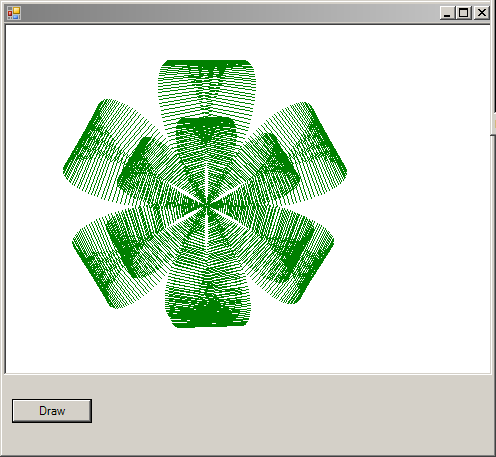
        For x = 0 To 4 * pi Step pi / 360
            y = r * (1 + 1 / 4 * Math.Cos(2.5 * x))
            z = y * (1 + Math.Sin(6 * x))
            x1 = 200 + z * Math.Cos(x)
            y1 = 180 - z * Math.Sin(x)
            x2 = 200 + z * Math.Cos(x + pi / 6)
            y2 = 180 - z * Math.Sin(x + pi / 6)
            g.DrawLine(pen1, x1, y1, x2, y2)
        Next
    End Sub

End Class