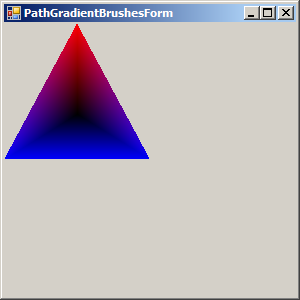
Triangular PathGradientBrush : PathGradientBrush « 2D Graphics « VB.Net Tutorial

VB.Net Tutorial
1. Language Basics
2. Data Type
3. Operator
4. Statements
5. Date Time
6. Class Module
7. Development
8. Collections
9. Generics
10. Attributes
11. Event
12. Stream File
13. GUI
14. GUI Applications
15. 2D Graphics
16. I18N Internationlization
17. Reflection
18. Regular Expressions
19. Security
20. Socket Network
21. Thread
22. Windows
23. XML
24. Database ADO.net
25. Design Patterns
Microsoft Office Word 2007 Tutorial
Java
Java Tutorial
Java Source Code / Java Documentation
Java Open Source
Jar File Download
Java Articles
Java Products
Java by API
C# / C Sharp
C# / CSharp Tutorial
ASP.Net
JavaScript DHTML
JavaScript Tutorial
JavaScript Reference
HTML / CSS
HTML CSS Reference
C / ANSI-C
C Tutorial
C++
C++ Tutorial
PHP
Python
SQL Server / T-SQL
Oracle PL / SQL
Oracle PL/SQL Tutorial
PostgreSQL
SQL / MySQL
MySQL Tutorial
VB.Net
VB.Net Tutorial » 2D Graphics » PathGradientBrush 
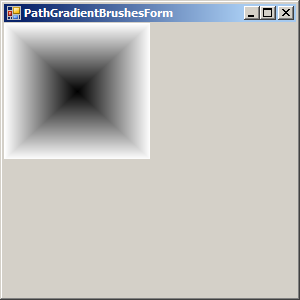
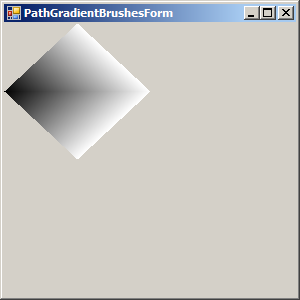
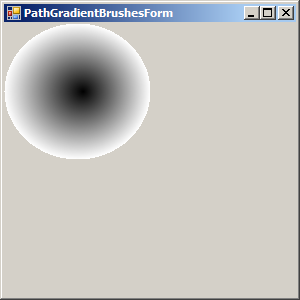
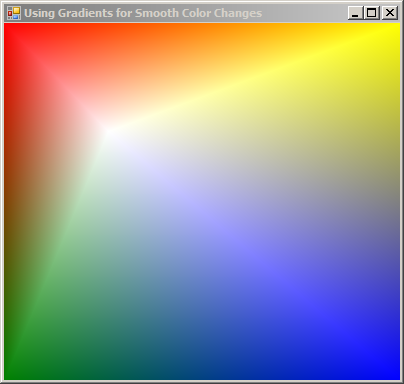
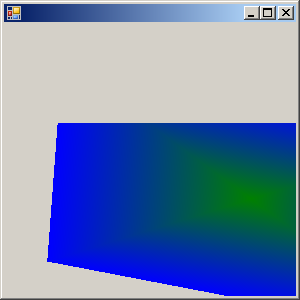
15. 58. 6. Triangular PathGradientBrush
Triangular PathGradientBrush
 

Imports System.Drawing.Text
Imports System.Drawing
Imports System.Drawing.Drawing2D
Imports System.Windows.Forms

public class PathGradientBrushTriangularPoints
   public Shared Sub Main
        Application.Run(New PathGradientBrushesForm)
   End Sub
End class

Public Class PathGradientBrushesForm
    Inherits System.Windows.Forms.Form

#Region " Windows Form Designer generated code "

    Public Sub New()
        MyBase.New()

        'This call is required by the Windows Form Designer.
        InitializeComponent()

        'Add any initialization after the InitializeComponent() call

    End Sub

    'Form overrides dispose to clean up the component list.
    Protected Overloads Overrides Sub Dispose(ByVal disposing As Boolean)
        If disposing Then
            If Not (components Is NothingThen
                components.Dispose()
            End If
        End If
        MyBase.Dispose(disposing)
    End Sub

    'Required by the Windows Form Designer
    Private components As System.ComponentModel.IContainer

    'NOTE: The following procedure is required by the Windows Form Designer
    'It can be modified using the Windows Form Designer.  
    'Do not modify it using the code editor.
    <System.Diagnostics.DebuggerStepThrough()Private Sub InitializeComponent()
        components = New System.ComponentModel.Container()
        Me.Text = "PathGradientBrushesForm"
    End Sub

#End Region


    Private Sub PathGradientBrushesForm_Paint(ByVal sender As Object, ByVal e As PaintEventArgsHandles MyBase.Paint
        Dim As Graphics = e.Graphics
        Dim width As Integer = Me.ClientRectangle.Width / 2
        Dim height As Integer = Me.ClientRectangle.Height / 2

        Dim triPoints As Point() = New Point() {New Point(width / 20), New Point(0, height), New Point(width, height)}
        Dim As PathGradientBrush = New PathGradientBrush(triPoints)
        b.SurroundColors = New Color() {Color.Red, Color.Blue}
        Dim As Integer = 0
        Dim As Integer = 0
        g.FillRectangle(b, x, y, width, height)

    End Sub

End Class
        
15. 58. PathGradientBrush
15. 58. 1. Create PathGradientBrushCreate PathGradientBrush
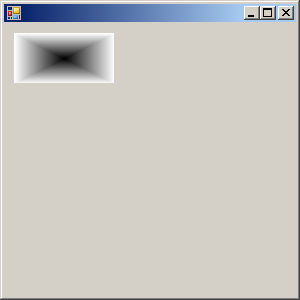
15. 58. 2. Fill a rectangle with PathGradientBrushFill a rectangle with PathGradientBrush
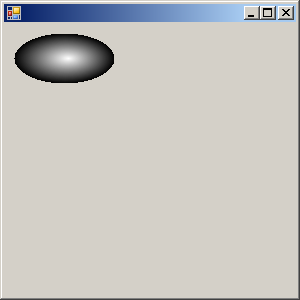
15. 58. 3. Fill an ellipse setting CenterColor and SurroundColorsFill an ellipse setting CenterColor and SurroundColors
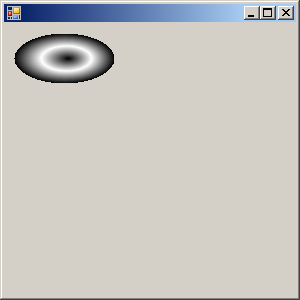
15. 58. 4. Fill an ellipse using SetBlendTriangularShapeFill an ellipse using SetBlendTriangularShape
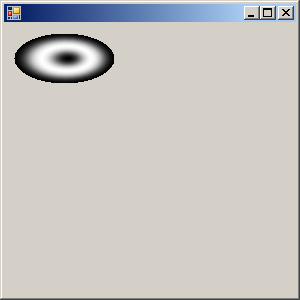
15. 58. 5. Fill an ellipse using SetSigmaBellShapeFill an ellipse using SetSigmaBellShape
15. 58. 6. Triangular PathGradientBrushTriangular PathGradientBrush
15. 58. 7. Quad PathGradientBrushQuad PathGradientBrush
15. 58. 8. Diamond PathGradientBrushDiamond PathGradientBrush
15. 58. 9. PathGradientBrush by GraphicsPathPathGradientBrush by GraphicsPath
15. 58. 10. PathGradientBrush and its SurroundColorsPathGradientBrush and its SurroundColors
15. 58. 11. Transform PathGradientBrushTransform PathGradientBrush
15. 58. 12. PathGradientBrush.SurroundColorsPathGradientBrush.SurroundColors
15. 58. 13. PathGradientBrush.BlendPathGradientBrush.Blend
15. 58. 14. PathGradientBrush.InterpolationColorsPathGradientBrush.InterpolationColors
w_w__w_.j_a_v_a_2___s___.__c___o__m_ | Contact Us
Copyright 2003 - 08 Demo Source and Support. All rights reserved.
All other trademarks are property of their respective owners.