Home
VB.Net
2D
Application
Class
Data Structure
Data Types
Database ADO.net
Date Time
Development
Event
File Directory
Generics
GUI
Internationalization I18N
Language Basics
LINQ
Network Remote
Reflection
Security
Thread
Windows Presentation Foundation
Windows System
XML
XML LINQ
ListBox « GUI « VB.Net
VB.Net
GUI
ListBox
1.
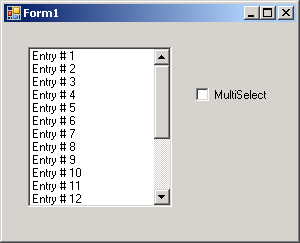
Toggling list box Selection Mode: select one or select more than one
2.
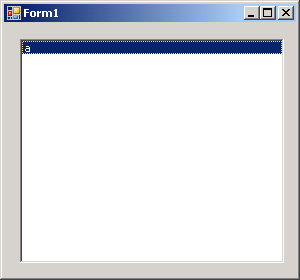
Draw selected Item in ListBox
3.
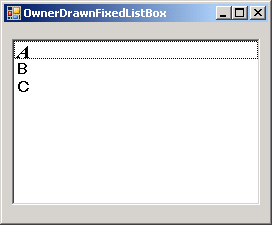
Owner Draw ListBox
4.
Add Item to ListBox
5.
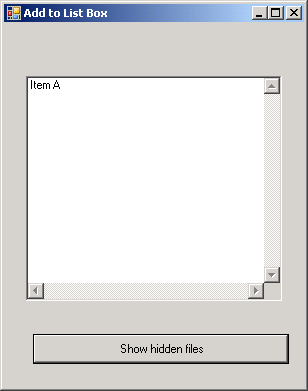
Add Item to a List Box by clicking a Button
6.
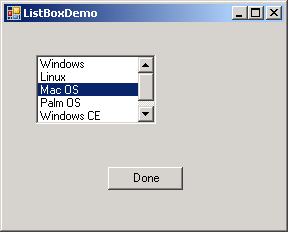
Get Selected Item from ListBox
7.
Add, remove and clear list box items
8.
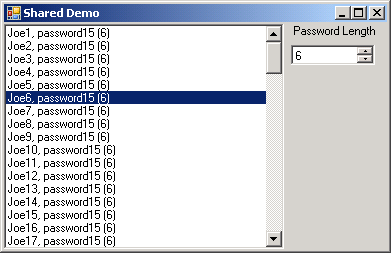
List Box and Spinner Demo
9.
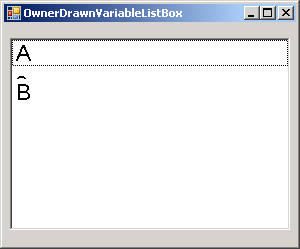
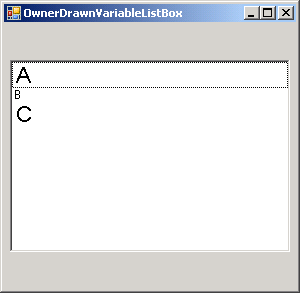
Customize ListBox Font and Item Height
10.
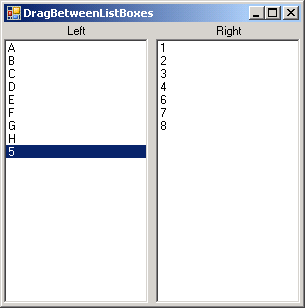
Drag and drop between two ListBox
11.
Set ListBox TopIndex
12.
Enum Binding