Correct Typing Errors Using the Keyboard : Editing « Editing « Microsoft Office Word 2007 Tutorial
| To Delete | Press |
| One character to the left of the insertion point | Backspace |
| One word to the left of the insertion point | Ctrl+Backspace |
| One character to the right of the insertion point | Delete |
| One word to the right of the insertion point | Ctrl+Delete |
| Selected text | Backspace or Delete |
| 2.1.Editing | ||||
| 2.1.1. | Select Text | |||
| 2.1.2. | Correct Typing Errors Using the Keyboard | |||
| 2.1.3. | Move Text Using Drag-and-Drop inside one document | 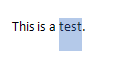 | ||
| 2.1.4. | Selecting text | 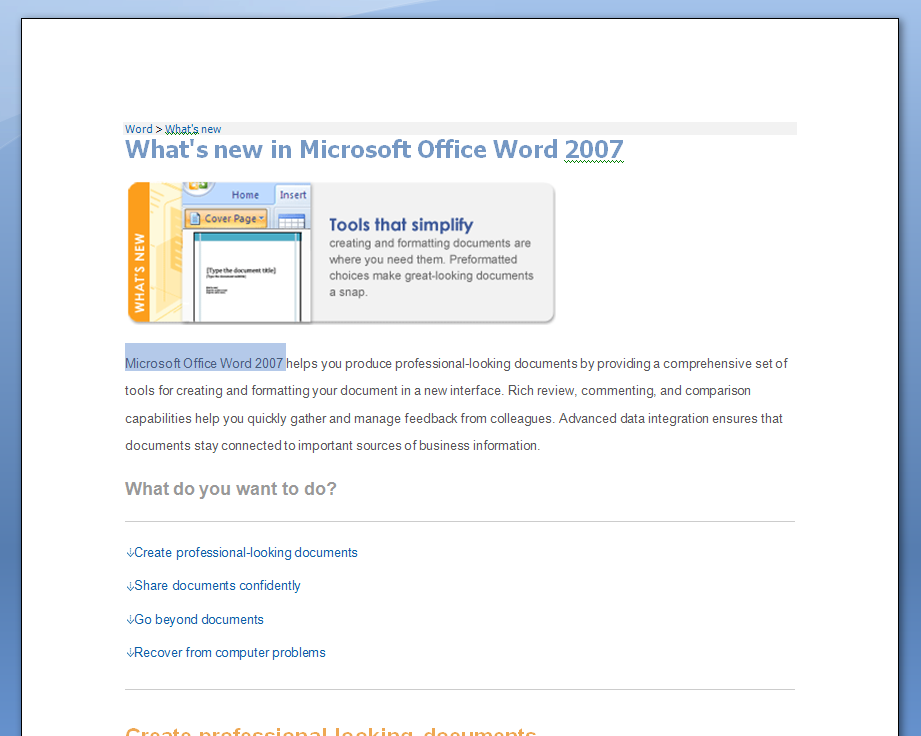 | ||
| 2.1.5. | Text selection with keyboard |  | ||
| 2.1.6. | Additional ways to select text |  | ||
| 2.1.7. | Copy and Paste with keyboard |  | ||
| 2.1.8. | Cut and Paste with keyboard |  | ||
| 2.1.9. | Drag and drop text between documents | 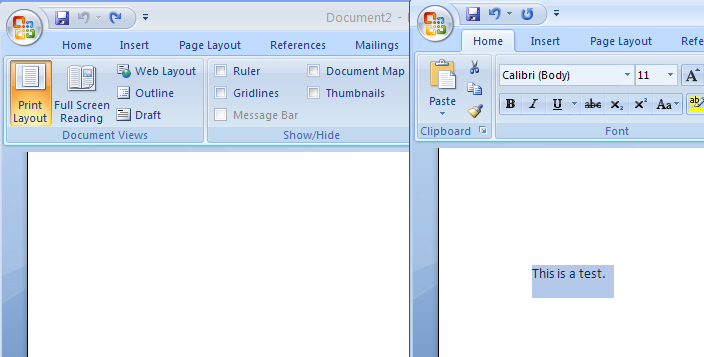 | ||
| 2.1.10. | Copy and paste with buttons on Ribbon | 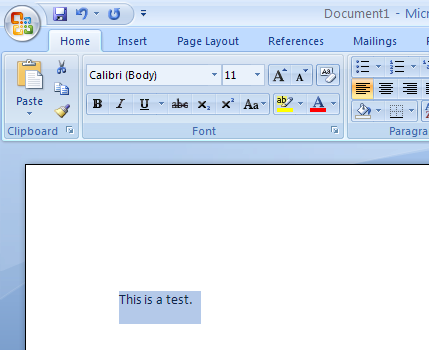 | ||
| 2.1.11. | Cut and paste with buttons on Ribbon | 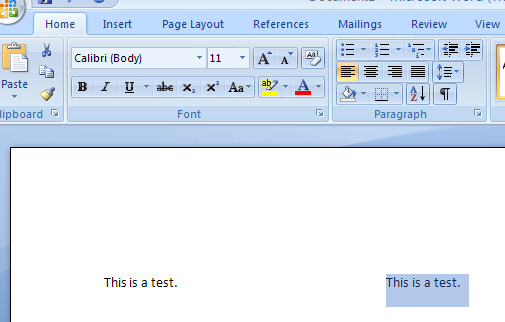 | ||
| 2.1.12. | Paste Options | 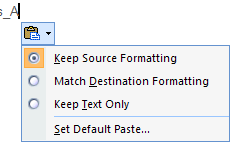 | ||
| 2.1.13. | Paste Special: a more complete set of paste options | 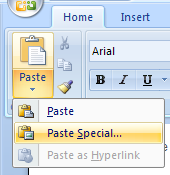 | ||
| 2.1.14. | Paste Information with Special Results | 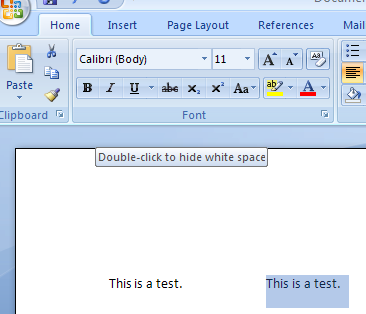 | ||
| 2.1.15. | Delete commands | |||
| 2.1.16. | Avoid common mistakes to ensure efficient and focused writing | |||