Open a Document as a Web Page : Web Page « Editing « Microsoft Office Word 2007 Tutorial
| 2.19.Web Page | ||||
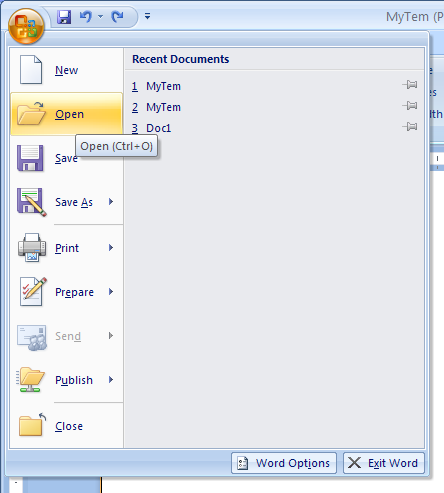
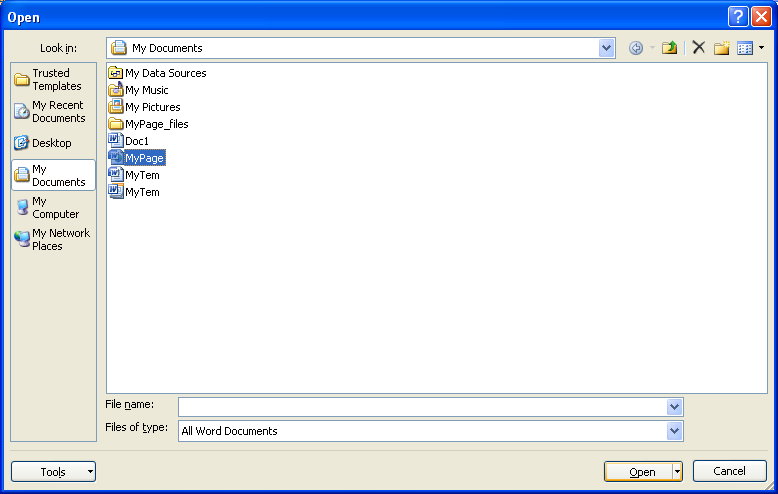
| 2.19.1. | Open a Document as a Web Page |  | ||
| 2.19.2. | Open Web pages in the background |  | ||
| 2.19.3. | Open a Document as a Web Page in a Browser | 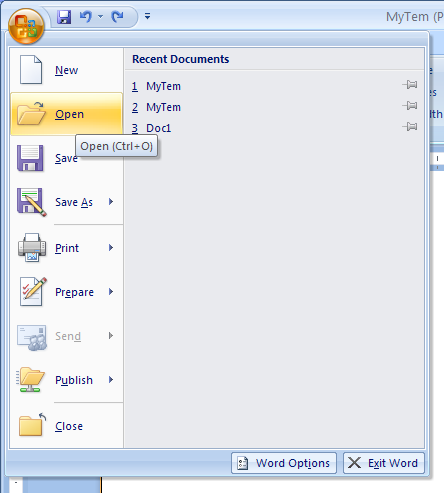 | ||
| 2.19.4. | Save a Document as a Web Page | 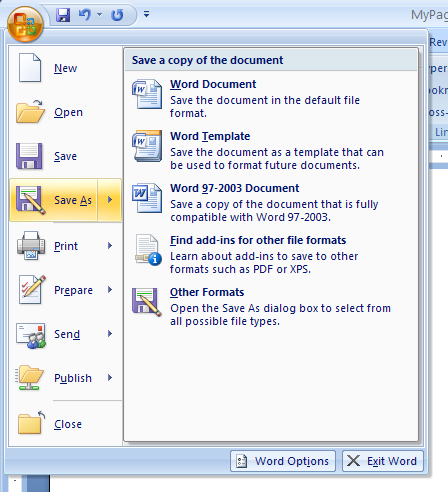 | ||
| 2.19.5. | Save a Document as a Single File Web Page | 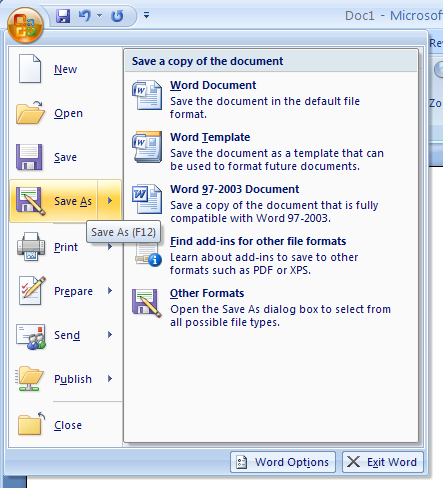 | ||
| 2.19.6. | Reduce Web page size by filtering HTML in Word |  | ||
| 2.19.7. | Setting Web Options |  | ||
| 2.19.8. | Create a Blog Posting | 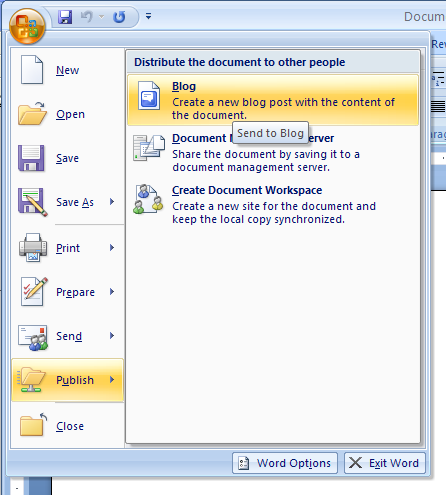 | ||