Home
C# / C Sharp
2D Graphics
Class Interface
Collections Data Structure
Components
Data Types
Database ADO.net
Date Time
Design Patterns
Development Class
Event
File Stream
Generics
GUI Windows Form
Internationalization I18N
Language Basics
LINQ
Network
Office
Reflection
Regular Expressions
Security
Services Event
Thread
Web Services
Windows
Windows Presentation Foundation
XML
XML LINQ
ListBox « GUI Windows Form « C# / C Sharp
C# / C Sharp
GUI Windows Form
ListBox
1.
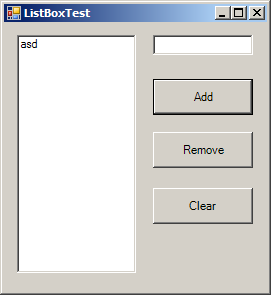
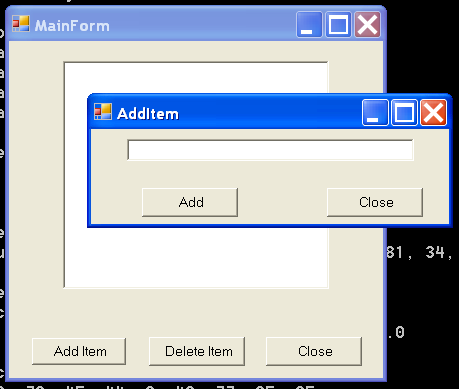
Add new item to ListBox (text from TextBox)
2.
Remove item if one is selected from ListBox
3.
Clear all items in a ListBox
4.
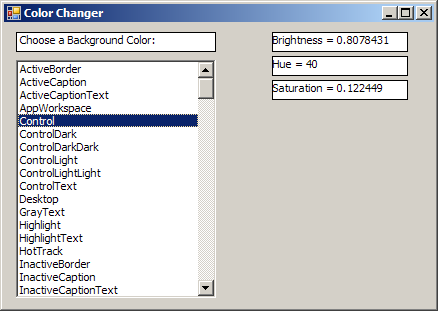
ListBox selected Item changed event
5.
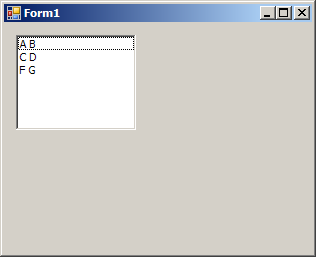
Add Object to ListBox
6.
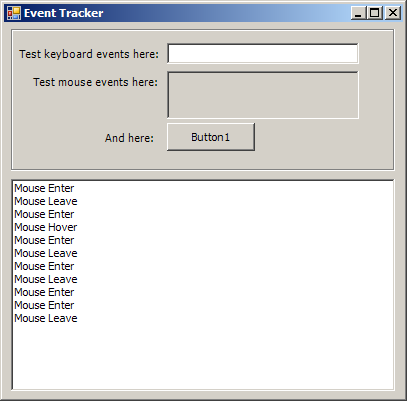
List Box click event
7.
Set TopIndex to auto scroll ListBox
8.
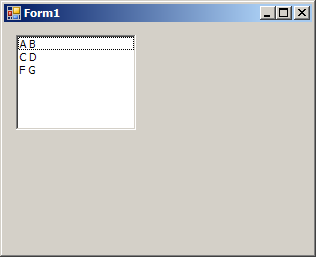
Form with list, button
9.
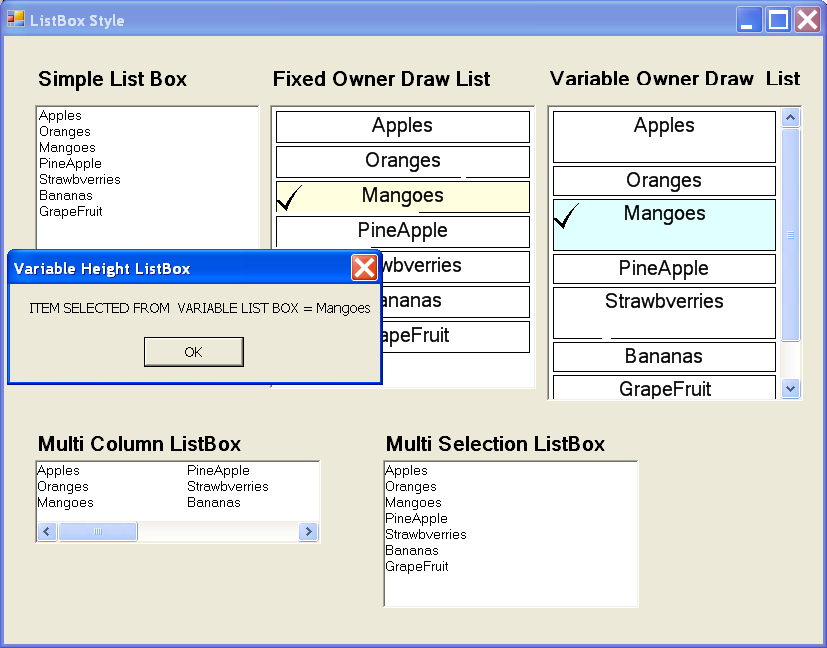
ListBox: font and image
10.
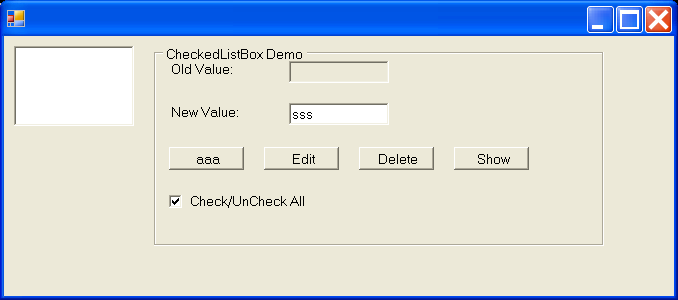
CheckedListBox Demo 2
11.
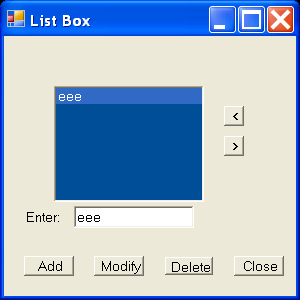
ListBox Demo 2
12.
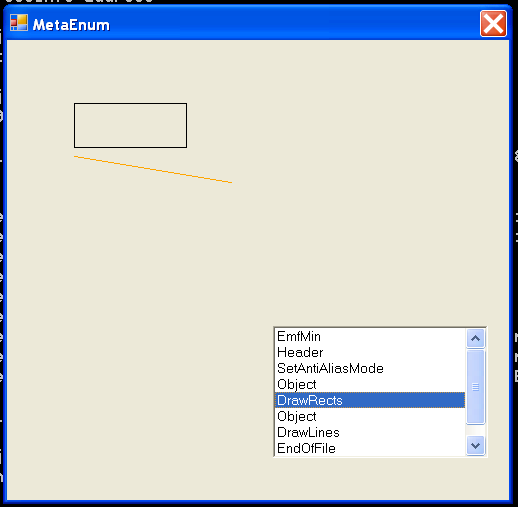
ListBox and Metafile Enum
13.
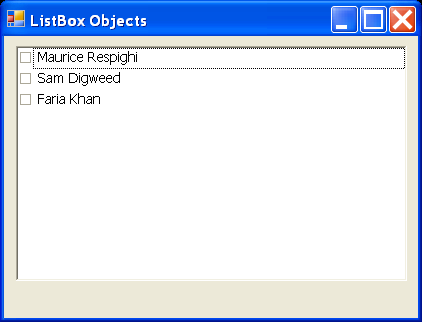
ListBox Objects
14.
Fill XML data to ListBox