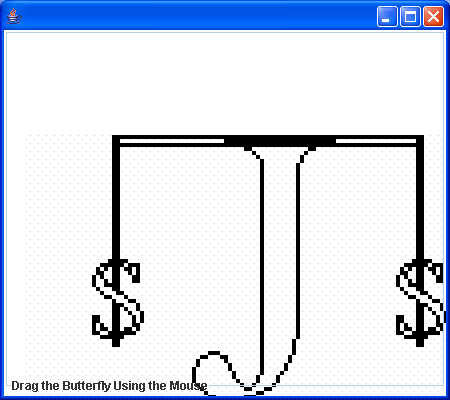
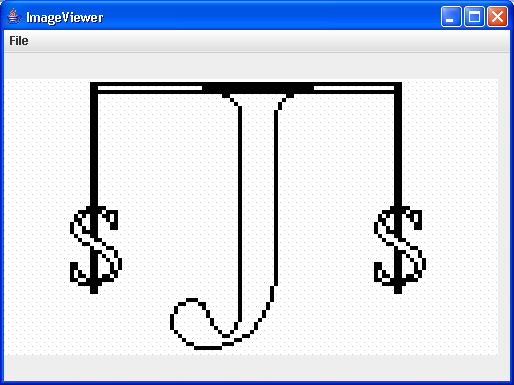
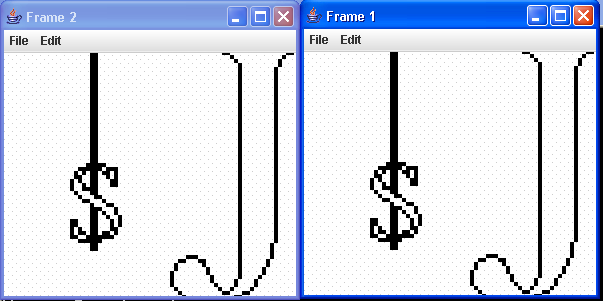
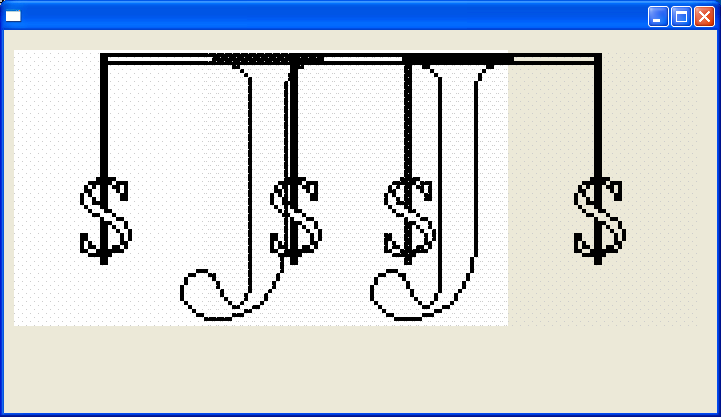
Image Effect: Rotate Image using DataBuffer
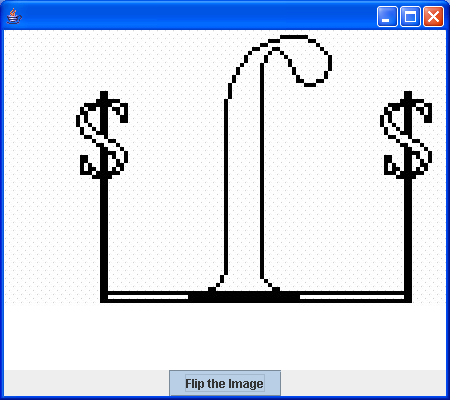
import java.awt.BorderLayout;
import java.awt.Color;
import java.awt.Container;
import java.awt.Graphics;
import java.awt.Graphics2D;
import java.awt.Image;
import java.awt.MediaTracker;
import java.awt.event.ActionEvent;
import java.awt.event.ActionListener;
import java.awt.event.WindowAdapter;
import java.awt.event.WindowEvent;
import java.awt.image.BufferedImage;
import java.awt.image.DataBuffer;

import javax.swing.Box;
import javax.swing.JFrame;
import javax.swing.JPanel;
import javax.swing.JToggleButton;

public class RasterDemo extends JFrame {
  RasterPanel displayPanel;

  JToggleButton flipButton;

  public RasterDemo() {
    super();
    Container container = getContentPane();

    displayPanel = new RasterPanel();
    container.add(displayPanel);

    Box box = Box.createHorizontalBox();
    flipButton = new JToggleButton("Flip the Image");
    flipButton.addActionListener(new ButtonListener());
    box.add(Box.createHorizontalGlue());
    box.add(flipButton);
    box.add(Box.createHorizontalGlue());
    container.add(box, BorderLayout.SOUTH);

    addWindowListener(new WindowEventHandler());
    setSize(450, 400);
    show();
  }

  class WindowEventHandler extends WindowAdapter {
    public void windowClosing(WindowEvent e) {
      System.exit(0);
    }
  }

  public static void main(String arg[]) {
    new RasterDemo();
  }

  class ButtonListener implements ActionListener {
    public void actionPerformed(ActionEvent e) {

      if (!displayPanel.flipped) {

        displayPanel.flipBufferedImage();
        displayPanel.bi = displayPanel.bi2;
        displayPanel.flipped = true;
      }
      // If the image has already been flipped
      else {
        // Prepare to display the normal image
        displayPanel.bi = displayPanel.bi1;
        displayPanel.flipped = false;
      }
      // Update the display panel
      displayPanel.repaint();
    }
  }
}

class RasterPanel extends JPanel {
  BufferedImage bi, bi1, bi2;

  boolean flipped = false;

  RasterPanel() {
    setBackground(Color.white);
    setSize(450, 400);

    Image image = getToolkit().getImage("largeJava2sLogo.jpg");

    MediaTracker mt = new MediaTracker(this);
    mt.addImage(image, 1);
    try {
      mt.waitForAll();
    } catch (Exception e) {
      System.out.println("Exception while loading image.");
    }

    if (image.getWidth(this) == -1) {
      System.out.println("No jpg file");
      System.exit(0);
    }

    bi1 = new BufferedImage(image.getWidth(this), image.getHeight(this),
        BufferedImage.TYPE_INT_ARGB);
    Graphics2D big = bi1.createGraphics();
    big.drawImage(image, 0, 0, this);
    bi = bi1;
  }

  public void flipBufferedImage() {
    bi2 = new BufferedImage(bi1.getWidth(), bi1.getHeight(), bi1.getType());

    DataBuffer db1 = bi1.getRaster().getDataBuffer();
    DataBuffer db2 = bi2.getRaster().getDataBuffer();

    for (int i = db1.getSize() - 1, j = 0; i >= 0; --i, j++) {
      db2.setElem(j, db1.getElem(i));
    }
  }

  public void update(Graphics g) {
    g.clearRect(0, 0, getWidth(), getHeight());
    paintComponent(g);
  }

  public void paintComponent(Graphics g) {
    super.paintComponent(g);

    Graphics2D g2D = (Graphics2D) g;

    g2D.drawImage(bi, 0, 0, this);
  }
}
Related examples in the same category